 National Holiday Calendar
Add Calendar To Iphone - Creating additional calendars within the calendar app and managing them is a fairly easy and straightforward. In the calendar app , you can set up multiple calendars to keep track of different kinds of events. Manage guests and rsvp requests. Synchronizing your microsoft outlook calendar with your iphone can help you stay organized while you're on the go. Go to settings > calendar > accounts > add account. Tap see all (or show all), tap icloud calendar, then turn on “use on this [device].” ios 16 or.

Add Calendar Back To Iphone Drucie Tressa
Here’s how to add a shared google calendar to your iphone: Open the google calendar web in your mac or pc browser and click the three dots next to the calendar. Manage guests and rsvp requests. In this article, we’ll teach you how to easily sync your. Ios 17, ipados 17, or later:

How To Add Attachments To Calendar Events In Ios
Comparing the iphone and ipad experience. On your iphone or ipad, go to settings > [your name] > icloud. It showed you the dates, with colored dots representing days containing events. Previously, calendar’s month view was not very useful on iphone. To create a new calendar, click on the file menu, select new calendar and then icloud.

How Add Calendar To Iphone Flori Jillane
I can only see the 2 calendars synced in. Previously, calendar’s month view was not very useful on iphone. Here’s how to add a shared google calendar to your iphone: What i'm struggling to do is the reverse: Creating calendars on your iphone is as simple as opening the calendar app, tapping the ‘+’ sign, selecting ‘add calendar,’ naming it, choosing a color, and hitting ‘done.’.
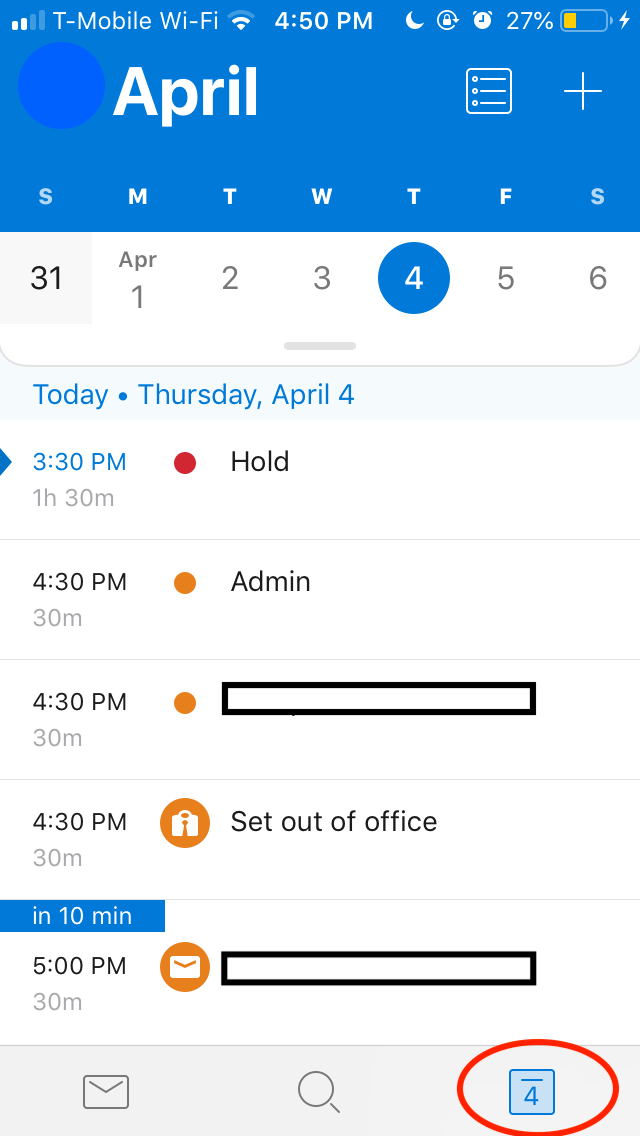
Add A Shared Calendar In Outlook
In this article, we’ll teach you how to easily sync your. Creating calendars on your iphone is as simple as opening the calendar app, tapping the ‘+’ sign, selecting ‘add calendar,’ naming it, choosing a color, and hitting ‘done.’. Set up icloud, google, exchange, or yahoo calendar accounts. It showed you the dates, with colored dots representing days containing events.

Any Iphone How To Add Islamic Calendar! All
How can i get the default iphone calendar events to show up on my pc outlook app's calendar? Synchronizing your microsoft outlook calendar with your iphone can help you stay organized while you're on the go. If you'd like to learn. Previously, calendar’s month view was not very useful on iphone. But you couldn’t see any.
Syncing Your Calendar Between Your Iphone And Ipad
I can only see the 2 calendars synced in. How to sync calendar on iphone and ipad. Synchronizing your microsoft outlook calendar with your iphone can help you stay organized while you're on the go. Manage guests and rsvp requests.
To Connect Your Outlook Calendar To Your Iphone
Tap see all (or show all), tap icloud calendar, then turn on “use on this [device].” ios 16 or. If you'd like to learn. On ios and ipados, tap calendars, then the info (“i”) button next to a calendar, then add person. Add (subscribe) google calendar to apple calendar.
You Couldn’t See Any
To create a new calendar, click on the file menu, select new calendar and then icloud. Your new calendar will appear under the icloud list in the left calendar pane. It doesn’t actually add it. Comparing the iphone and ipad experience.
Google Calendar Web
How can i get the default iphone calendar events to show up on my pc outlook app's calendar? Creating additional calendars within the calendar app and managing them is a fairly easy and straightforward. In this article, we’ll teach you how to easily sync your. On macos, choose view > calendar list , then click the portrait icon to the right of any calendar.