 National Holiday Calendar
Backup Google Calendar Automatically - Under 'backup and restore', tap backup. Vengono caricati solo foto e video. To clear up storage, export and then delete contacts you don't need. This help content & information general help center experience. On your computer, open drive for desktop. Le foto o i video eliminati dal computer rimangono in google foto e viceversa.

Perform Differential Backup At Merideth Murr Blog
On your computer, open drive for desktop. Your backup data is sent to google’s servers and helps you transfer data between devices. This help content & information general help center experience. This help content & information general help center experience. Google collects certain information to perform services on your device.

Learn About Essential Data Backup Strategies & Solutions
To clear up storage, export and then delete contacts you don't need. Le foto o i video eliminati dal computer rimangono in google foto e viceversa. Le modifiche vengono caricate come nuove immagini. To add backup codes, click get backup codes. Select the data that you want to back.
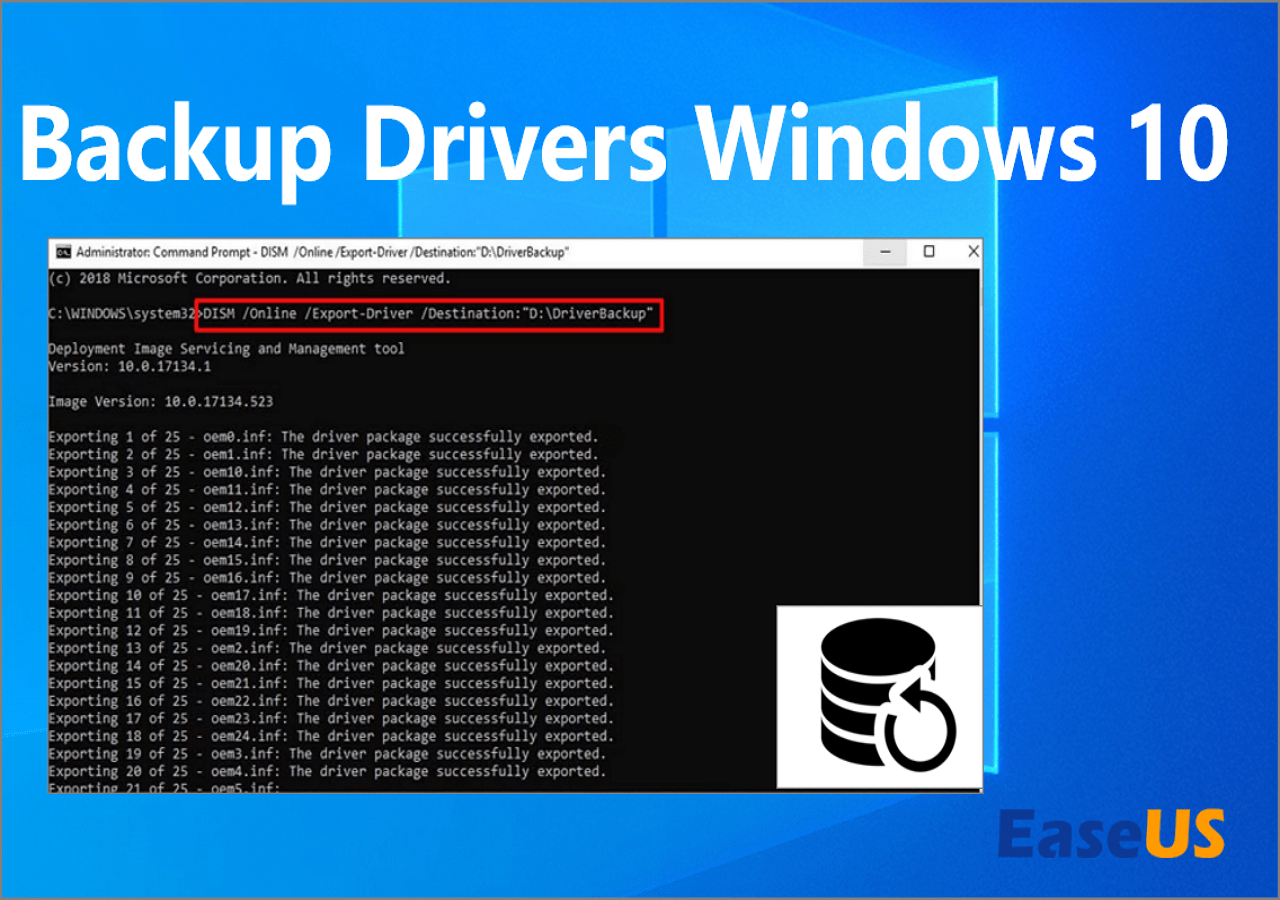
Three Best Ways To Backup Drivers Windows 10 Easeus
Google collects certain information to perform services on your device. Select the data that you want to back. Under backup codes, click continue. Tap set up & restore.. On your computer, open drive for desktop.

Entenda O Que É Backup, Importância E Como Funciona
Le modifiche vengono caricate come nuove immagini. Open your phone's settings app. Create a new set of backup codes and inactivate old ones: To clear up storage, export and then delete contacts you don't need. If you have multiple google accounts, to choose which account's contacts to restore, tap from.

Windows Backup App Cloud Backup And Restore On Windows
Le modifiche vengono caricate come nuove immagini. To clear up storage, export and then delete contacts you don't need. On your computer, open drive for desktop. Select the data that you want to back. Google collects certain information to perform services on your device.
You Can Sync Files From Your Computer To Google
To add your contacts to another email account, first download them as a csv or vcard file. Tap set up & restore.. Under backup codes, click continue. To add backup codes, click get backup codes.
On The Left, Click Folders From
This help content & information general help center experience. Under 'backup and restore', tap backup. Google collects certain information to perform services on your device. Select the data that you want to back.
This Help Content & Information General Help Center Experience
Vengono caricati solo foto e video. Your backup data is sent to google’s servers and helps you transfer data between devices. Open your phone's settings app. On your computer, open drive for desktop.
Le Foto O I Video Eliminati Dal Computer Rimangono
Le modifiche vengono caricate come nuove immagini. Create a new set of backup codes and inactivate old ones: To clear up storage, export and then delete contacts you don't need. If you have multiple google accounts, to choose which account's contacts to restore, tap from.