 National Holiday Calendar
Calendar Google Notifications - With these easy steps, your calendar will be created. To help remind you about upcoming events, you can get notifications on your phone, computer, or by email. You can change your notification settings for. Locate missing notifications in google calendar Reminders are alarms triggered at a specified time before an event starts. Modify google calendar notifications to help remind you about upcoming events, you can get notifications on your phone, on your computer or by email.
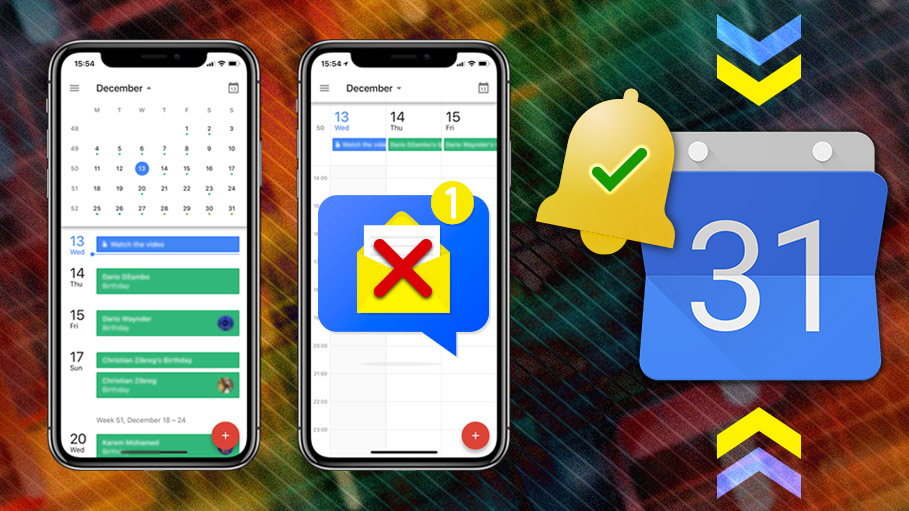
Google Calendar Declares No More Sms Notifications
How to enable notification cooldown on a. Customizing google calendar notifications is just one step to mastering productivity tools. In this article, we’ll explore how to change notifications in google calendar, allowing you to tailor them according to your preferences and needs. This guide will explore everything you need to know about customizing and optimizing. As you’ve learned in this guide, there are numerous ways to tailor.

How To Change Your Notifications For Google Calendar
In this article, we will explore how to turn off or change notifications for google calendar, providing detailed steps to customize your experience across multiple platforms. To help remind you about upcoming events, you can get notifications on your phone, on your computer or by email. Follow the steps mentioned below to do the same from the web version of google calendar: Google today introduced a new gemini side panel for calendar, a feature that lets you check your schedule, create an.

Google Calendar Desktop Notifications Chrome David Davidson
Getting notifications from google calendar is a simple and effective way to stay on top of your schedule. With these easy steps, your calendar will be created. By following the steps outlined in this article, you can set up notifications. Google's infusion of its gemini ai across its services continues with google calendar. How to enable notification cooldown on a.

Google Calendar Notifications
Google today introduced a new gemini side panel for calendar, a feature that lets you check your schedule, create an. Modify google calendar notifications to help remind you about upcoming events, you can get notifications on your phone, on your computer or by email. To help remind you about upcoming events, you can get notifications on your phone, computer, or by email.

Google Calendar Enable Notifications Ardys Brittne
Google calendar offers powerful notification and alert features that can help you stay on track. To help remind you about upcoming events, you can get notifications on your phone, computer, or by email. These notifications will ensure you attend functions or. With these easy steps, your calendar will be created. To receive notifications from google calendar, you need to enable the notifications feature in your google calendar settings.
In This Article
If you don’t get all or some of your calendar notifications, try these tips to fix the problem. Reminders are alarms triggered at a specified time before an event starts. You can change your notification. Here’s how to do it:
To Help Remind You About Upcoming Events
Another google app is getting the gemini treatment. These notifications will ensure you attend functions or. This guide will explore everything you need to know about customizing and optimizing. By following the steps outlined in this article, you can set up notifications.
Open Google Calendar
You can change your notification settings for. As you’ve learned in this guide, there are numerous ways to tailor. You can change your notification settings for one event or multiple events. Customizing google calendar notifications is just one step to mastering productivity tools.
Well, Assuming Gemini Gets It Right The First Time
With these easy steps, your calendar will be created. Notifications allow users to find out. To set up notifications from google calendar, you need to follow these steps: Getting notifications from google calendar is a simple and effective way to stay on top of your schedule.