 National Holiday Calendar
Calendar Invite In Google - Access google calendar on your browser. Follow the steps above and invite the person using their email address. In this post, we’ll share two of the most common ways you can send google calendar invites as well as one effective shortcut to save time. Google calendar makes it easy to invite people to your calendar events. On your computer, open google calendar. Sharing a google calendar event link is a simple and efficient way to let others know about an upcoming event.

How To Send A Google Calendar Invite
Enter the email address for a group the same way you’d add any guest. Open google calendar, create an event, add your details, and type in the. Sending a google calendar invite is a simple process that can help you schedule meetings or events with others efficiently. On the left, under “general,” click event settings add invitations to my calendar.

How To Forward Google Calendar Invite
Sending a google calendar invite is a simple process that can help you schedule meetings or events with others efficiently. When you share your calendar with someone: Sharing a google calendar event link is a simple and efficient way to let others know about an upcoming event. Click on the share button in the top right corner of the calendar page.

How To Send A Google Calendar Invite Calendar
Here’s a quick and easy way: To start, open google calendar in the upper right portion of the screen or. Click compose mail to create a new message, or click reply or forward to create an invitation in response to an. In this section, we’ll share how to send a google calendar invite from within gmail in your web browser.

How To Send A Google Calendar Invite With Zoom
Click compose mail to create a new message, or click reply or forward to create an invitation in response to an. You can create google calendar invites directly from your gmail account. On the left, under “general,” click event settings add invitations to my calendar. Sharing a google calendar event link is a simple and efficient way to let others know about an upcoming event.
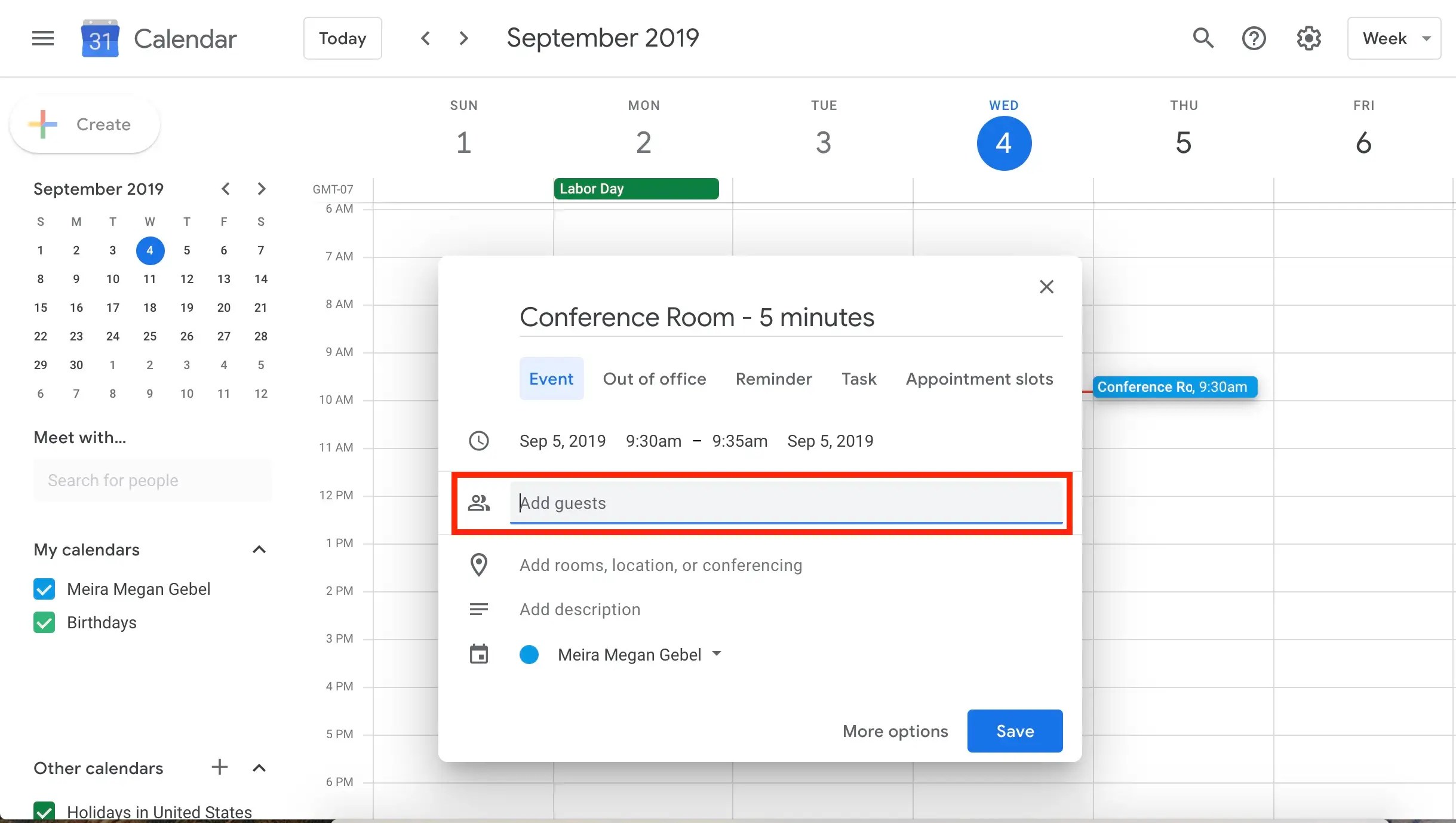
Google Calendar Resend Invite Printable Word Searches
You can share any future event from your primary calendar with others where you're the organizer:. An.ics file is generated when exporting calendar events from email platforms. 5/5 (60 reviews) Click compose mail to create a new message, or click reply or forward to create an invitation in response to an. To start, open any web browser like chrome or firefox on your.
Calendar Invite From Gmail
Google calendar makes it easy to invite people to your calendar events. Enter the email address of the. At the top right, click settings settings. When you share your calendar with someone:
On The Left
Follow the simple process below to send an invite on google calendar: Enter the email address for a group the same way you’d add any guest. You can add a shared calendar either from a calendar sharing invitation, or directly from the calendar. Follow the steps above and invite the person using their email address.
You Can Add Anyone With An Email Address
Click on the share button in the top right corner of the calendar page. Using google calendar to send an invite can make planning a breeze. In this post, we’ll share two of the most common ways you can send google calendar invites as well as one effective shortcut to save time. By sharing a google calendar invite, you can.
How To Send A Google Calendar Invite
Open google calendar, create an event, add your details, and type in the. Sharing a google calendar event link is a simple and efficient way to let others know about an upcoming event. Sending a google calendar invite is a simple process that can help you schedule meetings or events with others efficiently. Google calendar allows you to transfer event ownership.