 National Holiday Calendar
Connect Google Calendar To Ical - Using icloud and google calendar. Tap on [your name] > icloud. Click the next ‘export’ option and. Enable caldav support on ical. To connect ical to google calendar, follow these steps: Before we dive into the sync process, make sure you have.
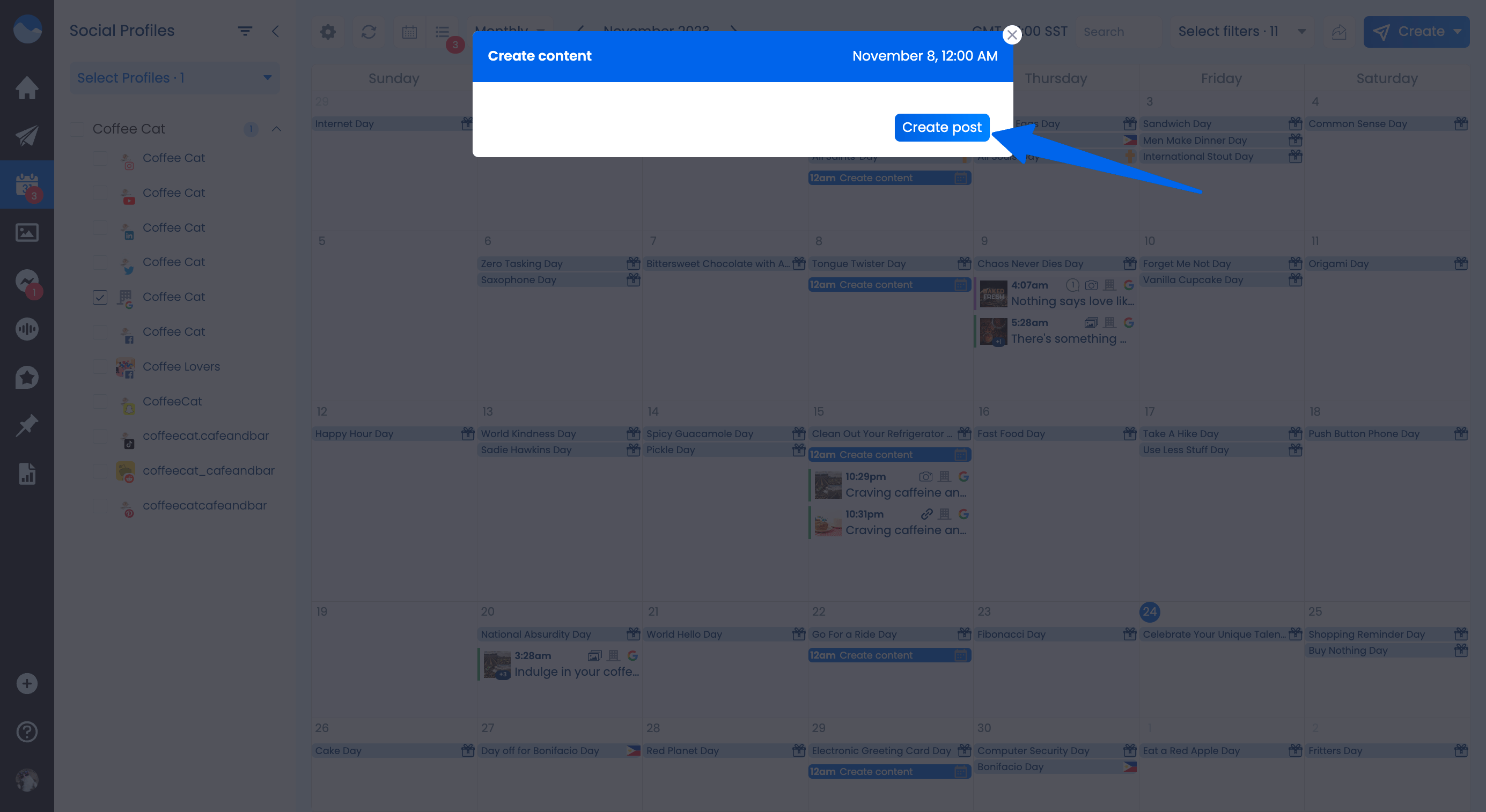
Connect And Import External Calendars (Google Calendar, Ical, Etc
Here are the ways you can sync google calendar with apple or vice versa. To connect ical to google calendar, follow these steps: Using icloud and google calendar. Log in to your google calendar account. Syncing ical with google calendar is a straightforward process that can be done using either caldav or google calendar sync.
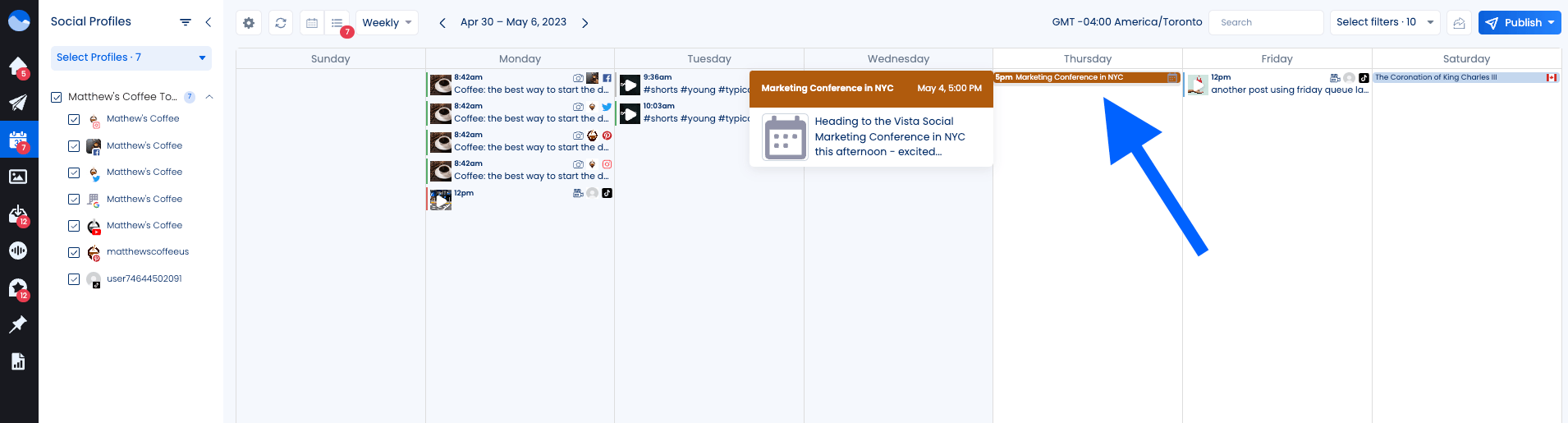
Connect And Import External Calendars (Google Calendar, Ical, Etc
Open google calendar on your computer. To start syncing your ical calendar to google calendar, you need to enable the ical syncing feature in google calendar. In this article, we will guide you through the process of adding a google calendar to ical, allowing you to access all your events and appointments in one centralized location. Before we dive into the sync process, make sure you have.

Sync Ical With Google Calendar Iclarified
Before you can get started with seeing your google calendar events on your ios devices, you’ll need. Ical is a widely used calendar. Go to files and choose ‘export’ from the drop down list. Using icloud and google calendar. To start syncing your ical calendar to google calendar, you need to enable the ical syncing feature in google calendar.

Add Ical Events To Google Calendar Iclarified
To connect ical to google calendar, follow these steps: To add ical to google calendar, open ical, find the calendar you want to sync, get the ical url, copy the url, open google calendar, add the ical url, and refresh to see the. Ical is a widely used calendar. In this article, we will guide you through the process of adding a google calendar to ical, allowing you to access all your events and appointments in one centralized location.
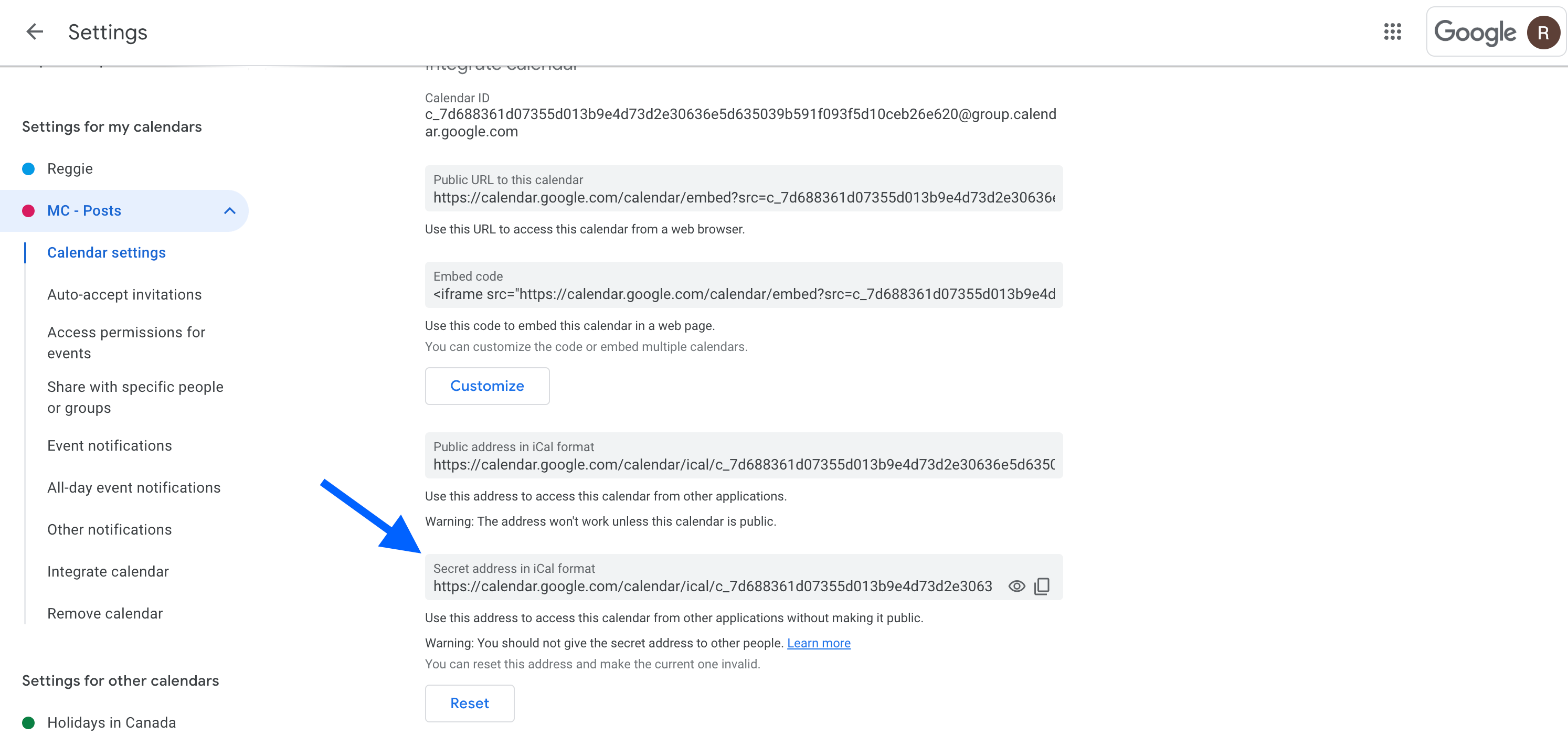
Connect And Import External Calendars (Google Calendar, Ical, Etc
Ical is a widely used calendar. This method can be used if you want to export your data in a.csv or. Open ical on your mac or ios device. In this article, we will guide you through the process of adding a google calendar to ical, allowing you to access all your events and appointments in one centralized location. Tap on [your name] > icloud.
Google Calendar Sync
Enable caldav support on ical. The first is the icalendar to be added must be made public. This method can be used if you want to export your data in a.csv or. To synchronize google calendar with your icalendar, following steps can be used.
Adding A Google Calendar To Ical
Tap on [your name] > icloud. Log in to your google calendar account. Connecting ical to google calendar is a straightforward process that allows you to sync your calendar with the google calendar service. Before we dive into the sync process, make sure you have.
Google Calendar Events
Go to files and choose ‘export’ from the drop down list. Here are a few different ways you can import your ical data in order to effortlessly sync it with your google calendar. Using icloud and google calendar. Ical is a widely used calendar.
Open Google Calendar On Your Computer
In summary, converting from ical to google calendar offers a range of advantages, including seamless integration with other google services, easy sharing and collaboration,. Make sure you have the latest version of apple calendar and the latest apple. This guide will walk you through the steps to link and sync your rvezy calendar with platforms like google calendar, outlook, ical, and others, helping you avoid double bookings and enhance. There are two caveats to adding a calendar from apple's icalendar to google calendar.