 National Holiday Calendar
Create Task Google Calendar - How to create a google calendar task. Sign in to your google account: Open google calendar on your computer or mobile device. Click on the create button at the top left corner of the calendar and select event. Click on the + button in the bottom left corner (new) select task enter. In this article, we will explore how to use google calendar tasks, including how to create, edit, and delete tasks, as well as how to use them to manage your schedule.

Support Create New Task In Google Calendar
You can create, view, and modify tasks in. In google calendar, you can create, view, and change tasks. How to add, edit, or delete. With google calendar, you can easily schedule. Click on any day or time slot on your calendar to create a new task.

How To Share Your Google Calendar
Open google calendar on your computer or mobile device. Learn how to easily add tasks on google calendar and optimize your productivity. First, sign in to your google account and access. In this article, we will explore how to use google calendar tasks, including how to create, edit, and delete tasks, as well as how to use them to manage your schedule.
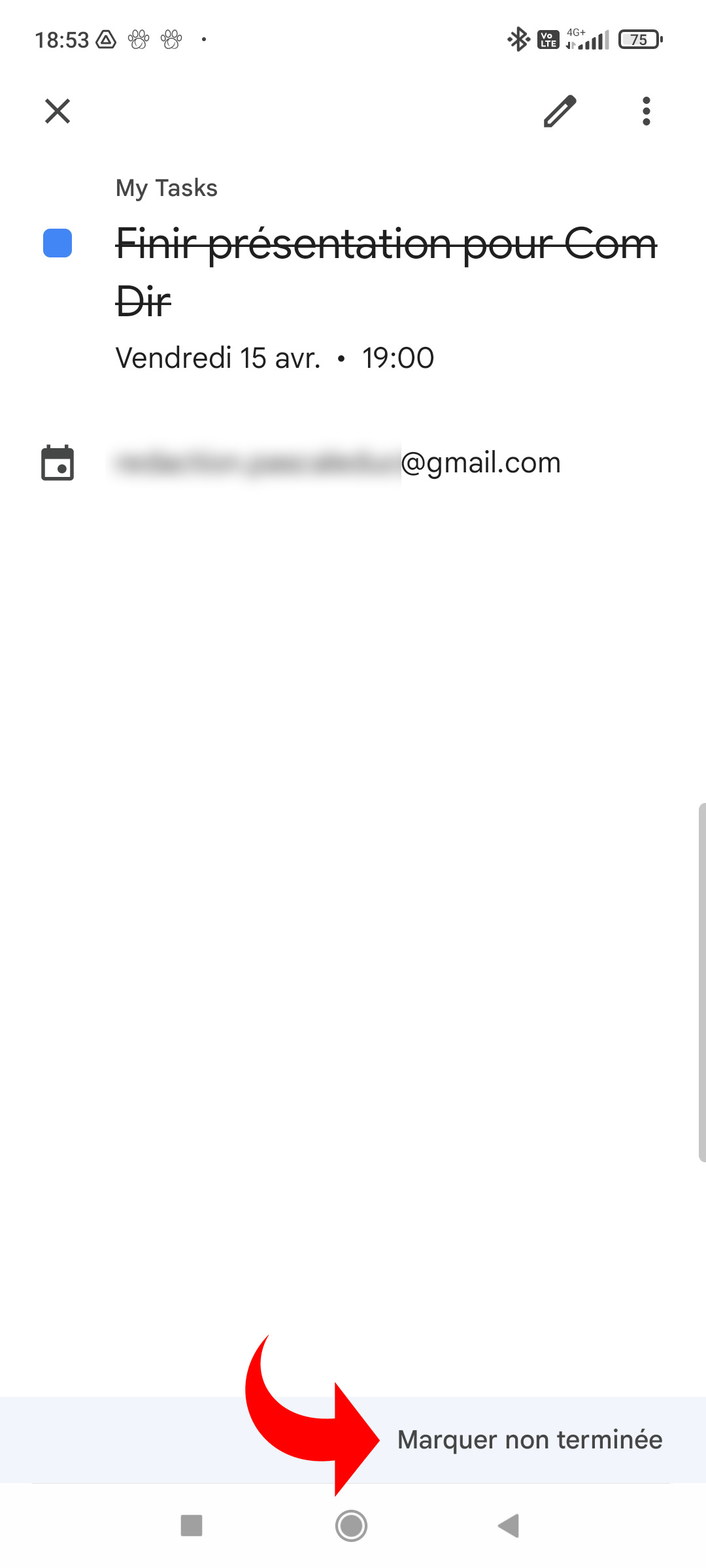
How Do I Create A Task In Google Calendar?
In this article, we will explore how to use google calendar tasks, including how to create, edit, and delete tasks, as well as how to use them to manage your schedule. How to create a google calendar task. To create a task in google calendar, follow these simple steps: Creating tasks in google calendar is simple and easily accessible across devices.

Support Google Task And Google Calendar
You can create, view, and modify tasks in. Creating tasks in google calendar is simple and easily accessible across devices. Click on the + button in the bottom left corner (new) select task enter. Only you can view your tasks in google calendar. In this article, we will explore how to use google calendar tasks, including how to create, edit, and delete tasks, as well as how to use them to manage your schedule.
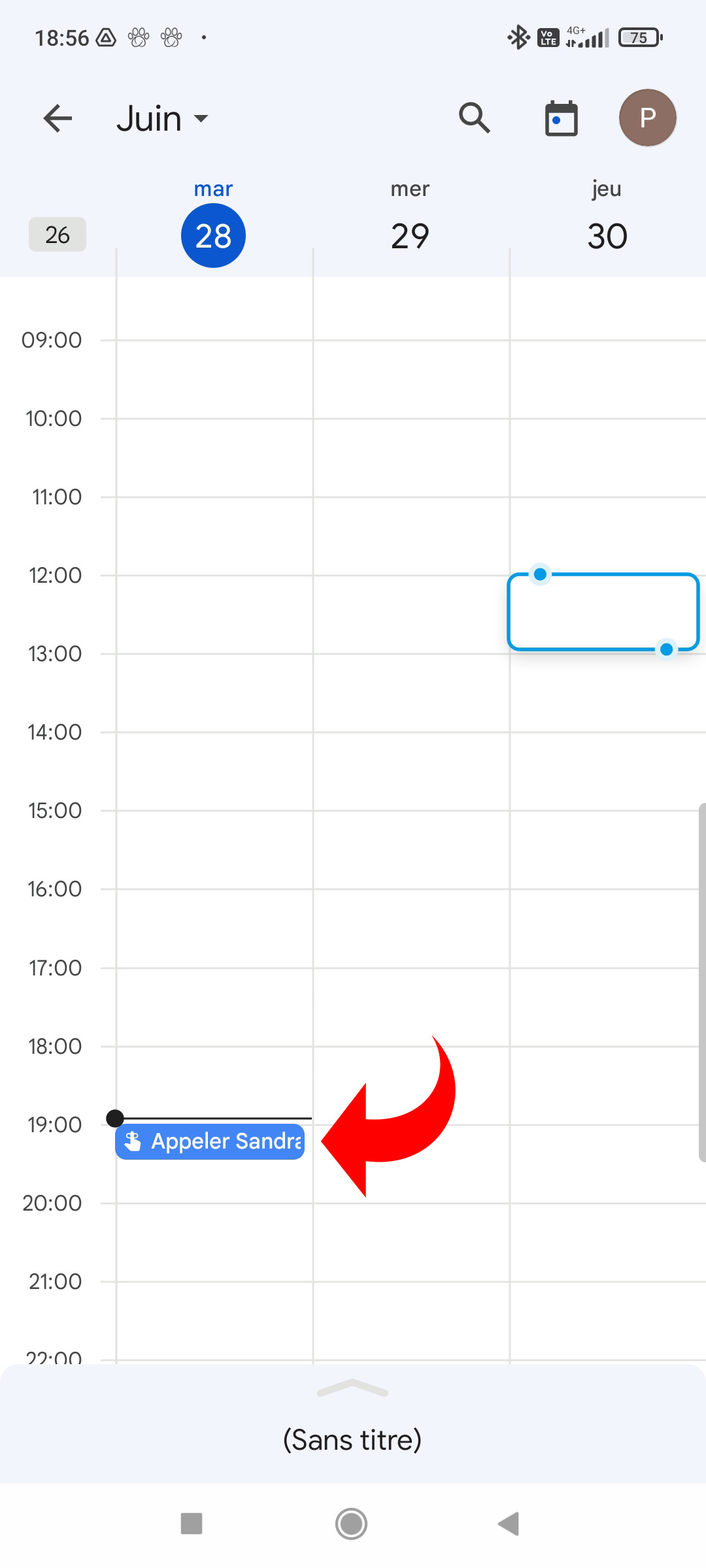
How To Create A Reminder In Google Calendar? Techzle
To create a task in google calendar, follow these steps: In this article, we will explore how to use google calendar tasks, including how to create, edit, and delete tasks, as well as how to use them to manage your schedule. First, sign in to your google account and access. Once you’ve enabled tasks, you can start creating them. Expert reviewsproductivity solutionscompare pricinginformed decisions.
To Create A Task List In Google Calendar
Only you can view your tasks in google calendar. You can create, view, and modify tasks in. In this article, we will explore how to use google calendar tasks, including how to create, edit, and delete tasks, as well as how to use them to manage your schedule. To begin, you can add tasks to your google calendar in a variety of ways.
To Create A Task In Google Calendar
Click on the + button in the bottom left corner (new) select task enter. To create a task in google calendar, follow these steps: In google calendar, you can create, view, and change tasks. Open google calendar on your computer or mobile device.
Add Tasks To Google Calendar
How to create a google calendar task. Learn how to easily add tasks on google calendar and optimize your productivity. With google calendar, you can easily schedule. Sign in to your google calendar.
Expert Reviewsproductivity Solutionscompare Pricinginformed Decisions
Click on the create button at the top left corner of the calendar and select event. Creating tasks in google calendar is simple and easily accessible across devices. Adding a task on google calendar is a convenient way to stay organized and keep track of your daily tasks and appointments. Only you can view your tasks in google calendar.