 National Holiday Calendar
Delete Calendar From Iphone - Tap i next to a calendar, and then tap delete calendar. Open the calendar app and select the calendar you want to delete. Go to the settings app on your iphone and. In the calendar app, tap the unwanted. Tap the delete button at the top right corner of the screen. When measured as a standard rectangular shape, the.

How To Delete Calendar Events On Iphone And Ipad
How to delete calendar events on your iphone. How to delete calendars on iphone. Whether you want to clear up some clutter, reduce distractions, or simply remove a calendar that’s no longer useful, there are multiple ways to delete calendars on your iphone. To delete a calendar on your iphone, follow these steps: Tap subscribed calendars, and then tap the calendar that you want to delete.
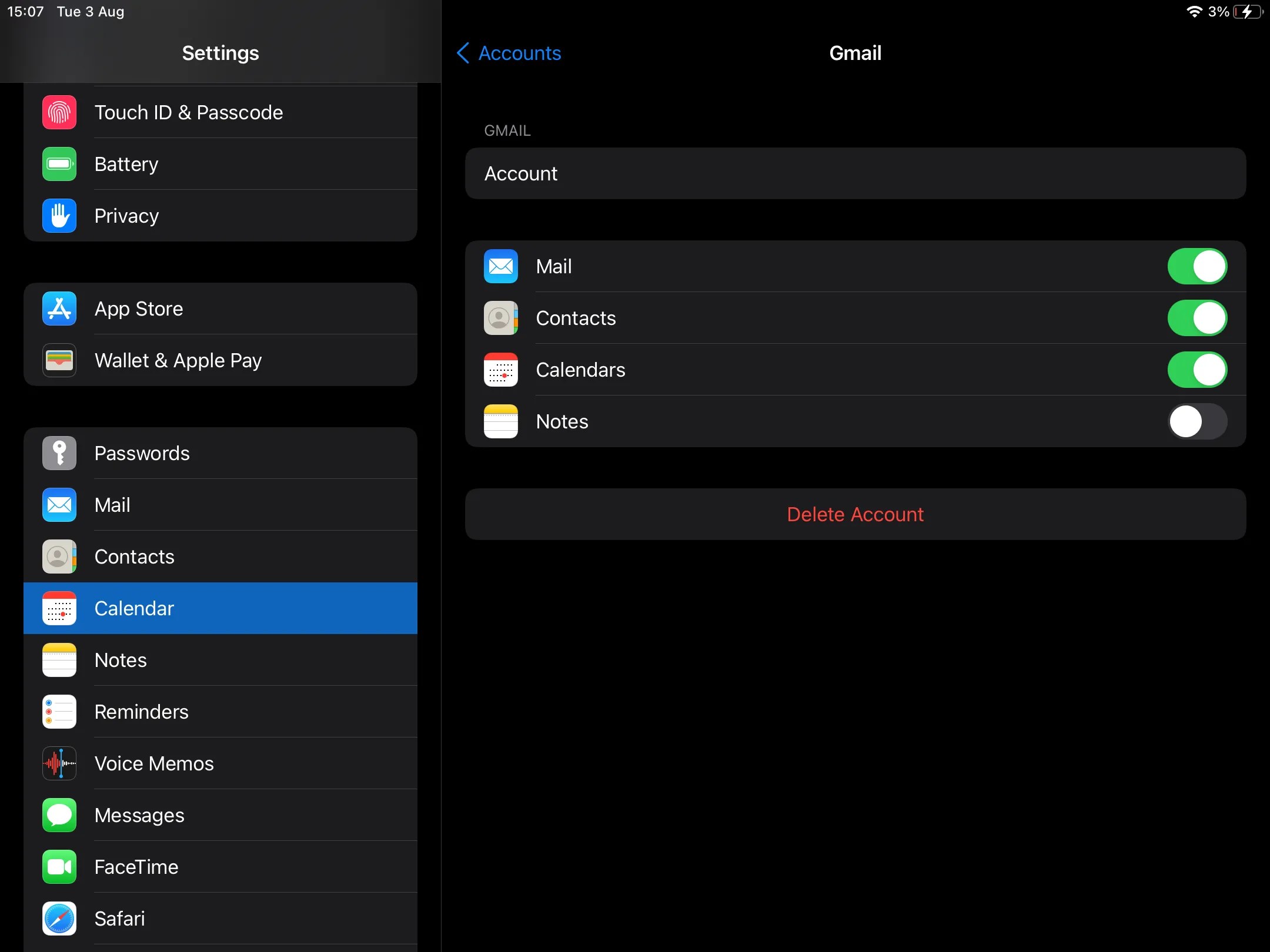
How To Delete Calendar Events On Iphone And Ipad
By following these steps, you can easily remove the calendar app from your iphone and free up space for other apps. If you want to delete all calendar events on your iphone, there are a few different methods depending on whether you want to remove individual events or clea. Tap i next to a calendar, and then tap delete calendar.

How To Delete An Iphone Calendar Subscription Account 7
이번 포스팅에서는 iphone 아이폰 캘린더 삭제 2가지 방법 (icloud 캘린더, 구글/네이버 등 외부 구독 캘린더)에 대해 살펴보았습니다. The iphone 16e display has rounded corners that follow a beautiful curved design, and these corners are within a standard rectangle. Delete calendars and events on iphone. How to delete calendar events on your iphone. How to delete calendars on iphone.

How To Delete A Calendar On Iphone
Tap the delete button at the top right corner of the screen. In the calendar app, tap the unwanted. Tap the calendar app on your iphone to access the calendar app. If you want to delete all calendar events on your iphone, there are a few different methods depending on whether you want to remove individual events or clea. You can delete individual events you've created by tapping into the event and selecting delete event at the bottom of the screen.

How To Delete Calendar Events On Iphone & Android?
To delete a calendar on your iphone, follow these steps: Tap the delete button at the top right corner of the screen. Tap the calendar view to switch to a different view. Open the calendar app and select the calendar you want to delete. To delete calendars on your iphone, open the calendar app and tap calendars.
A Calendar
Confirm the deletion by tapping delete. Delete calendars and events on iphone. How to delete calendar events on your iphone. By following these steps, you can easily remove the calendar app from your iphone and free up space for other apps.
You Have Two Options
Tap calendars located at the bottom of your screen. You can delete individual events you've created by tapping into the event and selecting delete event at the bottom of the screen. You can also tap hide all to. Go to the settings app on your iphone and.
Tap The Calendar App On Your Iphone To Access
To delete a calendar on your iphone, follow these steps: The iphone 16e display has rounded corners that follow a beautiful curved design, and these corners are within a standard rectangle. Here are 4 workable ways that can help you delete events and calendars from your iphone or icloud. Tap edit button at the top.
Launch Your Calendar App On Your Iphone
Cannot delete calendar on iphone? In the calendar app, tap the unwanted. How to delete calendars on iphone. How to delete calendars from iphone or ipad.