 Meal Plan Calendar
Gcal For Google Calendar - To use calendar in your. You can sync your google calendar events with other computer applications, like outlook or apple calendar. Learn about supported browsers for calendar important: If you want to share a calendar that someone else owns, that person must give you the “make changes and manage sharing” permission. When you open google calendar in a browser, make sure the browser is. You can quickly create an event for a specific time if you see add title and time in the text box.
Ppt Google Calendar (Gcal) Powerpoint Presentation, Free Download
Sync or view your calendar there are two ways to view google calendar in another. Calendar will automatically create an. You can quickly create an event for a specific time if you see add title and time in the text box. If someone hasn’t shared their calendar with you, you can ask for access to their primary calendar. You can transfer your events from a different calendar application or google account to google calendar.

Github Pekempy/Gcalimages Google Calendar Event Images Backup
You can transfer your events from a different calendar application or google account to google calendar. If you want to share a calendar that someone else owns, that person must give you the “make changes and manage sharing” permission. When you create a calendar, you automatically become its. Open the app and sign in to your google account. When you open google calendar in a browser, make sure the browser is.

Google Calendar How To Add Your Outlook Calendar
When you import an event, guests and conference data for that event are not imported. After you create and share a calendar, you can schedule events for that calendar. Open the app and sign in to your google account. To use calendar in your browser, turn on javascript and cookies. Official google calendar help center where you can find tips and tutorials on using google calendar and other answers to frequently asked questions.

Google Calendar Create Candidate Calendar (Gcal) Goodtime Support
You can quickly create an event for a specific time if you see add title and time in the text box. Official google calendar help center where you can find tips and tutorials on using google calendar and other answers to frequently asked questions. You can sync your google calendar events with other computer applications, like outlook or apple calendar.
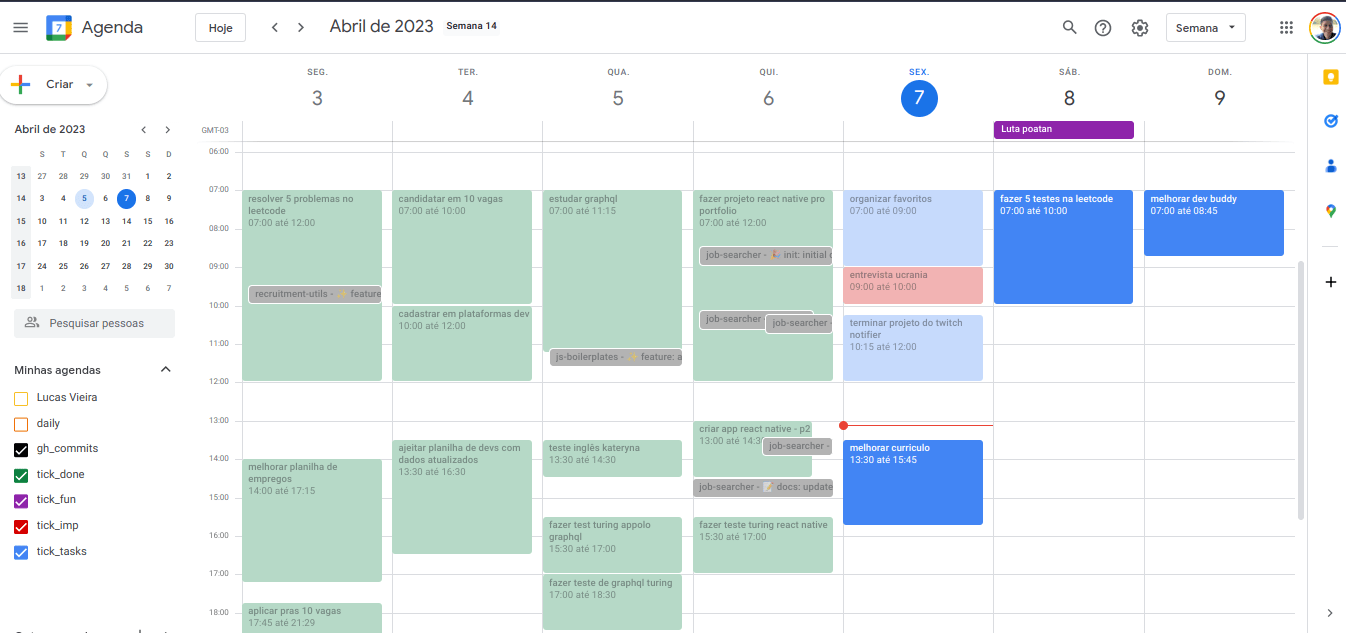
Github Lucasvtiradentes/Gcalsync 🔄 Add An One Way Synchronization
To use calendar in your browser, turn on javascript and cookies. When you open google calendar in a browser, make sure the browser is. You can quickly create an event for a specific time if you see add title and time in the text box. After you create and share a calendar, you can schedule events for that calendar. Open the app and sign in to your google account.
Get Google Calendar On Your Android Phone Or Tablet
Click the space next to date you want to add an event to. Sync or view your calendar there are two ways to view google calendar in another. Learn how to create an event in a shared calendar. To use calendar in your browser, turn on javascript and cookies.
You Can Transfer Your Events From A Different Calendar
When you create a calendar, you automatically become its. After you create and share a calendar, you can schedule events for that calendar. If you want to share a calendar that someone else owns, that person must give you the “make changes and manage sharing” permission. In google calendar, you can subscribe to someone else's calendar if they share it with you.
When You Import An Event
Google カレンダーでは、以下を行えます。 会議と予定のスケジュールを設定する タスクを割り当てる スケジュールを共有する 複数のカレンダーを作成する カレンダーがサポートされているブラウザ. Open the app and sign in to your google account. Learn about supported browsers for calendar important: You can quickly create an event for a specific time if you see add title and time in the text box.
Share Your Calendar With People Or Groups Important
To use calendar in your. If someone hasn’t shared their calendar with you, you can ask for access to their primary calendar. Official google calendar help center where you can find tips and tutorials on using google calendar and other answers to frequently asked questions. Calendar will automatically create an.