 National Holiday Calendar
Google Calendar Make Public - Let’s start by creating a new. Create a new google calendar. Here's how to do it and embed. If you’re looking for more flexibility, onecal is a great alternative. In this article, we’ll show you how to create a public google calendar and share it with others. Plus, stick around for bonus tips to help you get the most out of google calendar!

Google Calendar Make Public
You can do this by clicking on the. In this guide, you’ll learn how to create a shared calendar in google calendar. There are multiple ways to share google calendar and each has its use case. Copy the link provided and share it with your collaborators. To make your google calendar public, follow these simple steps:

Google Calendar Make Public
In your calendar, open an event. If you manage a shared space, like a meeting room or tennis court, you can create a public calendar for the space and let people book time in it. You can share an event or the calendar itself. This help content & information general help center experience. Copy the link provided and share it with your collaborators.

How To Make Your Google Calendar Public
There are multiple ways to share google calendar and each has its use case. As an admin, you can control how much calendar information people in your organization can share with users external to your organization. This help content & information general help center experience. On your computer, open google calendar. To make your google calendar public, follow these simple steps:.
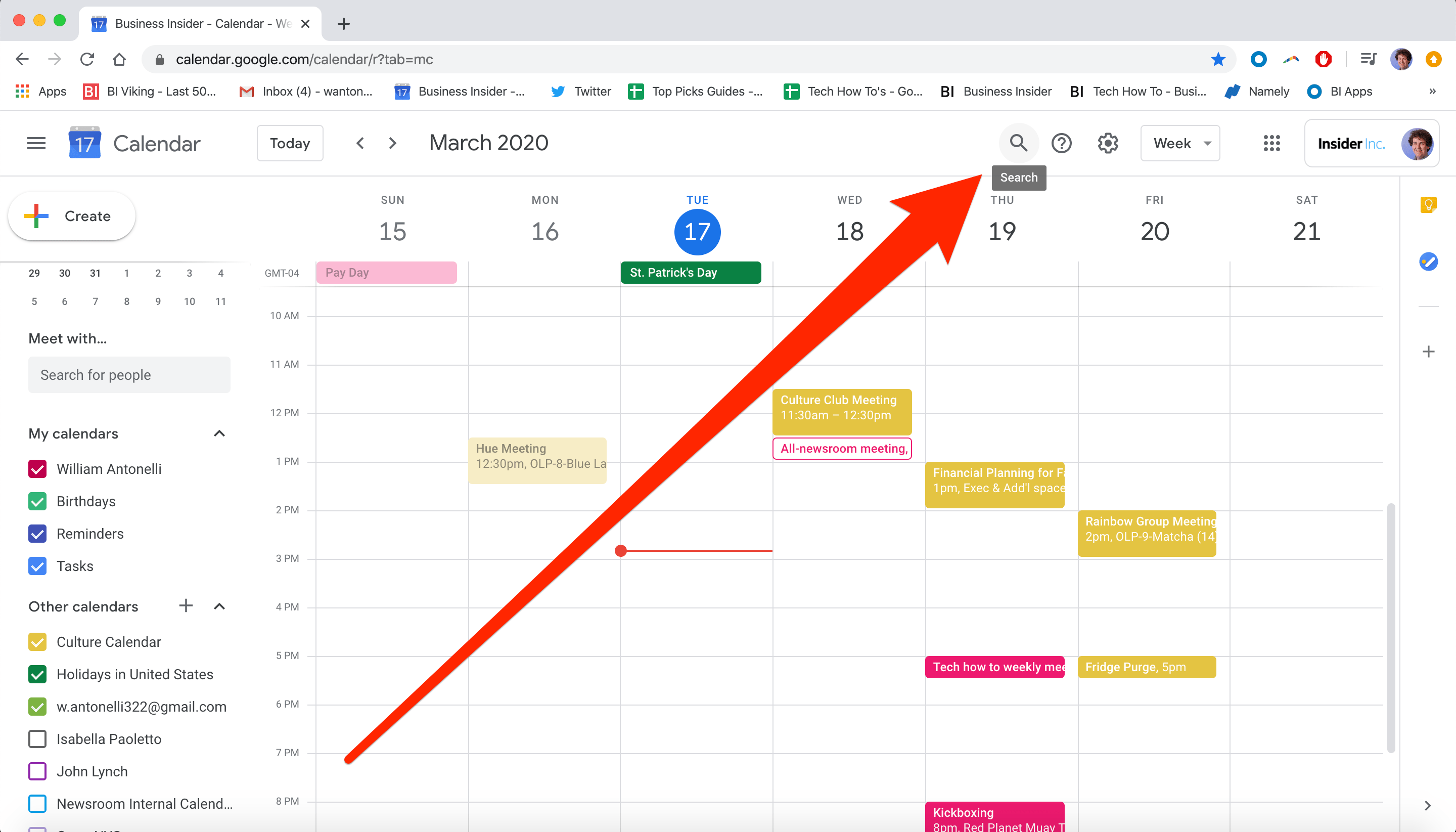
Make A Google Calendar Public Renie Charmain
In some cases, you need to set your calendar to public because you want to embed your google calendar on your website. By following these steps and making your google calendar public, you can streamline your scheduling, improve coordination, and reduce misunderstandings. In this article, we’ll walk you through the process of making your google calendar public, and provide some tips and best practices to get the most out of your shared calendar.

Google Calendar How To Make Your Calendar Private
If you manage a shared space, like a meeting room or tennis court, you can create a public calendar for the space and let people book time in it. Under share with specific people,. Find your public calendar on a website or in search results, if the website is searchable. You can share a calendar in google calendar with an individual, a set of people, or even a larger group by creating a public link.
Log In To Your Google Account On A Computer
In some cases, you need to set your calendar to public because you want to embed your google calendar on your website. To make your google calendar public, you need to enable public sharing. In this article, we will guide you through the process of. This help content & information general help center experience.
Under Share With Specific People
To create a public google calendar, you’ll. Log in to your google account on the google calendar website. In this guide, you’ll learn how to create a shared calendar in google calendar. Create a new google calendar.
You Can Share An Event Or The Calendar Itself
Let’s start by creating a new. Click add calendar > create new calendar. name the calendar (e.g., meeting room a) and add a description. Plus, stick around for bonus tips to help you get the most out of google calendar! On your computer, open google calendar.
As An Admin
Share your events effortlessly and stay organized like never before! In your calendar, open an event. To maintain your privacy, you can also. In this article, we’ll walk you through the process of making your google calendar public, and provide some tips and best practices to get the most out of your shared calendar.