 National Holiday Calendar
Google Calendar Sync - On your android phone or tablet, download the google calendar app from google play. You can add google calendar events to your apple calendar on your mac, iphone, or ipad. At the top of the page, next to “sync,” make sure the setting is on. You can sync google calendar with the calendar app that comes on your iphone or ipad. The easiest way to sync your events is to download the official google calendar app. This means you can add and edit events from either google calendar or your other application.

How To Sync Google Calendar With Android Calendar
借助部分日历应用,您可以使用 google 账户同步日历。 也就是说,您可以通过 google 日历或其他应用添加和编辑活动。 You can add google calendar events to your apple calendar on your mac, iphone, or ipad. Check the enable google workspace sync for microsoft outlook for my users box and click save. At the top of the page, next to “sync,” make sure the setting is on. To turn on the google calendar service (so users can create profiles), go to turn calendar on or off for.
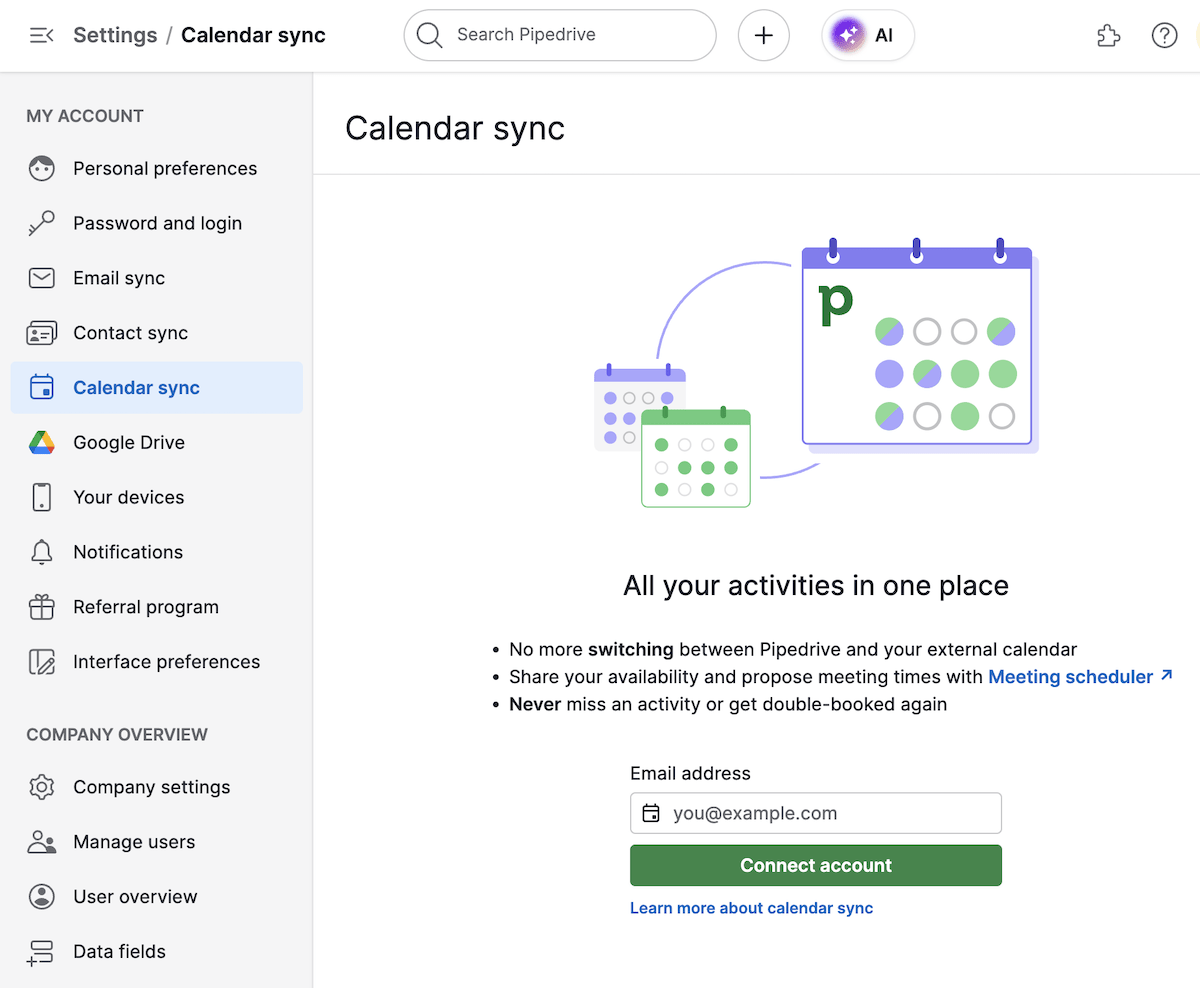
Syncing With Google Calendar Knowledge Base Pipedrive
You can add google calendar events to your apple calendar on your mac, iphone, or ipad. To turn on the google calendar service (so users can create profiles), go to turn calendar on or off for. This means you can add and edit events from either google calendar or your other application. You can only find the sync setting for calendars you create, but not.

Merge And Multiway Sync Google Workspace Calendars
With some calendar applications, you can sync your calendar using your google account. Check the enable google workspace sync for microsoft outlook for my users box and click save. You can only find the sync setting for calendars you create, but not. Official google calendar help center where you can find tips and tutorials on using google calendar and other answers to frequently asked questions.
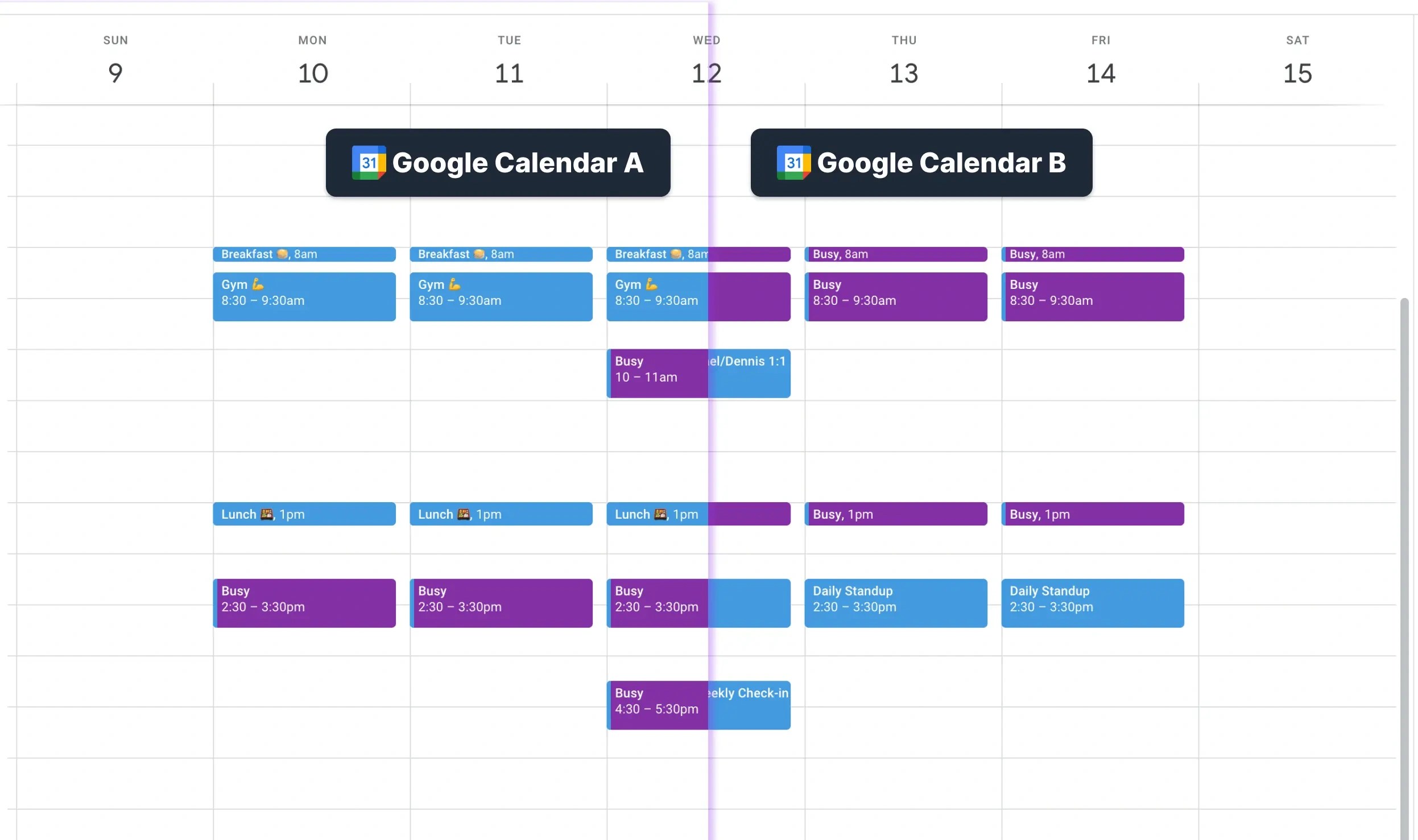
How To Sync Google Calendars Updated For 2025
To turn on the google calendar service (so users can create profiles), go to turn calendar on or off for. On your android phone or tablet, open the google calendar app. The easiest way to sync your events is to download the official google calendar app. You can add google calendar events to your apple calendar on your mac, iphone, or ipad.

Google Calendar Ical
Check the enable google workspace sync for microsoft outlook for my users box and click save. The easiest way to sync your events is to download the official google calendar app. If you're using google calendar through your work, school or other organisation, you might also be. At the top of the page, next to “sync,” make sure the setting is on.
To Turn On The Google Calendar Service (So Users
If you'd prefer to use the calendar app already on your iphone or ipad, you can sync your events with apple calendar. You can only find the sync setting for calendars you create, but not. You can add google calendar events to your apple calendar on your mac, iphone, or ipad. When you open the app, all of your events will be synced with your computer.
With Some Calendar Applications
借助部分日历应用,您可以使用 google 账户同步日历。 也就是说,您可以通过 google 日历或其他应用添加和编辑活动。 Some calendar apps let you add your google account on the settings page to sync your events. At the top of the page, next to “sync,” make sure the setting is on. If you're using google calendar through your work, school or other organisation, you might also be.
Sync Google Calendar
On your android phone or tablet, download the google calendar app from google play. Official google calendar help center where you can find tips and tutorials on using google calendar and other answers to frequently asked questions. Check the enable google workspace sync for microsoft outlook for my users box and click save. This means you can add and edit events from either google calendar or your other application.
Google Calendar App
The easiest way to sync your events is to download the official google calendar app. With google workspace sync for microsoft outlook (gwsmo), you can manage your google workspace calendars from outlook, including your primary calendar, calendars you create, and.