 National Holiday Calendar
How Can I Restore My Calendar - If there is a top right. Accidentally deleted an event from iphone calendar. Researched options to retrieve deleted event. To recover your deleted calendar, you can try the following steps: To restore your missing calendars: But both physical and digital clutter drain your energy and time.

How Can I Restore Deleted Events To My Calendar?
Our suggestion is that you can try to fall back to the classic version of outlook, which you can do by clicking on the toggle button in the upper right corner. To recover your deleted calendar, you can try the following steps: Items are kept in the trash for 30 days, allowing easy recovery within that timeframe. This article explains how to use the instant restore feature to restore a calendar event that has been deleted.

How Can I Restore Deleted Events To My Calendar?
If there is a top right. But both physical and digital clutter drain your energy and time. This article explains how to use the instant restore feature to restore a calendar event that has been deleted. To restore your missing calendars: Researched options to retrieve deleted event.
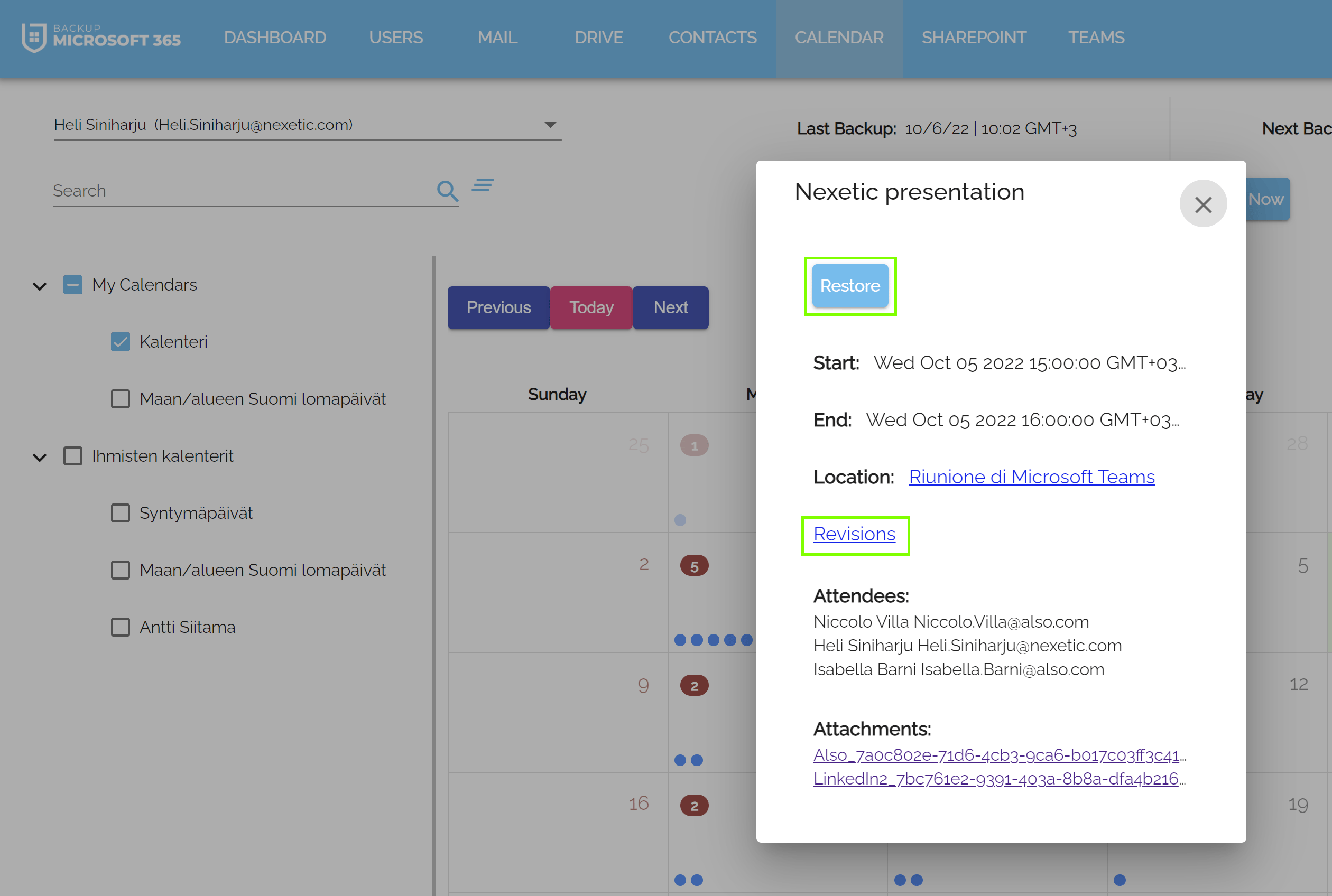
How To Restore Calendar Entries Nexetic Support
This article explains how to use the instant restore feature to restore a calendar event that has been deleted. In this guide, we will introduce what happened to your google calendar when events missing, and you can get the ways to fix this issue and restore the calendar on an. The data file is usually located at c:\users\username\appdata\local\microsoft\outlook\archive.pst. To recover your deleted calendar, you can try the following steps: You can restore your calendars and events (along with your reminders and reminder lists) from an earlier version that was automatically archived in icloud.
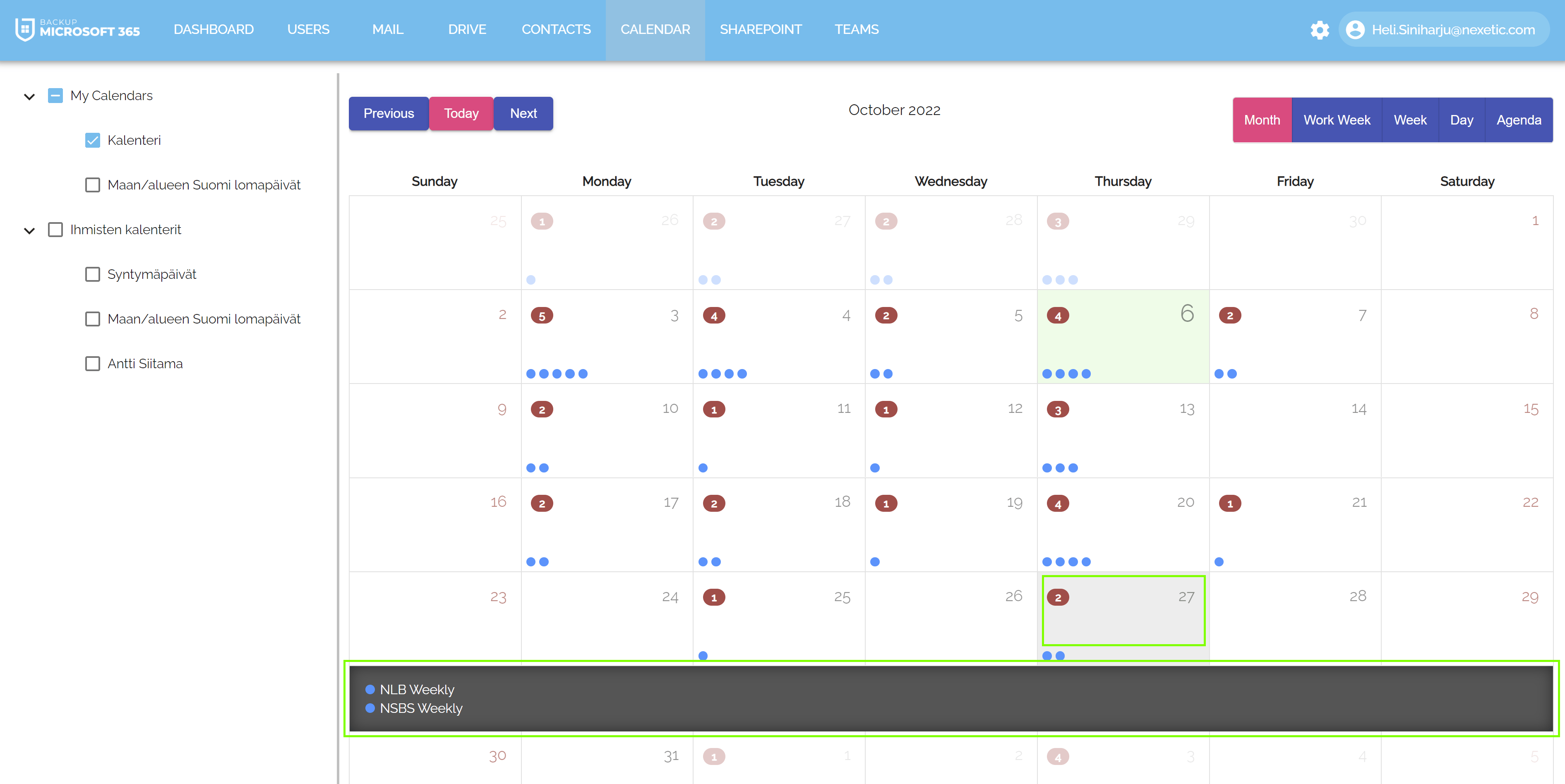
How To Restore Calendar Entries Nexetic Support
In settings on right side choose manage. The data file is usually located at c:\users\username\appdata\local\microsoft\outlook\archive.pst. Our suggestion is that you can try to fall back to the classic version of outlook, which you can do by clicking on the toggle button in the upper right corner. But both physical and digital clutter drain your energy and time. Scroll down to the bottom of the window, then select data recovery.

My Calendar Apps On Google Play
Items are kept in the trash for 30 days, allowing easy recovery within that timeframe. If there is a top right. Open the calendar app in start menu, click on the three lines at the top left and then on the gear at the bottom left to open settings. Up to 24% cash back learn how to restore calendar events on your android phone with this comprehensive guide.
Sign In To Icloud.com Using Your Apple Account
If you have shared calendars, all. So, you can start the year off right by. If the calendar is not in the deleted items folder, you can try to. Restore calendar events from backup:if you’ve exported your calendar recently, import the backup to revert to its previous state.
If There Is A Top Right
In settings on right side choose manage. This article explains how to use the instant restore feature to restore a calendar event that has been deleted. You can restore your calendars and events (along with your reminders and reminder lists) from an earlier version that was automatically archived in icloud. Scroll down to the bottom of the window, then select data recovery.
On Icloud.com, Go To Account Settings
Recover deleted calendar events using google backup,. Didn’t see any available options to undelete in my icloud so followed. To restore your missing calendars: Researched options to retrieve deleted event.
Up To 24% Cash Back Learn How To Restore
Open the calendar app in start menu, click on the three lines at the top left and then on the gear at the bottom left to open settings. Accidentally deleted an event from iphone calendar. Our suggestion is that you can try to fall back to the classic version of outlook, which you can do by clicking on the toggle button in the upper right corner. Declutter your physical and digital space.