 National Holiday Calendar
How Can I Sync My Iphone Calendar With Outlook - Go to calendar → accounts. The simplest way to sync your iphone calendar with outlook calendar is by using the outlook app on your iphone. Outlook has its own app but can sync with your iphone’s internal calendar. Sign in to the outlook account whose calendar you want to sync to your iphone. The appointment does not appear in webmail, indicating it isn’t. One of the most effective ways to do so is by synchronizing your iphone with your outlook calendar.

Outlook For Mac Calendar Sync With Iphone Polrebe
Synchronization of calendars between outlook and your apple iphone or ipod touch requires apple itunes. Enter the email and password when prompted. The appointment does not appear in webmail, indicating it isn’t. You can synchronize outlook calendar with iphone calendar details without installing any additional. To set up outlook calendar syncing on your iphone, you need to set up the calendar settings on your iphone.

How Do I Sync My Iphone Calendar With Outlook
To sync your outlook calendar with your iphone, you can use itunes or icloud. In this article, we’ll walk you through the steps to sync your outlook calendar with your iphone, so you can stay on top of your schedule and never miss a beat. Sync your outlook calendar with your ios device. Icloud is another option for syncing your calendars.
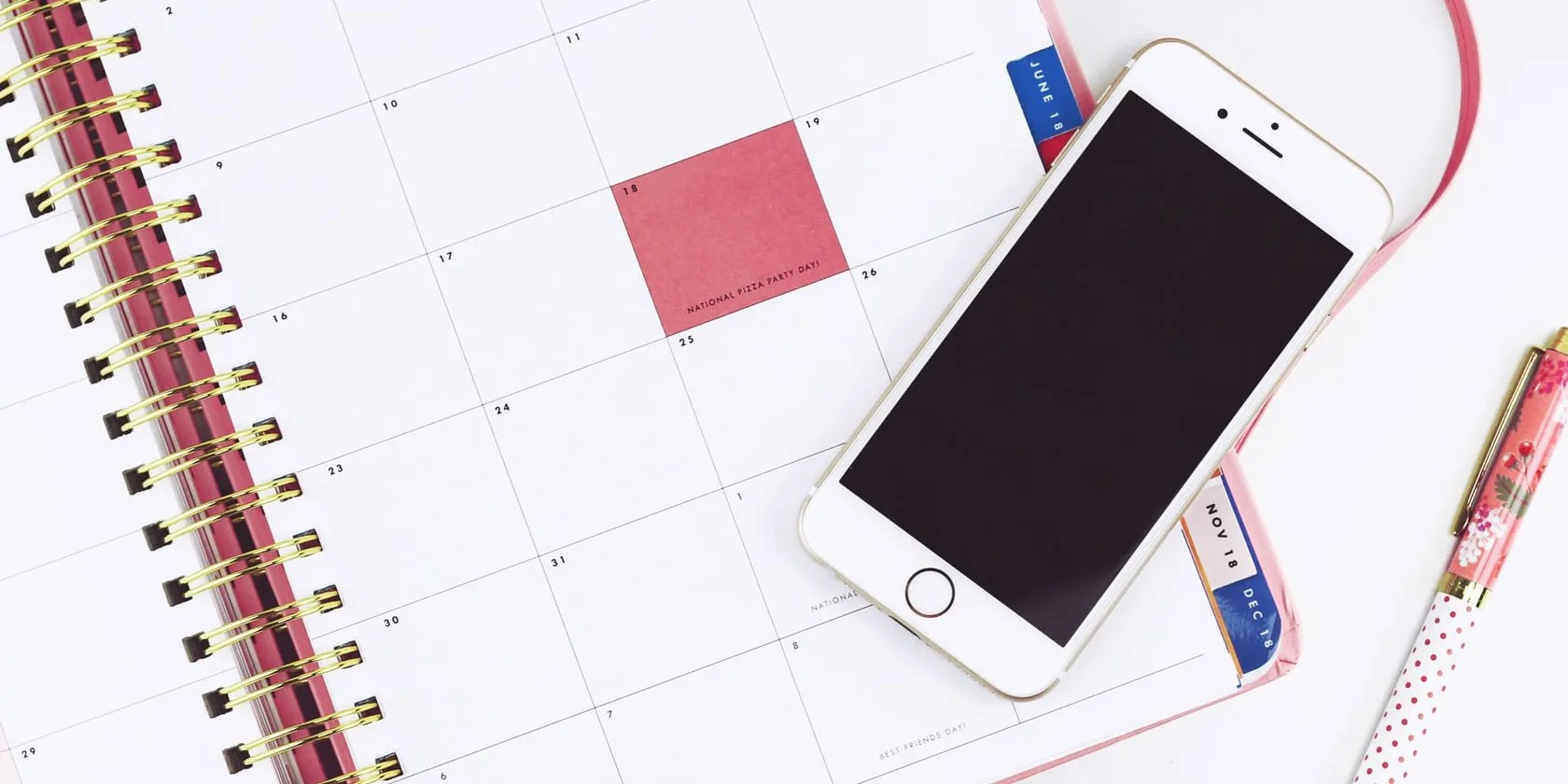
The Best Way To Sync An Outlook Calendar
Synchronization of calendars between outlook and your apple iphone or ipod touch requires apple itunes. This is particularly useful for those who use outlook for work and want to keep their personal and professional schedules aligned. One of the most effective ways to do so is by synchronizing your iphone with your outlook calendar. Go to calendar → accounts. Create an icloud account if prompted.

Sync Outlook 2016 Calendar With Iphone Calendar Pilotstocks
If you want to add your outlook calendar to your iphone, there are two ways to do so. Enable the calendars option and tap save in. To sync your outlook calendar with your iphone, you can use itunes or icloud. Set up outlook calendar syncing on iphone. Go to calendar → accounts.

Ios Outlook Calendar Sync Ardyce
Sync your outlook calendar with your ios device. The appointment does not appear in webmail, indicating it isn’t. One of the most effective ways to do so is by synchronizing your iphone with your outlook calendar. Outlook has its own app but can sync with your iphone’s internal calendar. Icloud is another option for syncing your calendars.
Syncing Your Iphone Calendar With Outlook Will Allow You
The calendar sync option is enabled on my iphone, and other calendar entries (like meetings) sync correctly. Set up outlook calendar syncing on iphone. To sync your outlook calendar with your iphone, you can use itunes or icloud. Go to calendar → accounts.
If You’re An Apple User And Want To Sync
This allows you to access and manage your calendar events, contacts, and. One option is to download the free microsoft outlook app from the app store to manage. Open outlook and select add account. Let’s explore the ins and outs of syncing outlook calendar.
The Simplest Way To Sync Your Iphone Calendar
In this article, we’ll walk you through the steps to sync your outlook calendar with your iphone, so you can stay on top of your schedule and never miss a beat. Synchronization of calendars between outlook and your apple iphone or ipod touch requires apple itunes. Follow the steps below to sync your outlook calendar with your iphone: One of the most effective ways to do so is by synchronizing your iphone with your outlook calendar.
Connect Your Iphone Or Ipod Touch To Your Computer
If you want to add your outlook calendar to your iphone, there are two ways to do so. This is particularly useful for those who use outlook for work and want to keep their personal and professional schedules aligned. Create an icloud account if prompted. Here are the steps to sync your outlook calendar with your iphone using itunes: