 National Holiday Calendar
How Do I Add A Calendar In Google - This article will guide you through the process, highlighting the key. Learn how to add a calendar to google calendar in just a few si. Learn about supported browsers for calendar. How to add a calendar to google calendar. To add a calendar to your google calendar, you’ll need to log in to your google account. Google calendar makes it easy to.
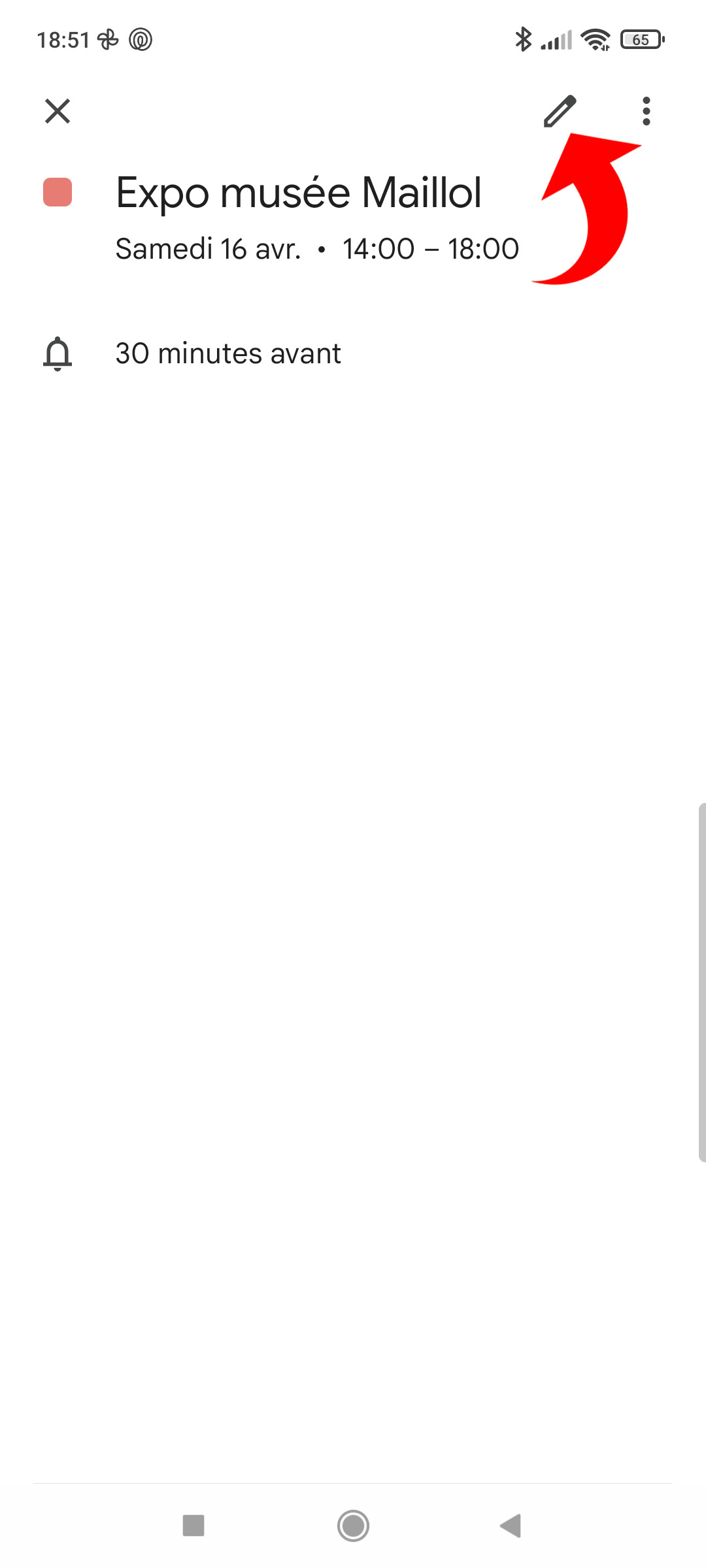
How Do I Add An Attachment To An Event
Learn how to add a calendar to google calendar in just a few si. Gmail integrates directly with google calendar, allowing users to manage their schedule from within their inbox. Open google.com, type the date and time of an. This article will guide you through the process, highlighting the key. When you do, google calendar will prompt you to send a message requesting access to that.

How To Add An Optional Guest To Google Calendar
Learn about supported browsers for calendar. This integration simplifies the process of accessing and organizing calendar. Here are the tips you need to keep you organized. Learn how to add a calendar to google calendar in just a few si. Official google calendar help center where you can find tips and tutorials on using google calendar and other answers to frequently asked questions.

Google Calendar Apk Download For Android Latest Version
Learn about supported browsers for calendar. If you’re logged in to your google account, you can even add an event to your calendar from google’s search engine. Go to calendar.google.com using your preferred web browser. With google calendar, you can: So how do you add a new google calendar?

Google Calendar Feature Autoappointment.io
Go to calendar.google.com using your preferred web browser. Here are the tips you need to keep you organized. On your computer, open google calendar. So how do you add a new google calendar? To add a calendar to your google calendar, you’ll need to log in to your google account.

How To Add Google Calendar To Outlook Android Authority
Gmail integrates directly with google calendar, allowing users to manage their schedule from within their inbox. On the left, next to other calendars, click add other calendars create new calendar. Adding a calendar on google calendar is a straightforward process that can be done in a few simple steps. Highlight the cells where you want to add the calendar pop.
Google Calendar Makes It Easy To
Ensure you're signed into your google account before navigating to the google. Adding a calendar to google calendar on your phone is a straightforward process. Gmail integrates directly with google calendar, allowing users to manage their schedule from within their inbox. This integration simplifies the process of accessing and organizing calendar.
How To Add A Calendar To Google Calendar
Go to calendar.google.com using your preferred web browser. Highlight the cells where you want to add the calendar pop. To add a calendar to your google calendar, you’ll need to log in to your google account. Here's how to create your custom calendar:
A Calendar
Many of us use google calendar for reminders about appointments and endless zoom calls,. With google calendar, you can: On your computer, open google calendar. Here are the tips you need to keep you organized.
Google Calendar Help
In this tutorial, you'll learn how to add a calendar to google calendar, whether by creating a new one or subscribing to an existing one. This article will guide you through the process, highlighting the key. Here's everything you need to know to do it. Open the google calendar app.