 National Holiday Calendar
How Do I Create A Google Calendar - Keeping separate calendars for different areas of your life helps you. Go to calendar.google.com and sign in with your google account. Follow the steps in create a group. To create a new calendar in google calendar, follow these steps: Setting up a new google calendar can be easily achieved by heading to the google calendar website. Creating a new calendar in google calendar is a quick and easy process that can help you stay organized and focused.

How To Create A Calendar In Google Calendar? Techzle
But at the time of writing this article, there is no way to create a new. Sync your google sheets calendar with google calendar to get notifications and reminders. Name the calendar what you want, give it a color to make its events pop,. If this website is searchable, people can find your calendar in search results. For work, school, kids, and more, you can easily add and customize your own google calendar.
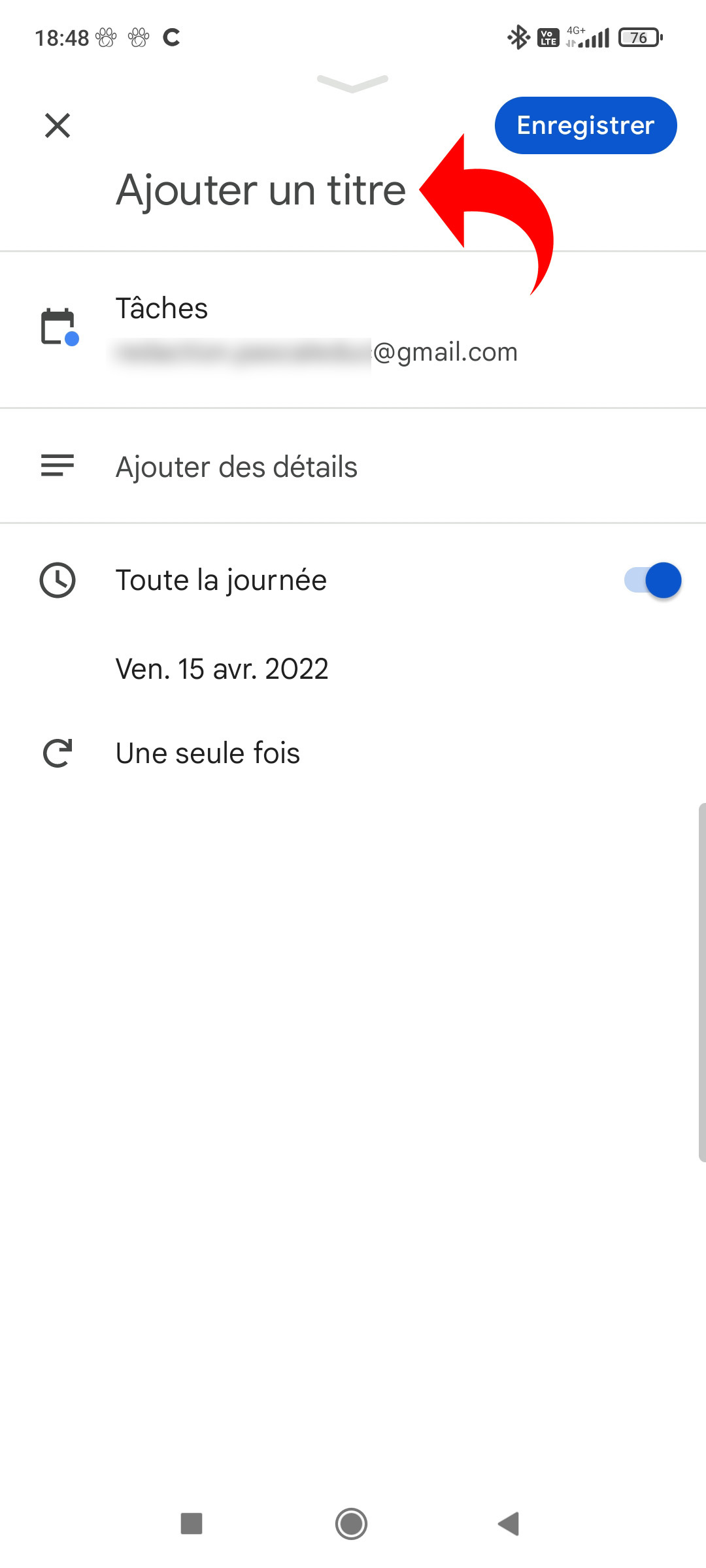
How Do I Create A Task In Google Calendar?
By following these simple steps, you can design a. Sign in to your google account. But at the time of writing this article, there is no way to create a new. Setting up a new google calendar can be easily achieved by heading to the google calendar website. Log in to your google account and click on the google calendar icon in the.
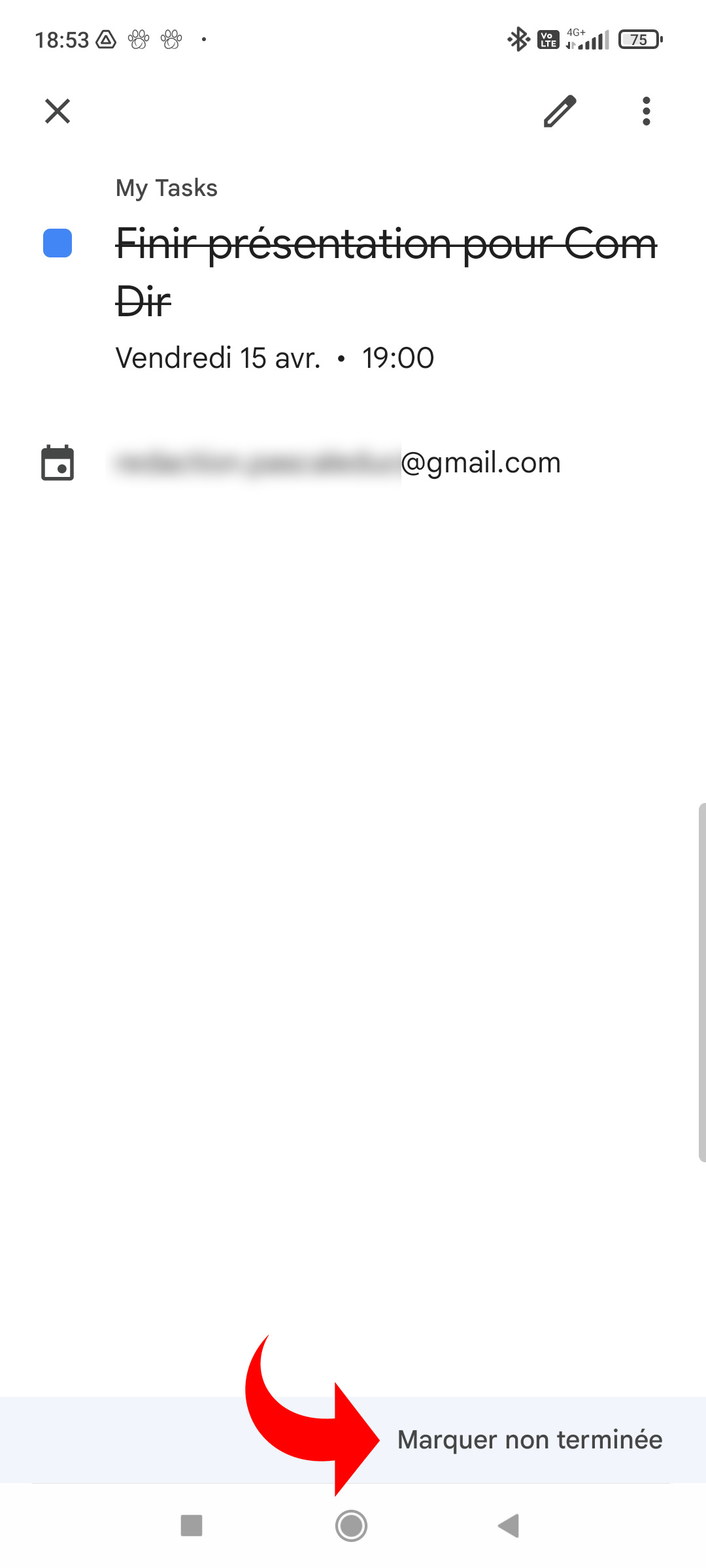
How Do I Create A Task In Google Calendar?
To use calendar in your browser, turn on. Adding a new google calendar is a quick and easy process, and it's worth mastering. Name the calendar what you want, give it a color to make its events pop,. Click on the gear icon in the top right corner of the google calendar page. In this guide, you’ll learn how to create a shared calendar in google calendar.

How To Create A Calendar In Google Docs Copper
Use google calendar's web version to create a new calendar. If you’re already logged into your google account, simply head over to calendar.google.com. how to create a shared. Follow the steps in create a group. To create a reminder, tap or click on the +.

Create Google Calendar Event Lesli Noellyn
You can only create new calendars from a browser and not from the google calendar app. Log in to your google account and click on the google calendar icon in the. Sync your google sheets calendar with google calendar to get notifications and reminders. By following these simple steps, you can design a. Add the name of the calendar (for example, marketing team.
First Things First
I'm making a spreadsheet to keep up to date with bookings, and using a calendar format. To create a new calendar in google calendar, follow these steps: Add a name and description for your calendar. I'm not sure how to explain this very well as google doesn't understand me.
Add The Name Of The Calendar (For Example
With google calendar, you can: On your computer, open google calendar. Plus, stick around for bonus tips to help you get the most out of google calendar! To create a reminder, tap or click on the +.
Find Your Public Calendar On A Website
Use google calendar's web version to create a new calendar. how to create a shared. For work, school, kids, and more, you can easily add and customize your own google calendar. Click on the gear icon in the top right corner of the google calendar page.
New Google Calendar
Adding a new google calendar is a quick and easy process, and it's worth mastering. Sync your google sheets calendar with google calendar to get notifications and reminders. To set up your family calendar, follow these steps: Name the calendar what you want, give it a color to make its events pop,.