 National Holiday Calendar
How Do I Share A Calendar In Icloud - But note that this process only applies to calendars run through your icloud. How would a user access apple invites after subscribing to icloud+? When you share a calendar, others can see it, and you can let them add or change events. Sharing an icloud calendar is a straightforward process that can be done from your iphone, ipad, or mac. In the calendar app, you can share an icloud calendar with other icloud users. Select a contact and then tap the next.

Share Icloud Calendar Linzy Phaidra
When you share a calendar, others can see it, and you can let them add or change events. Thankfully, sharing your icloud calendar is a simple process that shouldn't take long at all. Tap on the info button to the right of the calendar that you'd like to. Sharing an icloud calendar is a straightforward process that can be done from your iphone, ipad, or mac.
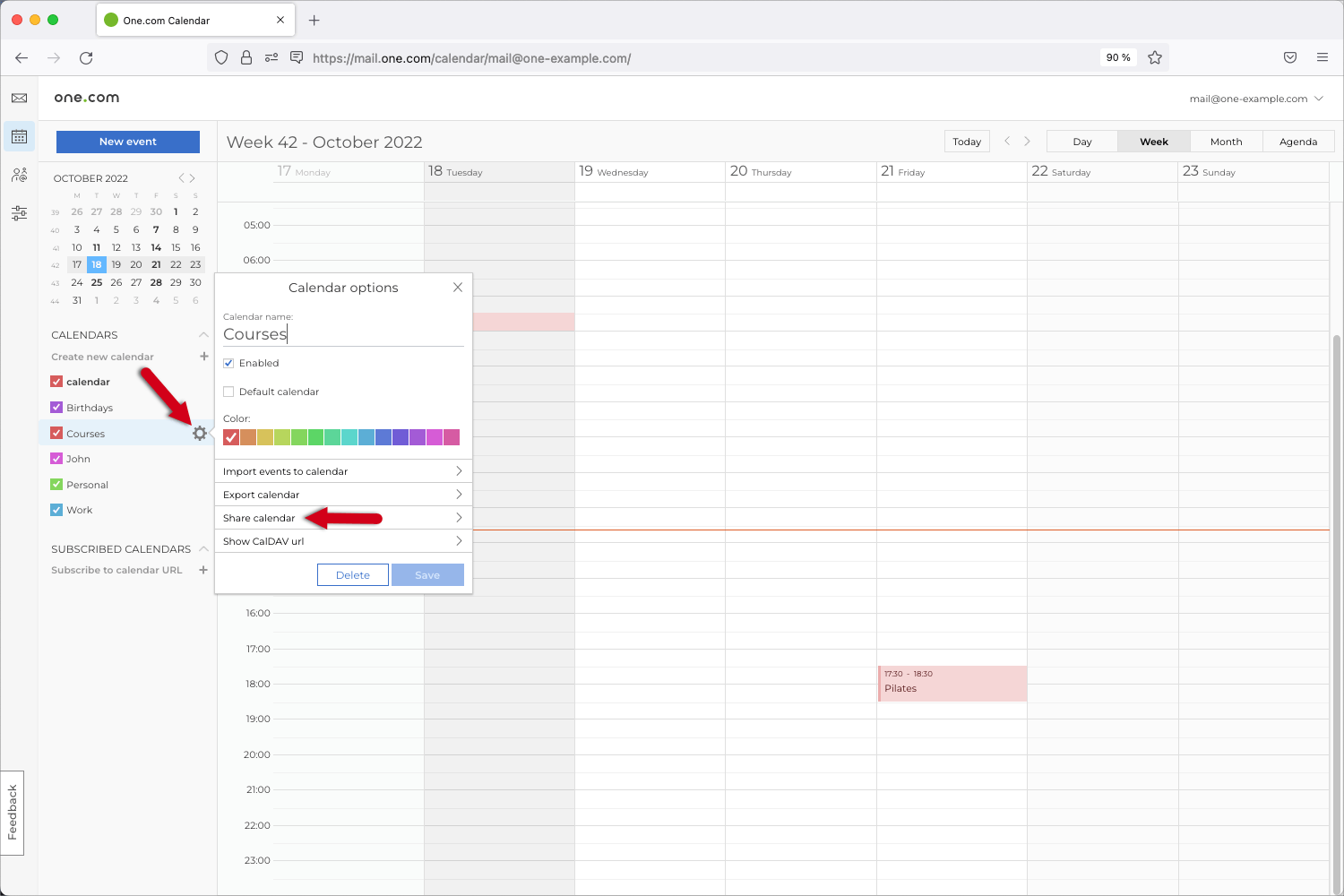
How Can I Share A Calendar? Support
In this article, we will guide you through the process of sharing icloud calendar,. Share icloud calendars on iphone: In this article, we will explore how to share icloud calendars, different sharing options available, troubleshooting tips, and best practices for managing shared calendars. When you share a calendar, others can see it, and you can let them add or change events.

How To Share Exchange Calendar With Icloud
Family members can create and share events instantly with other members on the plan. You can share calendars with friends and family who use icloud, and they can view shared calendars in the calendar app. You decide if the people you share with can edit the calendar. Share a calendar on icloud.com with other people, track who you’re sharing a calendar with, resend invitations, and more.

How To Share Exchange Calendar With Icloud
You can share your icloud+ plan with up to five other people in your family. You can share calendars with friends and family who use icloud, and they can view shared calendars in the calendar app. Sharing a calendar on the icloud website is easy. In this article, we will guide you through the process of sharing icloud calendar,. In this article, we will explore how to share icloud calendars, different sharing options available, troubleshooting tips, and best practices for managing shared calendars.

How To Share Exchange Calendar With Icloud
Let me tell you about some standout. The system has these features: To view calendars stored in icloud, open the calendar app. Thankfully, sharing your icloud calendar is a simple process that shouldn't take long at all. Share icloud calendars on iphone:
Icloud Calendar
Tap on the info button to the right of the calendar that you'd like to. Only google calendar supports two. Click the calendar icon to open. Go to icloud.com and sign in with your apple id and password.
Let Me Tell You About Some Standout
You can also share a. Share a calendar on icloud.com with other people, track who you’re sharing a calendar with, resend invitations, and more. For more information on how. You can share calendars with friends and family who use icloud, and they can view shared calendars in the calendar app.
Sharing A Calendar On The Icloud Website Is Easy
Type a name for the new. Choose view > show calendar list, then select the calendars you want to view in the icloud section. In the calendar app , you can share an icloud calendar with other icloud users. Sharing an icloud calendar is a straightforward process that can be done from your iphone, ipad, or mac.
They Can Even Add Songs To The Party Playlist
Thankfully, sharing your icloud calendar is a simple process that shouldn't take long at all. Select a contact and then tap the next. To learn more about this topic visit the following articles: Tap on the calendars button on the bottom navigation.