 National Holiday Calendar
How Do I Stop Invites On My Iphone Calendar - Stopping iphone calendar invites is a simple process that can help you keep your personal life private. At the bottom of the screen, tap calendars. Apple working on a new ‘invites’ app 9to5mac first found references to this unreleased “apple invites” app in one of the ios 18.2 betas. Remember to also use the block. There are two things that you can do here. The code was later removed from.

How To Stop Iphone Calendar Spam Invites
Tap on the invite you want to decline. Beginning anew can be a logical and helpful way to untangle yourself. Open the calendar app on your iphone. Delete spam calendars and events on iphone. Tap on the calendar tab at the bottom of the screen.

Spam Calendar Invites
I also went into my icloud account and changed my calendar settings to email me invites instead of. Here are the steps to stop calendar invites on your iphone: By following the steps outlined in this article, you can disable automatic. Tap on the invite you want to decline. There are two things that you can do here.
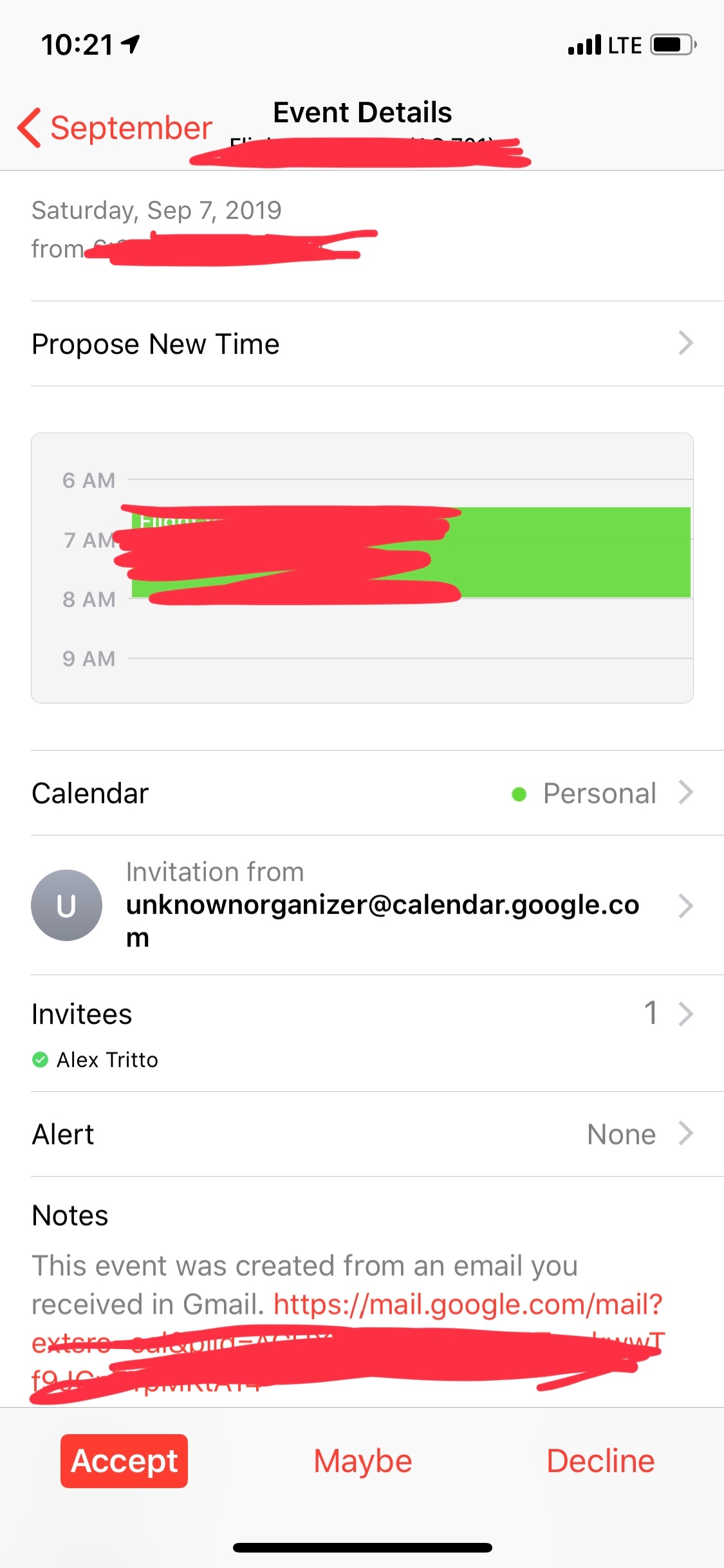
Iphone Calendar Not Getting Invites
Here are the steps to stop calendar invites on your iphone: One of the best ways to handle invasive iphone calendar spam is to delete your calendar completely. The code was later removed from. There are two things that you can do here. Beginning anew can be a logical and helpful way to untangle yourself.

Why Isn’t My Iphone Calendar Showing Holidays? Stay Organized
Tap on the invite you want to decline. The code was later removed from. Beginning anew can be a logical and helpful way to untangle yourself. If you receive a calendar invite, you can decline it and remove it from your calendar. One of the best ways to handle invasive iphone calendar spam is to delete your calendar completely.

Sending Calendar Invites Iphone
At the bottom of the screen, tap calendars. Beginning anew can be a logical and helpful way to untangle yourself. Tap on the invite you want to decline. One of the best ways to handle invasive iphone calendar spam is to delete your calendar completely. Remember to also use the block.
There Are Two Things That You Can Do Here
Review your calendar settings to ensure that you are not inadvertently. Beginning anew can be a logical and helpful way to untangle yourself. You're in the right place to find a resolution. Tap on the invite you want to decline.
Stopping Iphone Calendar Invites Is A Simple Process
It sounds like you're wondering how to stop events in the mail app from showing in the calendar app on your iphone. Delete spam calendars and events on iphone. Apple working on a new ‘invites’ app 9to5mac first found references to this unreleased “apple invites” app in one of the ios 18.2 betas. Tap unsubscribe from this calendar at the bottom of the screen.
Tap On Decline At The Bottom Of The Screen
Remember to also use the block. Open settings > mail, contacts, calendars > scroll down to the calendars section (near the bottom), and change new. To stop calendar spam on your iphone, follow these steps: I also went into my icloud account and changed my calendar settings to email me invites instead of.
Iphone Calendar Spam
By following the steps outlined in this article, you can disable automatic. Open the calendar app on your iphone. I have reported the email as phishing and deleted it without opening. Here are the steps to stop calendar invites on your iphone: