 National Holiday Calendar
How To Add A Calendar To Iphone - Here we'll show you an easy way to add a google calendar to the apple calendar app when you receive a link to a google calendar. If you're creating a new calendar, tap add calendar in the lower. Open the calendar app and tap calendars. Creating additional calendars within the calendar app and managing them is a fairly easy and straightforward. Go to the calendar app on your iphone. Open the calendar app on your iphone.
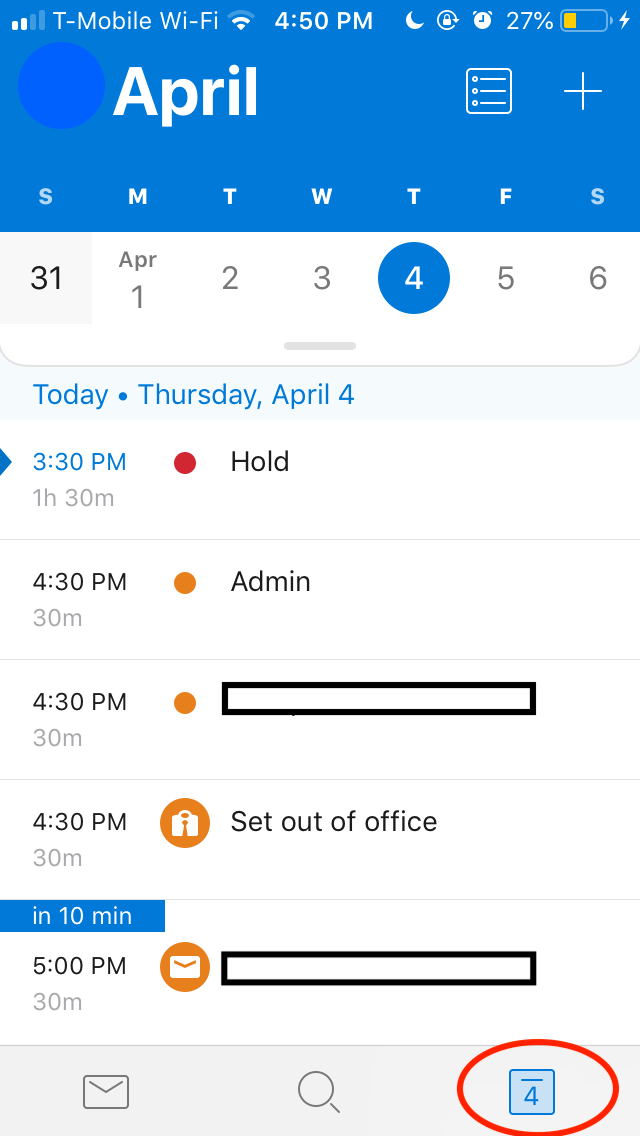
Add A Shared Calendar In Outlook
In the bottom left corner, tap add. Here's how to set up a family calendar on an iphone or ipad: Learn how to add new calendars, customize your calendar view, and sync with other. Tap on edit at the top. Go to the calendar app on your iphone.

How Do I Add A Calendar To My Google Calendar
Open the calendar app and tap calendars. Go to the calendar app on your iphone. Tap the calendars button in the middle of the bottom toolbar. Here we'll show you an easy way to add a google calendar to the apple calendar app when you receive a link to a google calendar. If you've received a link to a google.

How Add Calendar To Iphone Flori Jillane
Learn how to add new calendars, customize your calendar view, and sync with other. Tap add calendar, enter a. In the bottom left corner, tap add. Tap the calendars button in the middle of the bottom toolbar. Do one of the following:

3 Ways To Add A Google Calendar
Here’s how to create calendars on iphone: Creating additional calendars within the calendar app and managing them is a fairly easy and straightforward. In the bottom left corner, tap add. Go to the calendar app on your iphone. Give the new calendar a name and a.

Any Iphone How To Add Islamic Calendar! All
Tap calendars at the bottom of the screen, then tap add calendar. If you've received a link to a google. Here we'll show you an easy way to add a google calendar to the apple calendar app when you receive a link to a google calendar. Open the calendar app on your iphone. Creating additional calendars within the calendar app and managing them is a fairly easy and straightforward.
Go To The Calendar App On Your Iphone
Tap calendars at the bottom of the screen, then tap add calendar. Here we'll show you an easy way to add a google calendar to the apple calendar app when you receive a link to a google calendar. Tap add calendar, enter a. Give the new calendar a name and a.
Tap On Calendars At The Bottom
Launch the calendars app from your home screen. In the bottom left corner, tap add. Learn how to add new calendars, customize your calendar view, and sync with other. Tap the calendars button in the middle of the bottom toolbar.
In This Episode, Here's All You Need
Tap on edit at the top. If you've received a link to a google. Here's how to set up a family calendar on an iphone or ipad: Do one of the following:
Open The Calendar App And Tap Calendars
Creating calendars on your iphone is as simple as opening the calendar app, tapping the ‘+’ sign, selecting ‘add calendar,’ naming it, choosing a color, and hitting ‘done.’. If you're creating a new calendar, tap add calendar in the lower. Creating additional calendars within the calendar app and managing them is a fairly easy and straightforward. How to add & delete calendars on iphone and ipad.