 National Holiday Calendar
How To Add A Time Zone To Outlook Calendar - Adding a time zone to outlook calendar: Then in outlook options, select calendar from the list on the left. Add a additional time zones in outlook on the web or outlook.com. To add a timezone to outlook calendar, you need to enable timezone support in outlook. Select settings , and then select calendar > view. The time zone where you.

Microsoft Outlook Time Zone Issues Bonbinger
This can be done by: Open outlook and click on file > options. Click on the calendar you want to add the new time zone to. In the calendar pane, click on the time zone option in the top. In this guide, we'll walk you through the steps to adjust the time zone settings in outlook and add a few different time zones to your calendar.

Outlook Calendar Time Zone Calendar Template 2021
Add a additional time zones in outlook on the web or outlook.com. In this article, we will talk about how to add time zones to your outlook calendar. Adding a time zone to outlook calendar: Launch outlook and go to file > options. This can be done by:

Outlook Calendar Shows Wrong Time Zone
Open your outlook calendar and click on the gear icon in the top right corner. In the top navigation bar, click on the calendar icon to open the calendar view.;. From the calendar tab, click on. In the label box for each time zone, type a. You can display the current time of day in additional time zones.

Outlook Calendar Time Zone Calendar Template 2021
In the flyout window, select the. Choose the appropriate time zone from the dropdown list. In the top navigation bar, click on the calendar icon to open the calendar view.;. Check box and, if needed, the show a third time zone check box. Open your outlook calendar and click on the gear icon in the top right corner.
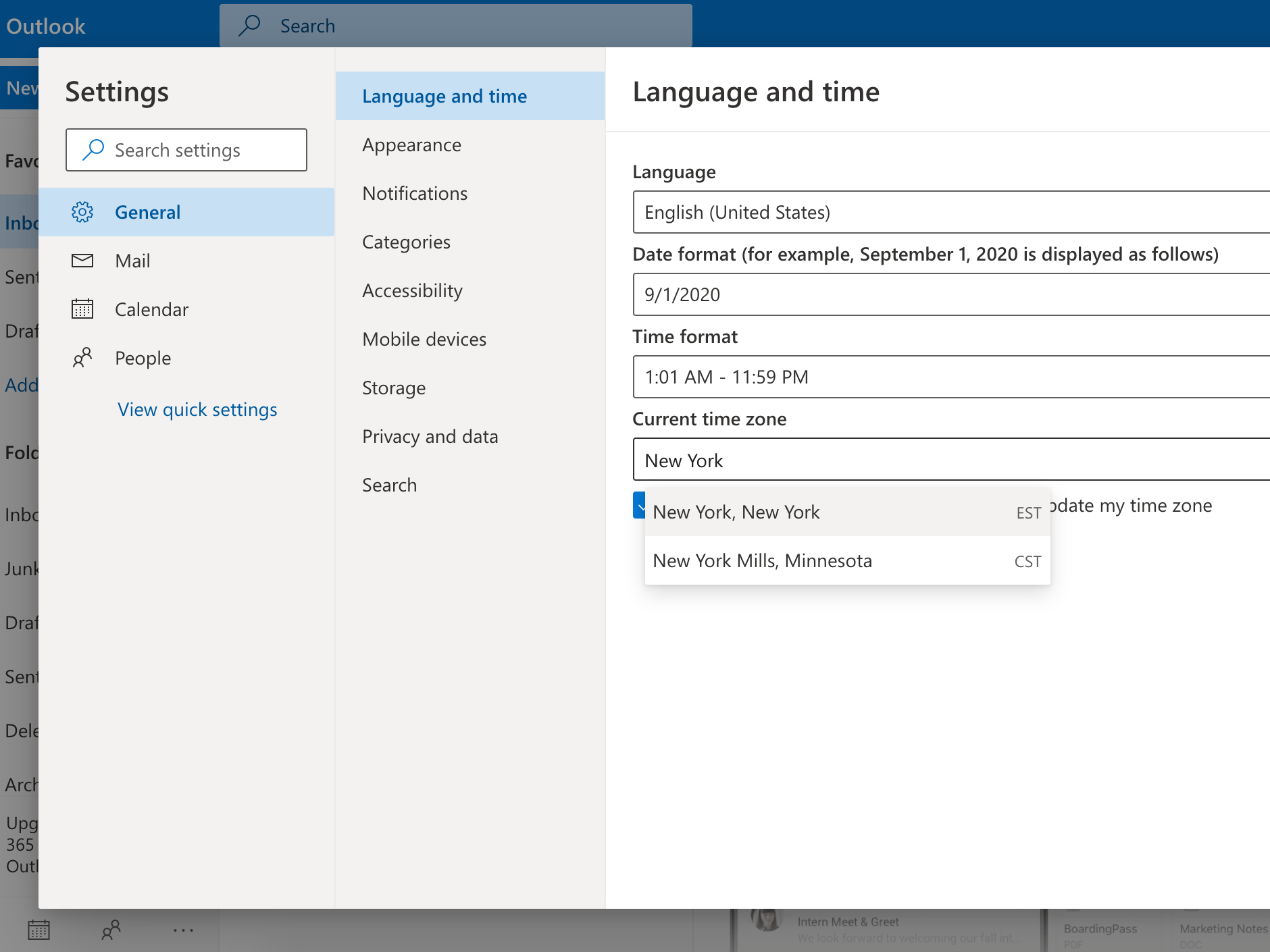
How To Change Time Zone In Outlook Calendar Likosbbs
You can also view your alternate time zones in the glances list (customizing the glance loop). Adding a time zone to outlook calendar: Open outlook and navigate to the calendar pane. From any screen, hold set. In the time zone settings, you will see an option to add a secondary time zone.
This Can Be Done By
Ensure your computer and outlook software are updated. That could be for instance. You can also view your alternate time zones in the glances list (customizing the glance loop). Choose the appropriate time zone from the dropdown list.
This Way, Your Meetings And
Under the related settings header, select date, time, and regional settings. Check box and, if needed, the show a third time zone check box. Select settings , and then select calendar > view. Adding a timezone to your outlook calendar is a relatively straightforward process.
Click On Calendar In The Top Menu Bar
Before you can add a time zone to your. In the label box for each time zone, type a. In the flyout window, select the. Then in outlook options, select calendar from the list on the left.
In This Guide
Open outlook and click on file > options. In this case, i would recommend to configure 1 time zone as base time zone which makes sense to you as a reference point. To add time zones to your outlook calendar, start by selecting the calendar you want to add time zones to. Click on the calendar you want to add the new time zone to.