 National Holiday Calendar
How To Add An Event To A Google Calendar - Adding an event in google calendar is a straightforward process. Add an event title, invite guests, or add rooms. Once you’ve connected a google calendar account, you’ll need to specify the calendar to which you’d like to add the events. Managing google calendar integration with ai agent. Use recurring events to schedule. Use descriptive event titles to make it easy to identify events.

How To Add An Event To A Specific Google
Now that you’ve saved the integration, let’s go back to the main page: Managing google calendar integration with ai agent. This comprehensive tutorial will show how to add an event to your google calendar. To add an event to your calendar from your phone, you will have to manually go into the calendar app to create a new one. To create a reminder, tap or click on the +.

Google Calendar Lets You Add Events Without 'More Options'
Here are the steps to follow: Google calendar makes it easy to add events to a shared calendar. Once you’ve connected a google calendar account, you’ll need to specify the calendar to which you’d like to add the events. The calendar dropdown will automatically list. Adding an event in google calendar is a straightforward process.

Google Calendar Can Finally Tell
Google calendar makes it easy to add events to a shared calendar. To edit event details like the location, notifications, and. You’ll need to enter the date, time, and location for each day of your event. Go to calendar.google.com and sign in with your google account credentials. Add an event title, invite guests, or add rooms.
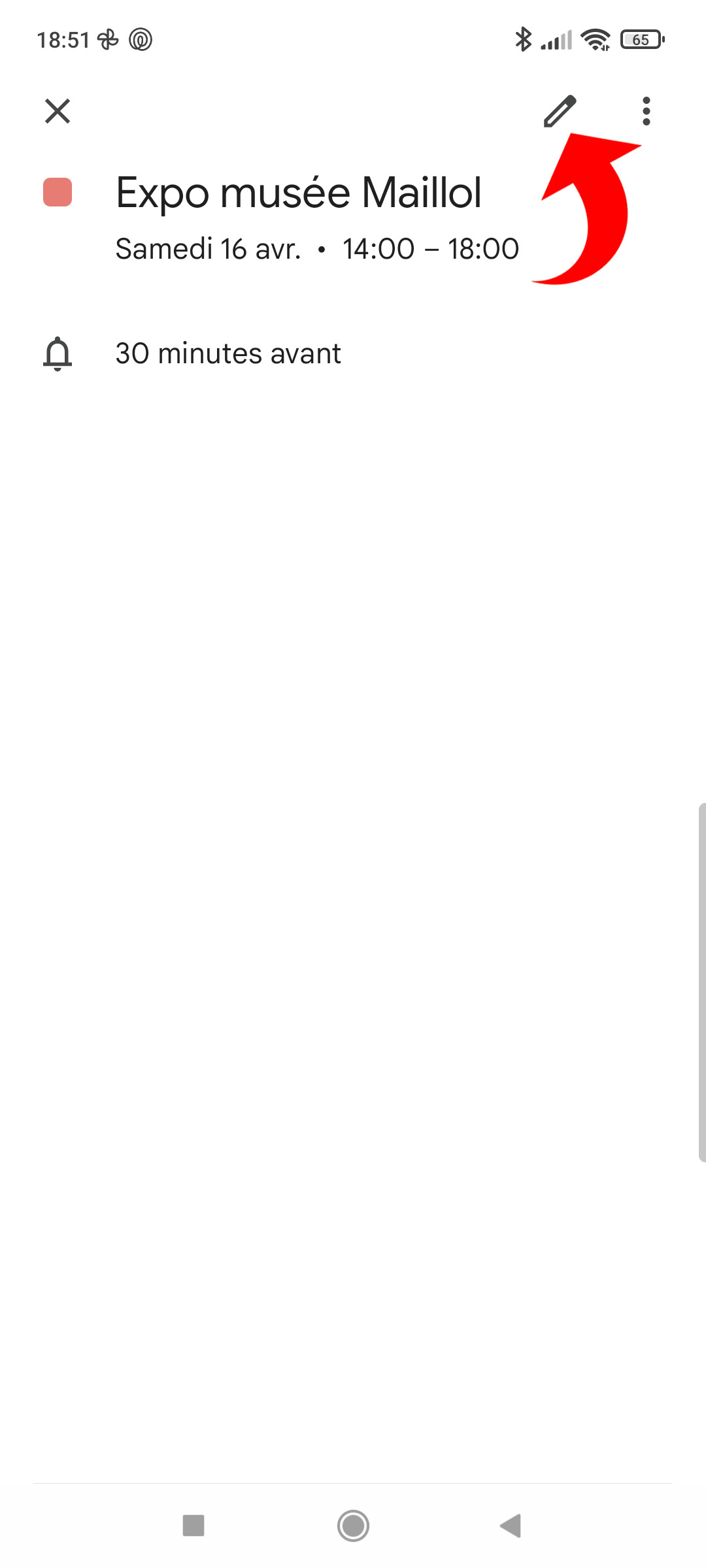
How Do I Add An Attachment To An Event
Add an event title, invite guests, or add rooms. To edit event details like the location, notifications, and. Go to calendar.google.com and sign in with your google account credentials. To find a time guests are available, swipe down or tap view schedules. At the top, above the message, click more create event.

Automatically Add Event To Google Calendar Prntbl
Use recurring events to schedule. Go to calendar.google.com and sign in with your google account credentials. To edit event details like the location, notifications, and. This comprehensive tutorial will show how to add an event to your google calendar. Managing google calendar integration with ai agent.
Here’s A Comprehensive Guide To Help You Achieve This
To edit event details like the location, notifications, and. Managing google calendar integration with ai agent. Use descriptive event titles to make it easy to identify events. Let’s explore these changes in more detail:
On Your Computer, Go To Gmail
Add an event title, invite guests, or add rooms. This comprehensive tutorial will show how to add an event to your google calendar. Use recurring events to schedule. In the menu on the left, click import & export.
If You Want To Add A Task
Click select file from your computer and select the file you exported. This help content & information general help center experience. The calendar dropdown will automatically list. Schedule events and negotiate times to meet directly with someone in gmail.
Apple Calendar Recently Got The Ability To Manage Reminders
To create a reminder, tap or click on the +. Now that you’ve saved the integration, let’s go back to the main page: You’ll need to enter the date, time, and location for each day of your event. Go to calendar.google.com and sign in with your google account credentials.