 National Holiday Calendar
How To Add Event On Google Calendar - Learn how to create, share, and use events inside of google calendar quickly and effectively. In agent builder, in the blue navigation bar at the. This comprehensive tutorial will show how to add an event to your google calendar. When you choosing whnich emails to create google calendar events for, you will need to send or forward those emails to trigger@applet.ifttt.com to trigger the applet. Here are the steps to follow: On your computer, go to gmail.
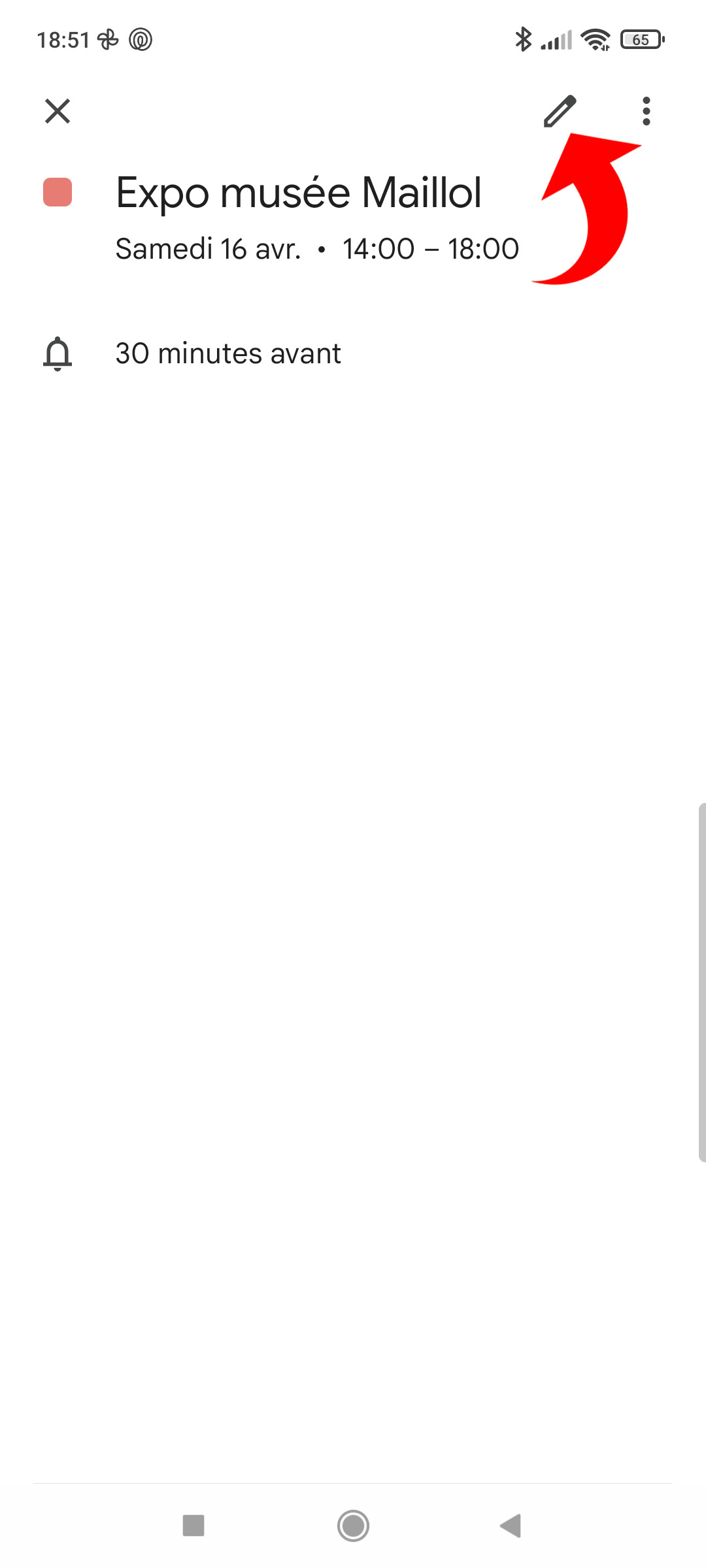
How Do I Add An Attachment To An Event
On your iphone or ipad, open the calendar app. To create an event, open the email with the meeting details in gmail, click the three vertical dots in the top left, and select create event. this will open a new event window. Add an event title, invite guests, or add rooms. To edit event details like the location, notifications, and.

Google Calendar Can Finally Tell
This help content & information general help center experience. Before adding an event to a specific google calendar, make sure you have the following: In this video, i will show you how to add, edit, or create a new event in google calendar. Here are the steps to follow: To create an event, open the email with the meeting details in gmail, click the three vertical dots in the top left, and select create event.

Google Calendar Lets You Add Events Without 'More Options'
Here are the steps to follow: You can add events to google calendar on your computer in a few quick steps. At the top, above the message, click more create event. To create a reminder, tap or click on the +. You’ll need to enter the date, time, and location for each day of your event.

Automatically Add Event To Google Calendar Prntbl
The specific calendar you want to add the event to. To find a time guests are available, swipe down or tap view schedules. Here are the steps to follow: You can add a link to the event on the google calendar or to a shared google calendar with the guest list. Add the guests to your message.

Google Calendar How To Add Your Outlook Calendar
To create an event, open the email with the meeting details in gmail, click the three vertical dots in the top left, and select create event. this will open a new event window. Adding an event in google calendar is a straightforward process. To edit event details like the location, notifications, and. To add an event to a shared calendar, you must first access the calendar.
To Create An Event
When you choosing whnich emails to create google calendar events for, you will need to send or forward those emails to trigger@applet.ifttt.com to trigger the applet. Add an event title, invite guests, or add rooms. You’ll need to enter the date, time, and location for each day of your event. You can add a link to the event on the google calendar or to a shared google calendar with the guest list.
On Your Iphone Or Ipad, Open The Calendar App
Use recurring events to schedule. Adding an event in google calendar is a straightforward process. In agent builder, in the blue navigation bar at the. To create a reminder, tap or click on the +.
At The Top
I love using google calendar to help me stay organized and on sch. Once you’ve connected a google calendar account, you’ll need to specify the calendar to which you’d like to add the events. Before adding an event to a specific google calendar, make sure you have the following: Google calendar makes it easy to add events to a shared calendar.
To Edit Event Details Like The Location, Notifications, And
The calendar dropdown will automatically list. Here are the steps to follow: Enter the info about your event. Here are the steps to follow: