 National Holiday Calendar
How To Add More Colors To Apple Calendar - Ios 18 upgrades, a new ai feature, and integration with the apple invites app have provided several more reasons. On macos, choose view > calendar list , then click the portrait icon to the right of any calendar. In calendar app go to bottom middle and tap “calendar”. For instance, we can create a. Open the calendar app on your mac device. Tap on the “calendar” tab at the bottom of the screen.

How To Add More Colors To Apple Calendar
Adding colors to your apple calendar is a simple and effective way to make your calendar more visually appealing and easier to understand. Ios 18 upgrades, a new ai feature, and integration with the apple invites app have provided several more reasons. Tap on the “calendar” tab at the bottom of the screen. Click on the calendar icon at the top left corner.

How To Add More Colors To Apple Calendar
A list of all the calendars will appear. This feature allows you to customize the colors for different calendars, labels, and. In calendar app go to bottom middle and tap “calendar”. By using different colors to categorize your. On macos, choose view > calendar list , then click the portrait icon to the right of any calendar.

How To Add More Colors To Apple Calendar
This feature allows you to customize the colors for different calendars, labels, and. Click on the calendar icon at the top left corner. One of the ways to add more colors to apple calendar using ifttt is by creating a recipe that assigns a custom color to a specific event or task. A list of all the calendars will appear.

How To Add More Colors On Apple Calendar Valma
Open the calendar app on your mac device. For instance, we can create a. You don’t have to be termed as a visual person to. A list of all the calendars will appear. To add new colors to apple calendar, follow these steps:
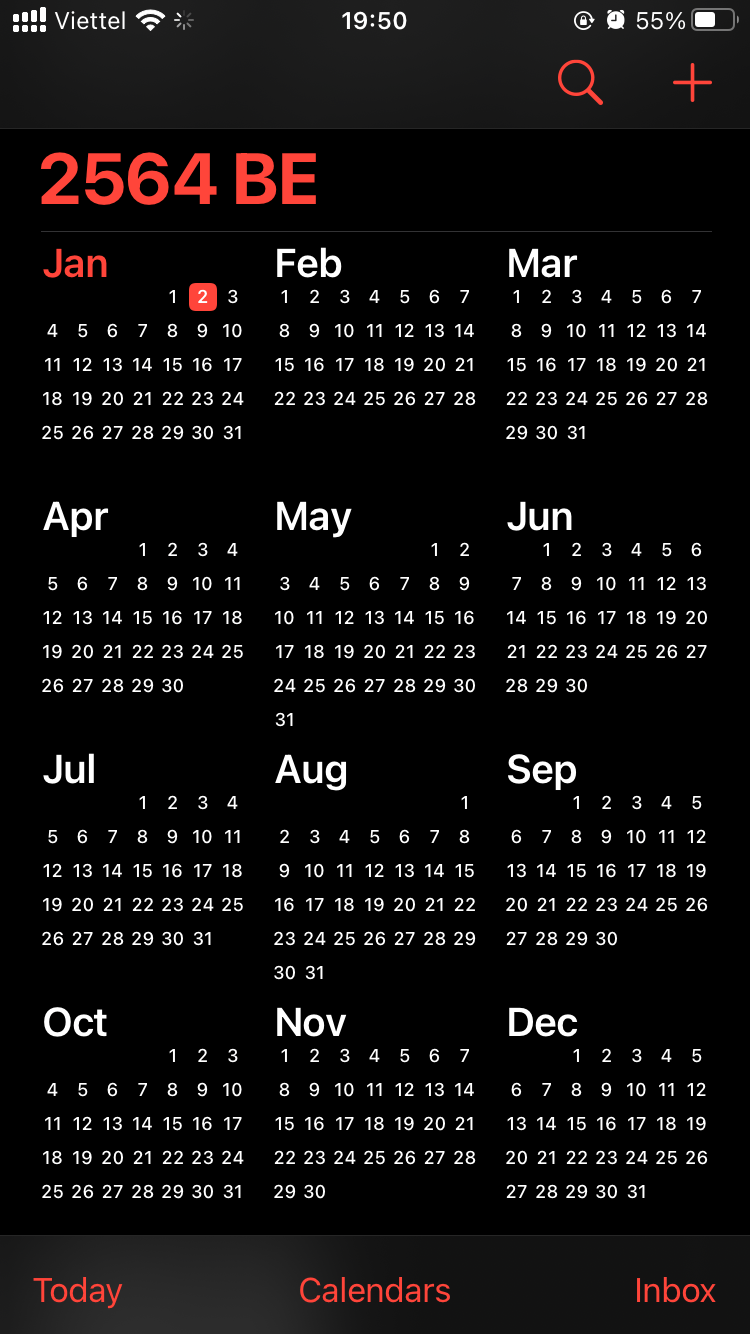
Iphone Calendar Issue Apple Community
Learn how to change calendar colors on your iphone, ipad, and mac to spot events easily in the apple calendar app. By following these steps and tips,. Open your apple calendar app on your iphone or ipad. Then tap “add calendar” on bottom left. Use a consistent color scheme throughout your calendar.
Adding Colors To Your Apple Calendar Is A Simple
One of the ways to add more colors to apple calendar using ifttt is by creating a recipe that assigns a custom color to a specific event or task. Learn how to change calendar colors on your iphone, ipad, and mac to spot events easily in the apple calendar app. Tap on the “edit” button in. I would also like to change work to something else.
You Don’t Have To Be Termed
For instance, we can create a. Adding colors to your apple calendar can be a great way to organize your schedule and make it more visually appealing. On ios and ipados, tap calendars, then the info (“i”) button next to a calendar, then add person. Tap on the “calendar” tab at the bottom of the screen.
Now You Can Name A New Calendar And Choose
Click on the calendar icon at the top left corner. Add colors to apple calendar by creating a new event and selecting a color from the color palette. I'd like to add more colors and descriptions so i can track my children's activities better. Right now, i can choose to post events in my calendar as either blue (home) or green (work).
In This Article
In calendar app go to bottom middle and tap “calendar”. By using different colors to categorize your. Open apple calendar on your device. A list of all the calendars will appear.