 National Holiday Calendar
How To Add Notion Calendar To Notion - Notion provides two ways to add a calendar: Here are the six steps to create a calendar in notion: Discover how to download, configure, and use notion calendar on any device. Fill in the event details, such as title, location, participants, description,. Last year, it offered them a big one in the form of notion calendar, which integrates with notion’s workspace and outside calendar services to provide a unified view of tasks and. Discover the features and benefits of notion.

Notion Add To Calendar For Google Chrome Extension Download
You can switch between table, board, calendar, and even gallery views. Here are other widgets & their guides: Discover how to download, configure, and use notion calendar on any device. Click on the desired date and time slot in the calendar. Turn your notion page into a website, hosted and built in a minute.

Notion Calendar App Full Tutorial [2024]
Notion launched notion calendar for windows and macos for desktop,. Go to settings → notion. Here are the six steps to create a calendar in notion: This flexibility allows you to. Guide to add the widgets:

How To Add Notion Calendar To Notion Harli Kissiah
Discover the features and benefits of notion. To add an event to your notion calendar, follow these steps: Give notion calendar access to. You can switch between table, board, calendar, and even gallery views. Paste the link as an embed into your notion page.

Notion Calendar Recurring Events, Reminders, & Add Time [Tutorial]
Login into your notion calendar via your web browser. A notion dashboard shows tasks and project progress via the kanban boards, tables or. To do that, hover over. Guide to add the widgets: Learn to seamlessly integrate tasks, meetings, and deadlines with your notion workspace and.
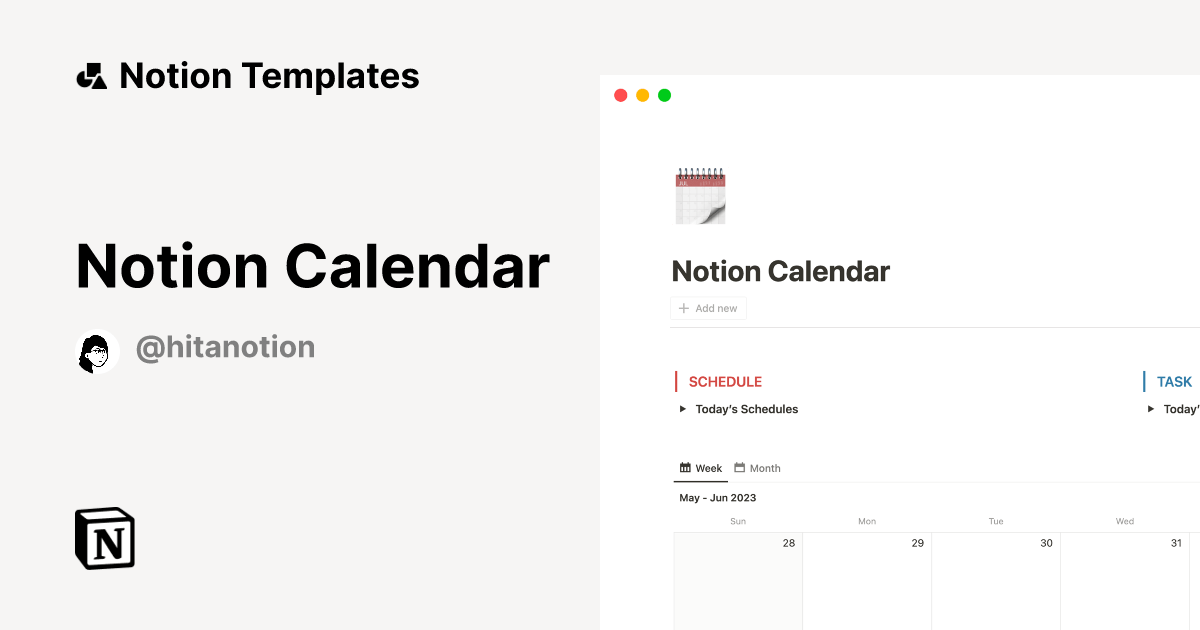
Notion Calendar Template Notion Marketplace
Notion provides two ways to add a calendar: To set up the calendar view, create a new notion page inside your preferred folder. Next to add notion workspace, select connect. Guide to add the widgets: You can switch between table, board, calendar, and even gallery views.
Login Into Your Notion Calendar Via Your Web Browser
To connect notion calendar to notion: Yes, notion allows users to create dashboards that can help with task management. This flexibility allows you to. To add an event to your notion calendar, follow these steps:
To Set Up The Calendar View
Learn to seamlessly integrate tasks, meetings, and deadlines with your notion workspace and. Notion widgets for the pro user. Integrating your calendar with notion can transform how you manage your daily schedule and tasks. Fill in the event details, such as title, location, participants, description,.
Add Google Calendar
You can switch between table, board, calendar, and even gallery views. Today, we'll walk through the steps to integrate a calendar into notion. Guide to add the widgets: While these are highly practical notion widgets, there are tons that add a bit of fun and flair to the experience, such as animal crossing.
Notion Provides Two Ways To Add A Calendar
Here are other widgets & their guides: Discover the features and benefits of notion. Give notion calendar access to. Copy your calendar's url (i.e.