 National Holiday Calendar
How To Add Outlook Calendar To Iphone Calendar - All you need is your iphone, outlook, and a few minutes of your time. Follow this step by step process to get up and running. Enter the email address of your outlook account and choose the outlook calendar. Scroll down to apps, then tap calendar. Adding an outlook calendar to iphone is easier than you think. Syncing your iphone calendar with outlook can seem like a daunting task, but it’s actually quite simple.

Add Outlook Calendar Iphone Danya Ellette
Why add outlook calendar to iphone? Follow this step by step process to get up and running. Please note that both categories together with questions have been moved to this change will help us provide a more streamlined and efficient experience for all your questions and discussions. Streamline your schedule with the apple ios 18 calendar app. To sync your outlook calendar with iphone calendar, you need to enable calendar syncing in your iphone calendar.

Add A Shared Calendar In Outlook
Tap on add calendars and select add calendars from email. Tap on add calendars and confirm the connection. Open the calendar app on your iphone. To sync your outlook calendar with iphone calendar, you need to enable calendar syncing in your iphone calendar. In this article, we’ll guide you through the process of syncing your outlook calendar with your iphone calendar, ensuring you stay on top of your appointments and events.

How To Add Your Outlook Calendar To An Iphone
All you need is your iphone, outlook, and a few minutes of your time. Enter your outlook email address and password. Tap on add calendars and confirm the connection. Here are the steps to follow: One option is to download the free microsoft outlook app from the app store to manage your email, calendar, and notes on your iphone.
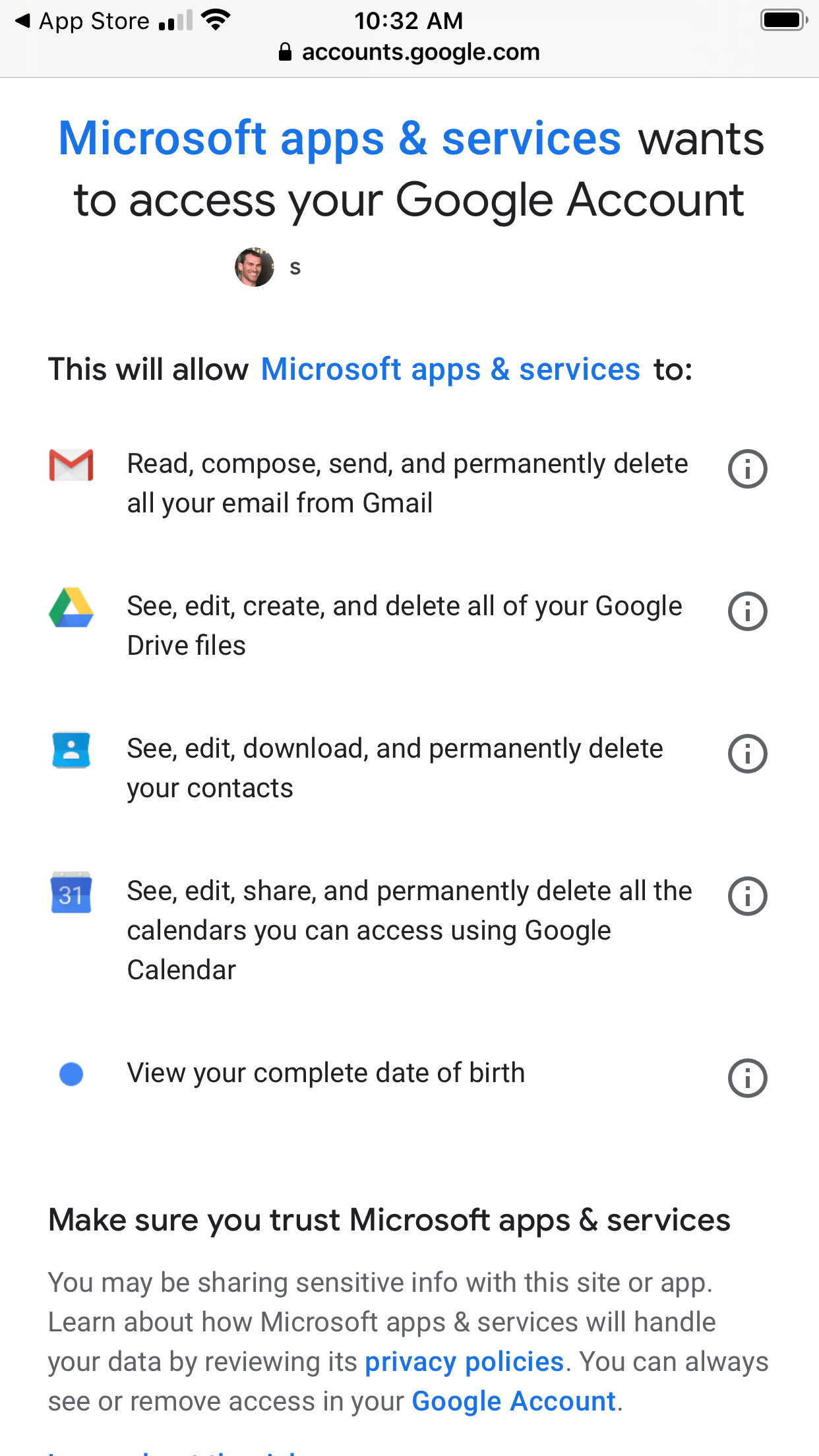
Add An Outlook Calendar
Microsoft outlook is an application that enables users to exchange email messages and manage calendars and contacts. Open settings on your iphone and navigate to calendar. The other option is to sync your outlook calendar to your iphone's calendar app. You can add an outlook calendar to your iphone in your settings app. Before you start, you’ll need to ensure that you meet the following.

How To Add Your Outlook Calendar To An Iphone
Go to calendar → accounts. Syncing your outlook calendar with your iphone is a great way to stay organized and ensure that you never miss an important event or appointment. Enter the email address of your outlook account and choose the outlook calendar. Click “mail,” and then click “accounts.” step 2. Select add calendar from outlook.
By Following A Few Easy Steps
You can sync your outlook account by adding your account to your iphone. Setting up outlook calendar in outlook go to file > options > calendar. Start by opening the settings app on your iphone. Follow the steps below to sync your outlook calendar with your iphone:
Open The Calendar App On Your Iphone
Adding an outlook calendar to iphone is easier than you think. You can add an outlook calendar to your iphone in your settings app. Select add calendar from outlook. In this article, we’ll guide you through the process of syncing your outlook calendar with your iphone calendar, ensuring you stay on top of your appointments and events.
Ios 18 Calendar
Tap add to add your outlook calendar. Tap yes to give outlook permission to your iphone data. Please note that both categories together with questions have been moved to this change will help us provide a more streamlined and efficient experience for all your questions and discussions. Syncing your outlook calendar with your iphone is a great way to stay organized and ensure that you never miss an important event or appointment.
Download And Install The Outlook App
Synchronizing your microsoft outlook calendar with your iphone can help you stay organized while you're on the go. It's helpful for workers to access microsoft outlook on both desktop and mobile devices, but syncing issues can hinder this flexibility. Let me guide you through the steps: On your iphone, head to settings.