 National Holiday Calendar
How To Add Sportsengine To Google Calendar - Sign in to your google calendar. Subscribe to calendar on your mobile device. Sign in and go to the schedule tab of your myse account. Sync the team schedule to your phone calendar step 1. Click ok and follow the prompts to accept the calendar! Download the sports engine app step 2 log in and select your team step 3 select ‘schedule’

How To Add A Flight To Google Calendar
In this article, we’ll guide you through the process of adding sportsengine to your google calendar. Paste your calendar link into. Sign in to your google calendar. Navigate to the calendar page on the website step 2: Click ok and follow the prompts to accept the calendar!

Google Calendar Integration Addon
Navigate to the calendar page on the website step 2: Syncing sports engine with google calendar is a straightforward process that requires minimal setup. Log in to the google account that is used on your android device. Click the radio button next to the ‘other calendar’ if it’s not selected. A team schedule will stay subscribed to your calendar application until it is manually removed.

How To Integrate Google Calendar? Revenuehero Docs
Sign in and go to your settings tab of your user dashboard. One of the key features of sportsengine is its integration with google calendar, allowing you to sync your schedules and events with your calendar of choice. Log in to the google account that is used on your android device. Sign in to your google calendar. Click the radio button next to the ‘other calendar’ if it’s not selected.
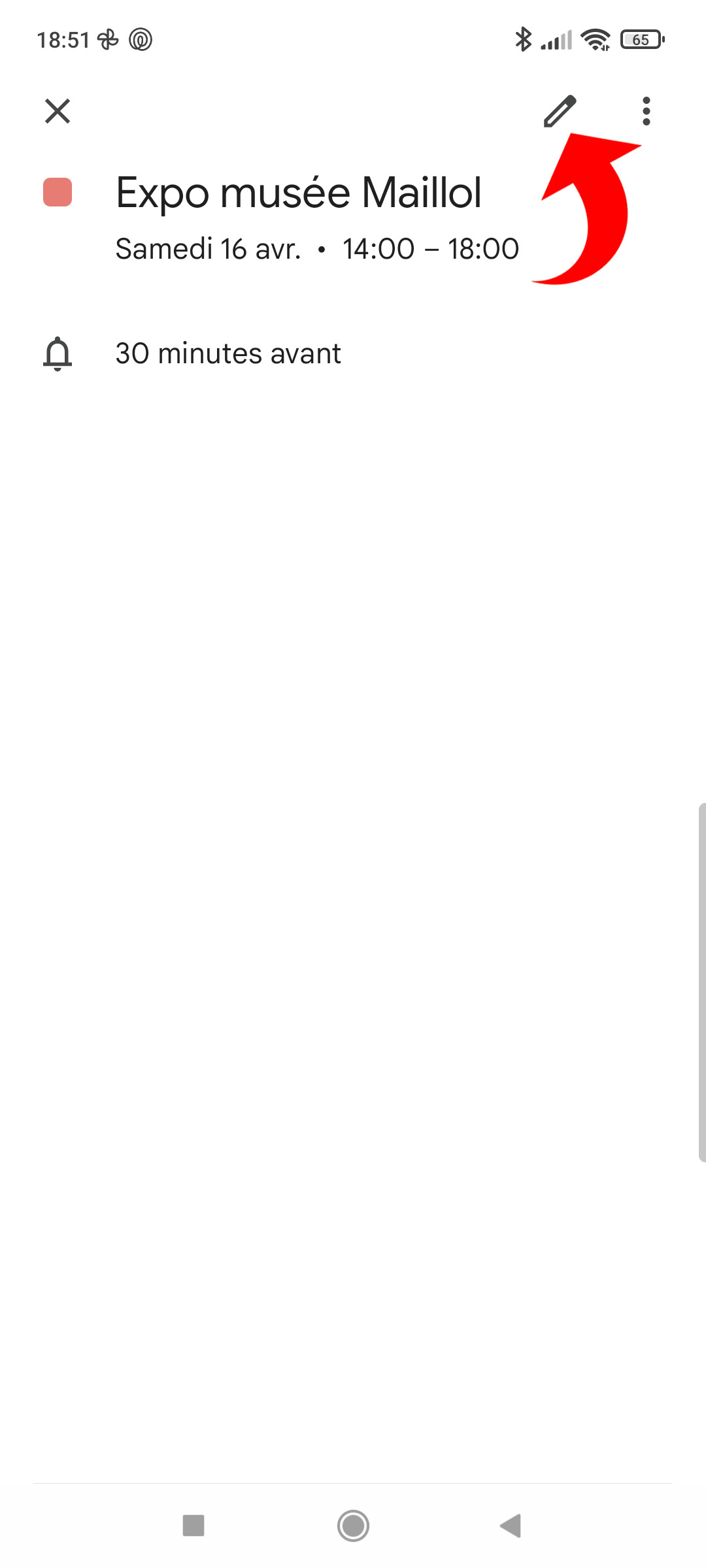
How Do I Add An Attachment To An Event
The first step in integrating google calendar with google sheets is setting up the google calendar api. Paste your calendar link into. Go to your google calendar. A google prompt will appear, click add. Choose google calendar and click sync.

How To Add Sports Calendar To Google Calendar
Choose google calendar and click sync. A team schedule will stay subscribed to your calendar application until it is manually removed. Below are instructions for downloading the app as well as syncing the st cloud figure skating club's calendar to your google calendar or to your phone calendar. Go to your google calendar. Sync the team schedule to your phone calendar step 1.
In This Article
The first step is to connect your. Subscribe to calendar on your mobile device. A google prompt will appear, click add. Paste your calendar link into.
A Team Schedule Will Stay Subscribed To Your Calendar
Select the tags that are only relevant to you. Syncing sports engine with google calendar is a straightforward process that requires minimal setup. Google calendar and motion are two. Choose google calendar and click sync.
Go To Your Google Calendar
Go to your google calendar. One of the key features of sportsengine is its integration with google calendar, allowing you to sync your schedules and events with your calendar of choice. Sign in and go to the schedule tab of your myse account. Go to google calendar and create a new calendar specifically for.
Don’t Worry, It’s Not As Daunting As It Sounds
Add public calendars (e.g., holidays, team schedules) 5.2 importing events (.ics files). Before you can add sportsengine. The first step in integrating google calendar with google sheets is setting up the google calendar api. Combined schedules will automatically update in your calendar application to only include your current teams.