 National Holiday Calendar
How To Change Calendly To Monthly Billing - Your plan renews automatically at the end of each period, and you can change your plan or the number of seats anytime. Under next bill, select switch to annual and confirm your changes. This lets solo users on apple devices unlock paid. Learn more about calendly pricing and to decide which plan is right for. To change the pricing plan, update the payment information by clicking on my account and then billing. Calendly accepts a variety of payment methods, including credit cards, debit cards, and paypal.
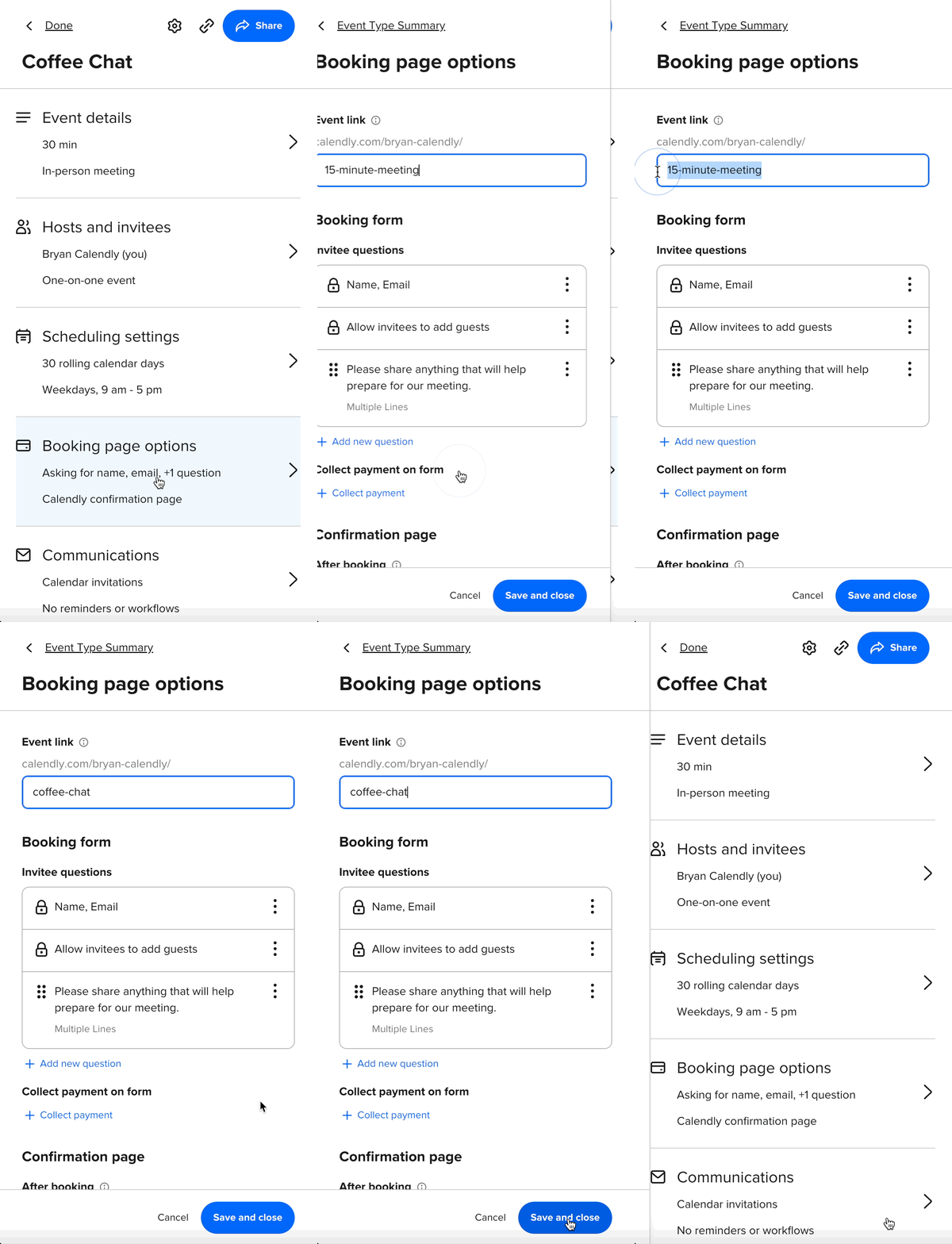
Change Calendly Url Allix
If you click on account in the top right of your homepage, then click into admin, you will see the billing page on the left hand side of your screen. If you wish to change your subscription plan from annual to monthly, please reach out to our support team. Those with a paid subscription should know it will renew automatically unless they choose to downgrade it before the renewal date.

Calendly Billing A Comprehensive Guide
There’s a helpful article here that talks about how to change your plan type, but the short version is going to your billing page > change plan > upgrade/downgrade. You can also pay for your subscription using a company credit card or a purchase order. Are you wondering how to cancel your calendly subscription? This means that you will be billed on a monthly basis for your chosen plan.

Calendly Webcurate
Are you wondering how to cancel your calendly subscription? Your plan renews automatically at the end of each period, and you can change your plan or the number of seats anytime. It should look like this: You can either kick off the process here or by emailing billing@calendly.com. Learn more about calendly pricing and to decide which plan is right for you.

Calendly Calendly Product Updates Calendly Product Update Nov
To change your billing cycle from monthly to yearly: In this video i will show you how to change payment method on calendly. Manage your subscription, payments, and billing details effortlessly. Learn more about calendly pricing and to decide which plan is right for you. If you're thinking about cancelling your calendly subscription, there are three options you can take:

Calendly For Wealth Management Calendly
There’s a helpful article here that talks about how to change your plan type, but the short version is going to your billing page > change plan > upgrade/downgrade. Calendly’s billing cycle is monthly. To change your billing cycle from monthly to yearly: You can upgrade to a higher plan if your usage exceeds the limits, ensuring you have access to.
For Teams Who Need More Security, Admin
In calendly's mobile app for ios, you can upgrade your account to a single seat standard plan on a monthly billing cycle. Manage your subscription, payments, and billing details effortlessly. You can also pay for your subscription using a company credit card or a purchase order. This means that you will be billed on a monthly basis for your chosen plan.
To Update Your Payment Method
How to pay for a calendly subscription? How to set up calendly. Calendly’s billing cycle is monthly. If you click on account in the top right of your homepage, then click into admin, you will see the billing page on the left hand side of your screen.
Your Plan Renews Automatically At The End Of Each
Whether you're exploring alternative scheduling tools or reassessing your business needs, this comprehensive guide. You can upgrade to a higher plan if your usage exceeds the limits, ensuring you have access to. To change your billing cycle from monthly to yearly: If you're thinking about cancelling your calendly subscription, there are three options you can take:
Under Next Bill
Calendly offers both monthly and yearly payment options. It should look like this: Navigate to your billing page. If you are looking to make adjustments to your calendly subscription, you can do so by navigating to the billing page within your admin center.