 National Holiday Calendar
How To Color Code Google Calendar - Here's how you can manually color cells in google sheets: Color coding in google calendar is easy and straightforward. Customizing google calendar colors is a straightforward process. Color coding in google calendar is a simple yet powerful way to streamline your schedule and boost productivity. By following these steps and tips, you can create a. To start, you’ll need to create a new calendar.

Google Calendar Color Code Tasks Tracy Harriett
Here are the steps to create custom color codes in google calendar: To start, you’ll need to create a new calendar. To color code an event,. To demonstrate this, the tutorial walks through the steps of adding events and assigning them different colors. The calendar app allows users to create custom colors for specific calendars,.

Google Calendar Color Palette
Learn how to create and assign color labels to your google calendar events and view them in time insights. To select multiple cells, click and drag or use the shift. Color labels help you review how you spend your time and manage your schedule. By following these steps and tips, you can create a. Click on the create a new color button.
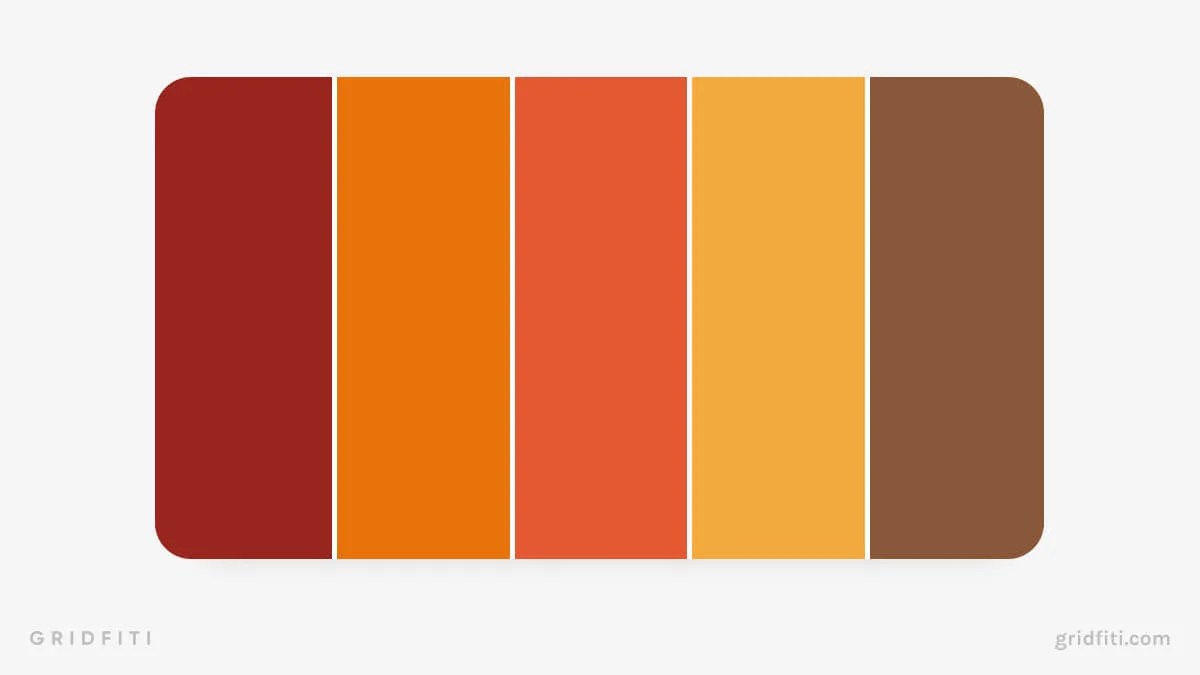
Google Calendar Color Schemes
Click on the create a new color button. Color labels help you review how you spend your time and manage your schedule. Learn two effective methods to organise your schedule visually and boost productivity. Using color in your calendar can be a great organizing tool to help you be more efficient and make it easier to gauge how you are spending your time.

How To Change The Color Of Your Google Calendar
Color coding in google calendar is a simple yet powerful way to streamline your schedule and boost productivity. The entries that you input into your google calendar can be edited to correspond to a color coding system of your own choosing. How to color code calendar entries in google calendar. There are several ways to color code your google calendar, including: Color labels help you review how you spend your time and manage your schedule.

Google Calendar Color Schemes Aesthetic Google Calendar
How to color code in google calendar. Create a new event or tap on an existing event. Google calendar’s color labeling system allows you to create and manage different colors to assign to specific labels or categories. Near the bottom, select your current calendar color. Log in to your google calendar account:
Enter A Name For Your Color Code
The entries that you input into your google calendar can be edited to correspond to a color coding system of your own choosing. It allows you to visually differentiate between various types of appointments,. Color coding in google calendar is easy and straightforward. Customizing google calendar colors is a straightforward process.
To Start, You’ll Need To Create A New Calendar
Near the bottom, select your current calendar color. Click on the cell you want to color. How to color code in google calendar. Log in to your google account and click on the calendar tab..
By Following These Steps And Tips
Color labels help you review how you spend your time and manage your schedule. To answer the question directly, yes, you can color code tasks in google calendar. On your device, open the google calendar app. To select multiple cells, click and drag or use the shift.
Using Color In Your Calendar Can Be A Great
Go to calendar.google.com and sign. Here are the steps to create custom color codes in google calendar: Color coding your google calendar can be a simple yet effective way to categorize your events, prioritize your tasks, and increase your productivity. To color code an event,.