 National Holiday Calendar
How To Connect Google Calendar With Outlook - This guide will help you add your google. We’ll cover the most popular options: To start the syncing process, you need to enable google calendar syncing in outlook. Recently, i set up outlook new to connect my emails and calendars. In this article, we will sync entries in a google calendar with our outlook calendar, so the google calendar will be the. Keeping your google calendar in sync with outlook is simpler than you might think.
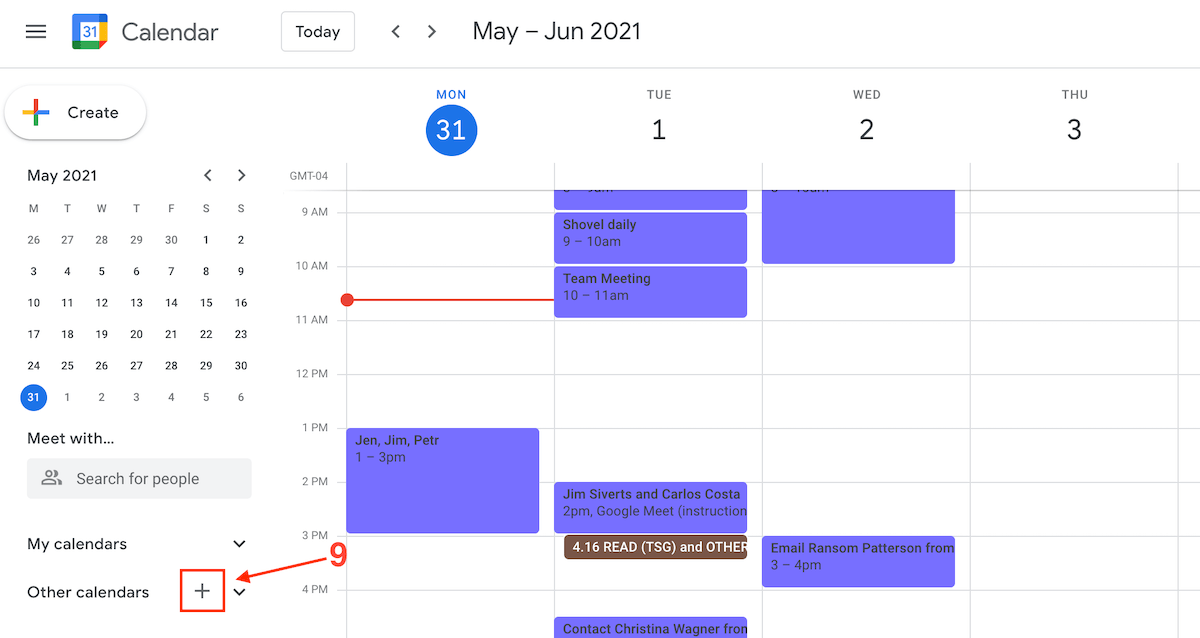
Connect Outlook Calendar To Shovel (Through Google)
There are two methods to synchronize google calendar with outlook: To sync your google calendar with outlook calendar, you need to enable syncing in google calendar. We’ll cover the most popular options: Log in to your outlook account and click on file > options > calendar. Thankfully, adding google calendar to your microsoft outlook account is a simple process.

How To Connect Google Calendar To Outlook Web Pureinfotech
Thankfully, adding google calendar to your microsoft outlook account is a simple process. There are two ways to sync your outlook calendar to google calendar: Thankfully, there’s a way to sync information between outlook and google calendar, like scheduled meetings, doctor appointments, and so on. If you happen to use google calendar and outlook, the two most popular calendar services out there, then consider yourself lucky.

How To Connect Google Calendar To Outlook Web Pureinfotech
We’ll cover the most popular options: However, any event that i generate in outlook new calendar is not getting transferred to my google. To start the syncing process, you need to enable google calendar syncing in outlook. We will show you how to do this using a free tool. Unfortunately, there is no straightforward way to sync google calendar with outlook.

Download And Synch Outlook Calendar With Google Calendar »
To start the syncing process, you need to enable google calendar syncing in outlook. By following the steps outlined in this article, you can easily. There are several methods to sync your gmail and outlook calendars. We’ll cover the most popular options: To start synchronizing your google calendar with outlook.

How To Connect Google Calendar To Outlook Web Pureinfotech
Select from an outlook.com alias: This guide will help you add your google. After reading this short guide, you’ll be a. There are two methods to synchronize google calendar with outlook: In the open calendar window, select from an outlook.com alias.
Log In To Your Outlook Account And Click
Linking google calendar with outlook is a simple and effective way to manage your schedule and stay organized. The method is simple, but it’s not a two. However, any event that i generate in outlook new calendar is not getting transferred to my google. There are several methods to sync your gmail and outlook calendars.
To Sync Your Google Calendar With Outlook Calendar
In this article, we will sync entries in a google calendar with our outlook calendar, so the google calendar will be the. Thankfully, adding google calendar to your microsoft outlook account is a simple process. To start the syncing process, you need to enable google calendar syncing in outlook. Unfortunately, there is no straightforward way to sync google calendar with outlook.
In This Guide
By following the steps outlined in this article, you can easily. There are two methods to synchronize google calendar with outlook: Keeping your google calendar in sync with outlook is simpler than you might think. To add your google calendar to your outlook account, complete the following steps:.
If You Happen To Use Google Calendar And Outlook
To start synchronizing your google calendar with outlook. Looking to sync google calendar with microsoft outlook so all your events show up in both applications? This guide will help you add your google. Launch google calendar on your.