 National Holiday Calendar
How To Create A Reminder In Google Calendar - This article will guide you through the practical steps involved in creating reminders and tasks in google calendar, detailing everything from basic setups to advanced tips for maximizing. Head to the google calendarwebsite and log in if necessary. To create a reminder, tap or click on the + (plus) button at the top, then choose reminder (on mobile) or new reminder (on macos). But when i hit the save button, google calendar decided to take my note and (a.) delete if from where i posted it, (b.) move it to the 7 p.m. Write a prompt for your agent about how to use the tool, for example: Google calendar offers numerous options for creating reminders from desktop browser, mobile app, or even just your voice.

How To Add A Reminder In Google Calendar
Log in to your google account and navigate to the google calendar page. Setting up reminders in google calendar is a simple and effective way to stay organized and on track. This disrupted workflows for users like me, who relied on seeing keep reminders in calendar. Google calendar offers numerous options for creating reminders from desktop browser, mobile app, or even just your voice.
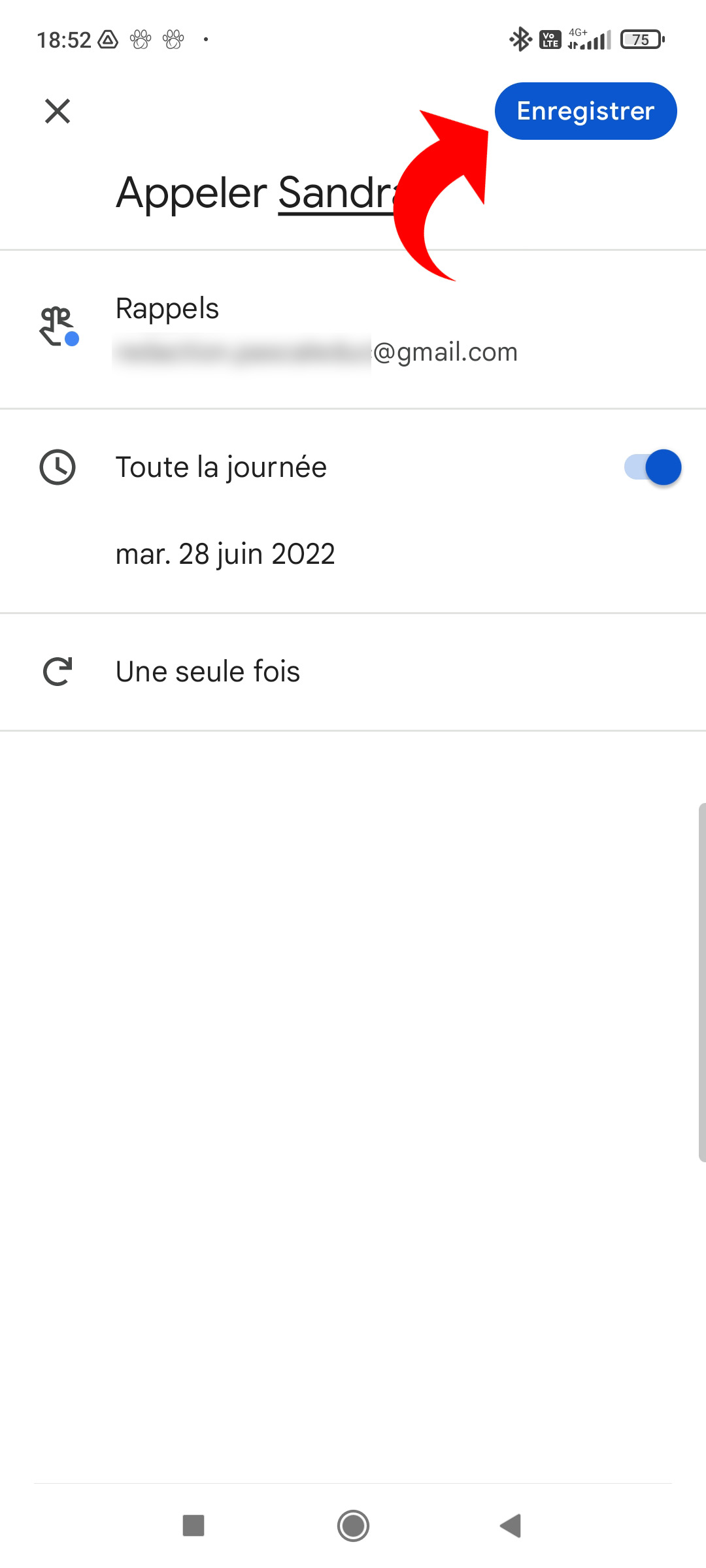
How To Create A Reminder In Google Calendar? Techzle
Here are all the ways you can set and access google calendar reminders. To create a reminder in google calendar, follow these steps: Log in to your google account and navigate to the google calendar page. After that, you add the information you want, and don’t forget to save your changes. Kate dagher • august 31, 2022 • 7 min.
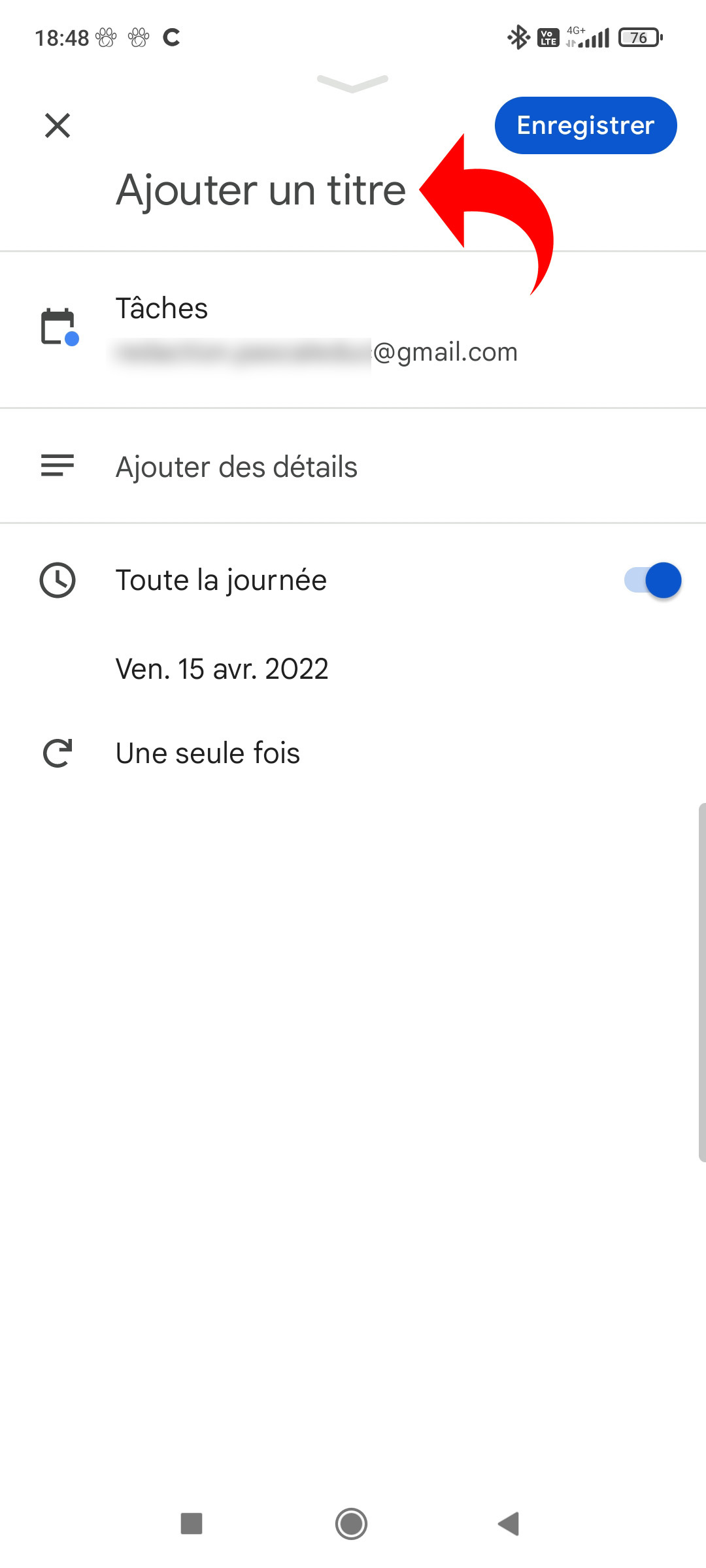
How Do I Create A Task In Google Calendar?
Setting reminders on google calendar is a simple process that can be done in a few easy steps. To create a reminder in google calendar, follow these steps: By following the steps outlined in this article, you. Next, click on the add new button at the top. Creating reminders in google calendar is a straightforward process that can help you stay organized and on top of your tasks.
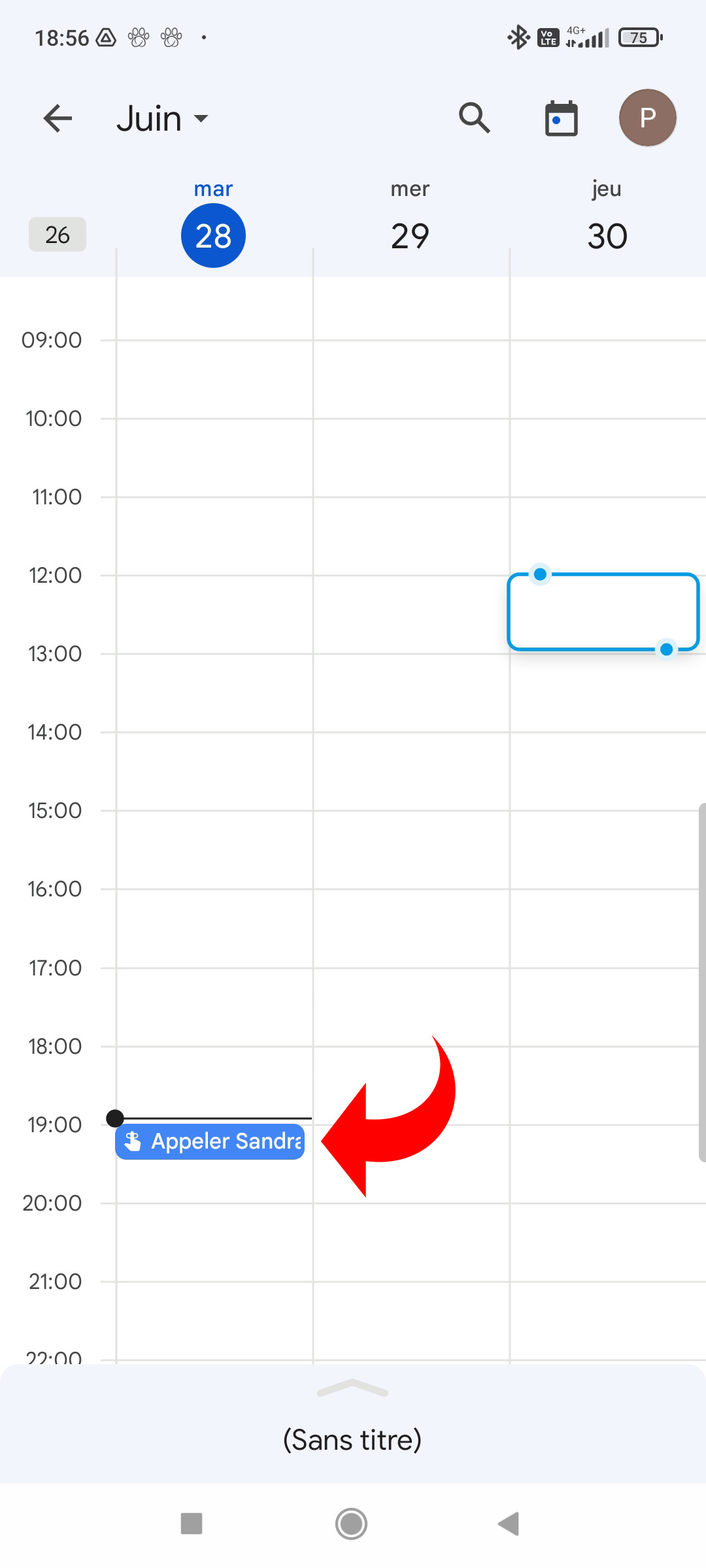
How To Create A Reminder In Google Calendar? Techzle
To create a reminder, tap or click on the + (plus) button at the top, then choose reminder (on mobile) or new reminder (on macos). But when i hit the save button, google calendar decided to take my note and (a.) delete if from where i posted it, (b.) move it to the 7 p.m. By following the steps outlined in this article, you can set up reminders.

Google Calendar Adds Reminder Feature To App
By following the steps outlined in this article, you can set up reminders. Setting up reminders in google calendar is a simple and effective way to stay organized and on track. Learn how to create a reminder in google calendar in just a few clicks with our simple step by step guide. In this article, we will guide you through the steps to set up reminders on google calendar, covering the basics and advanced features.
To Create A Reminder Or A Task
This article will guide you through the practical steps involved in creating reminders and tasks in google calendar, detailing everything from basic setups to advanced tips for maximizing. Setting reminders on google calendar is a simple process that can be done in a few easy steps. To create a reminder in google calendar, follow these steps: After that, you add the information you want, and don’t forget to save your changes.
Open Google Calendar On Your Computer Or Mobile Device
Log in to your google account and navigate to the google calendar page. Head to the google calendarwebsite and log in if necessary. When you choosing whnich emails to create google calendar events for, you will need to send or forward those emails to trigger@applet.ifttt.com to trigger the applet. Then, check the boxes for tasks and reminders, depending on what you want to view.
Next, Click On The Add New Button
(like google calendar, for instance). To create a reminder, tap or click on the + (plus) button at the top, then choose reminder (on mobile) or new reminder (on macos). You can easily display tasks and reminders in your google calendar, or one or the other. Here, we outline the five best ways to set and access reminders within google calendar.
Before Diving In, Let‘s Clarify A Core Difference
You can do this by going to calendar.google.com or by opening the google calendar app on your device. Click on the “create” button to add a new event or reminder. Learn how to set up, edit, and delete google calendar reminders so you can stay on top of your tasks and be well prepared for meetings. Click on the + button in the top.