 National Holiday Calendar
How To Create Calendar In Excel - Click the create option to get the chosen calendar. You’ll be able to customize the calendar to fit your. Whether you’re organizing a project timeline or planning events, this guide will walk you through how to insert a calendar in excel swiftly. Perfect for personal or professional use! The instructions below do not teach you how to. From the new tab, search calendar and choose any calendar template.

How To Make A Calendar In Excel Youtube
Learn effective methods to build, customize, and manage calendars using microsoft excel for efficient scheduling and organization. Stay organized with a variety of excel calendar layouts and templates you can easily adapt to your needs. If you like to plan ahead and make a weekly or monthly schedule, having a calendar in excel could be quite useful. This example describes how to create a calendar in excel (2025 calendar, 2026 calendar, etc).

How To Create A Calendar In Excel
If you like to plan ahead and make a weekly or monthly schedule, having a calendar in excel could be quite useful. In this tutorial, i’m going to show you how to create a calendar in excel that. Type calendar into the search field and select a template. From the new tab, search calendar and choose any calendar template. Click the create option to get the chosen calendar.

Creating A Template In Excel
Stay organized with a variety of excel calendar layouts and templates you can easily adapt to your needs. Learn effective methods to build, customize, and manage calendars using microsoft excel for efficient scheduling and organization. This example describes how to create a calendar in excel (2025 calendar, 2026 calendar, etc). Whether you’re organizing a project timeline or planning events, this guide will walk you through how to insert a calendar in excel swiftly.
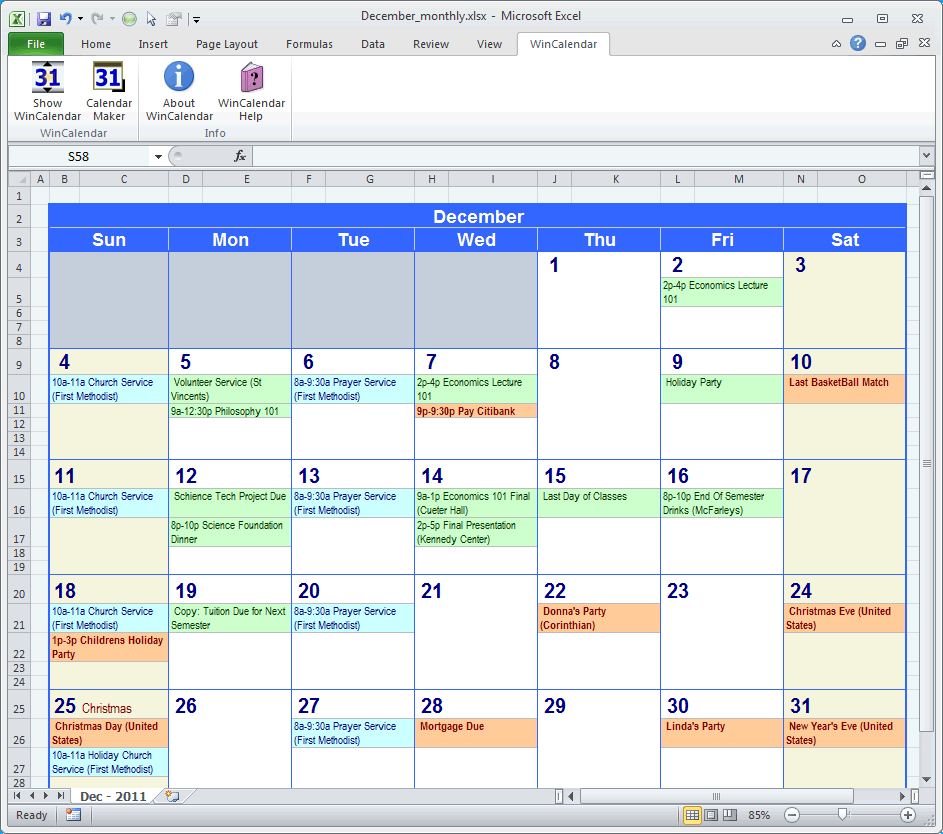
Calendar Maker & Calendar Creator For Word And Excel
The instructions below do not teach you how to. Type calendar into the search field and select a template. From the new tab, search calendar and choose any calendar template. Click the create option to get the chosen calendar. Perfect for personal or professional use!

How To Insert A Calendar In Excel
From the new tab, search calendar and choose any calendar template. You’ll be able to customize the calendar to fit your. Perfect for personal or professional use! If you like to plan ahead and make a weekly or monthly schedule, having a calendar in excel could be quite useful. If you are in a hurry, simply download the excel file.
Type Calendar Into The Search Field And Select
The instructions below do not teach you how to. Stay organized with a variety of excel calendar layouts and templates you can easily adapt to your needs. You’ll be able to customize the calendar to fit your. Learn effective methods to build, customize, and manage calendars using microsoft excel for efficient scheduling and organization.
How To Insert A Calendar In Excel
Making a calendar in excel to create a calendar using a template in excel, click file and select new from template. This example describes how to create a calendar in excel (2025 calendar, 2026 calendar, etc). If you are in a hurry, simply download the excel file. In this tutorial, i’m going to show you how to create a calendar in excel that.
Calendar In Excel
From the new tab, search calendar and choose any calendar template. If you like to plan ahead and make a weekly or monthly schedule, having a calendar in excel could be quite useful. Click the create option to get the chosen calendar. Perfect for personal or professional use!