 National Holiday Calendar
How To Create New Google Calendar - Add a name and description for your calendar. Creating a new calendar is an essential step in setting up your google account and managing your schedule. In this guide, you’ll learn how to create a shared calendar in google calendar. And there you have it, folks! By following these simple steps, you can design a. On your computer, open google calendar.

How To Create A Calendar In Google Calendar? Techzle
But at the time of writing this article, there is no way to create a new. We hope this article has taught you how to successfully create new calendar events based on emails. By following these simple steps, you can design a. Plus, stick around for bonus tips to help you get the most out of google calendar! 1 open your google calendar on the web browser;.

Google Calendar Create New Calendar Tally Felicity
Once you have your blank canvas ready, you can start laying the groundwork for your calendar. Creating a new calendar in google calendar is a quick and easy process that can help you stay organized and focused. To create a reminder, tap or click on the +. On the left, next to other calendars, click add other calendars create new calendar.
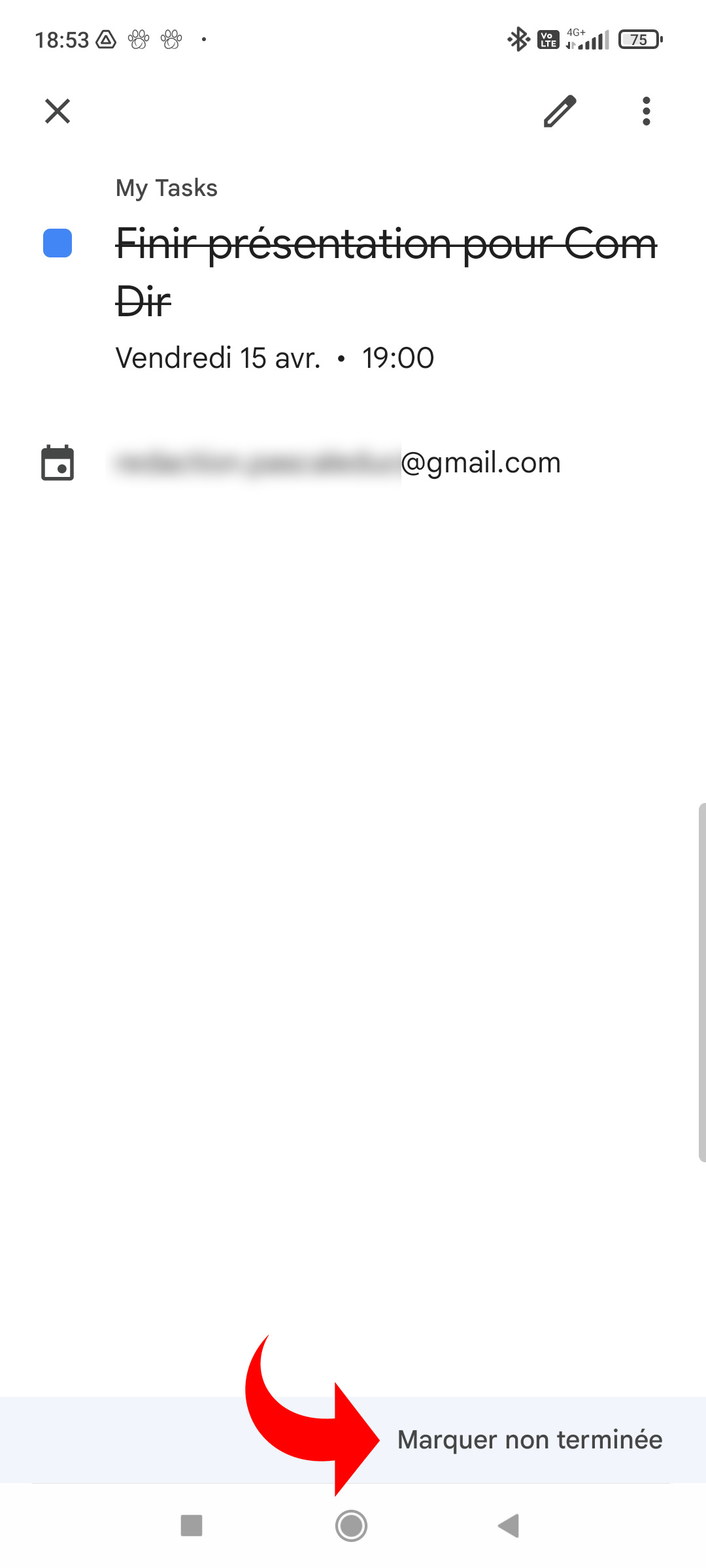
How Do I Create A Task In Google Calendar?
Creating a new calendar in google calendar is a quick and easy process that can help you stay organized and focused. In agent builder, in the blue navigation bar at the. The easiest is to create a new calendar by pressing the plus icon next to “add a friend’s calendar” and choosing new calendar. Use google calendar's web version to create a new calendar. In the settings for that calendar, you can share.

How Do You Create A New Calendar In Google Calendar
If you’re new to google calendar, creating a new calendar from scratch can be a bit daunting. Once you have your blank canvas ready, you can start laying the groundwork for your calendar. In the settings for that calendar, you can share. In this article, we will guide you through the process of creating a calendar in google calendar, and provide you with some tips and tricks to get the most out of it.

How To Create A New Google Calendar
In the settings for that calendar, you can share. But at the time of writing this article, there is no way to create a new. For work, school, kids, and more, you can easily add and customize your own google calendar. On the left, next to other calendars, click add other calendars create new calendar. Simplify your life and never miss an appointment again.
Once You Have Your Blank Canvas Ready
Apple calendar recently got the ability to manage reminders, so you don’t need to jump between two different apps as much. Adding a new calendar in google calendar is a straightforward process, allowing you to organize and prioritize your events, appointments, and tasks. In this article, we’ll guide you through the process of making a new. Creating a new calendar on google calendar is a simple and effective way to streamline your organization, increase productivity, and improve collaboration.
This Isn't The Only Thing Ifttt Can
Add a name and description for your calendar. In this article, we will guide you through the process of creating a. Name the calendar what you want, give it a color to make its events pop,. Use google calendar's web version to create a new calendar.
Add A Name And Description For Your Calendar
On your computer, open google calendar. To create a new calendar in google calendar, follow these steps: Simplify your life and never miss an appointment again. On the left, next to 'other calendars', click add other calendars create new calendar.
1 Open Your Google Calendar On The Web Browser
Now that you’ve saved the integration, let’s go back to the main page: Managing google calendar integration with ai agent. how to create a shared. Setting up a new google calendar can be easily achieved by heading to the google calendar website.