 National Holiday Calendar
How To Make A Recurring Event On Google Calendar - Adding a recurring event in google calendar is a convenient way to schedule repeating events, such as weekly meetings, birthdays, or holidays. 3) when you click create, it will make. Creating a recurring event in google calendar. By following these steps and tips, you’ll be able to. In this article, we will guide. By following these steps, you can easily.
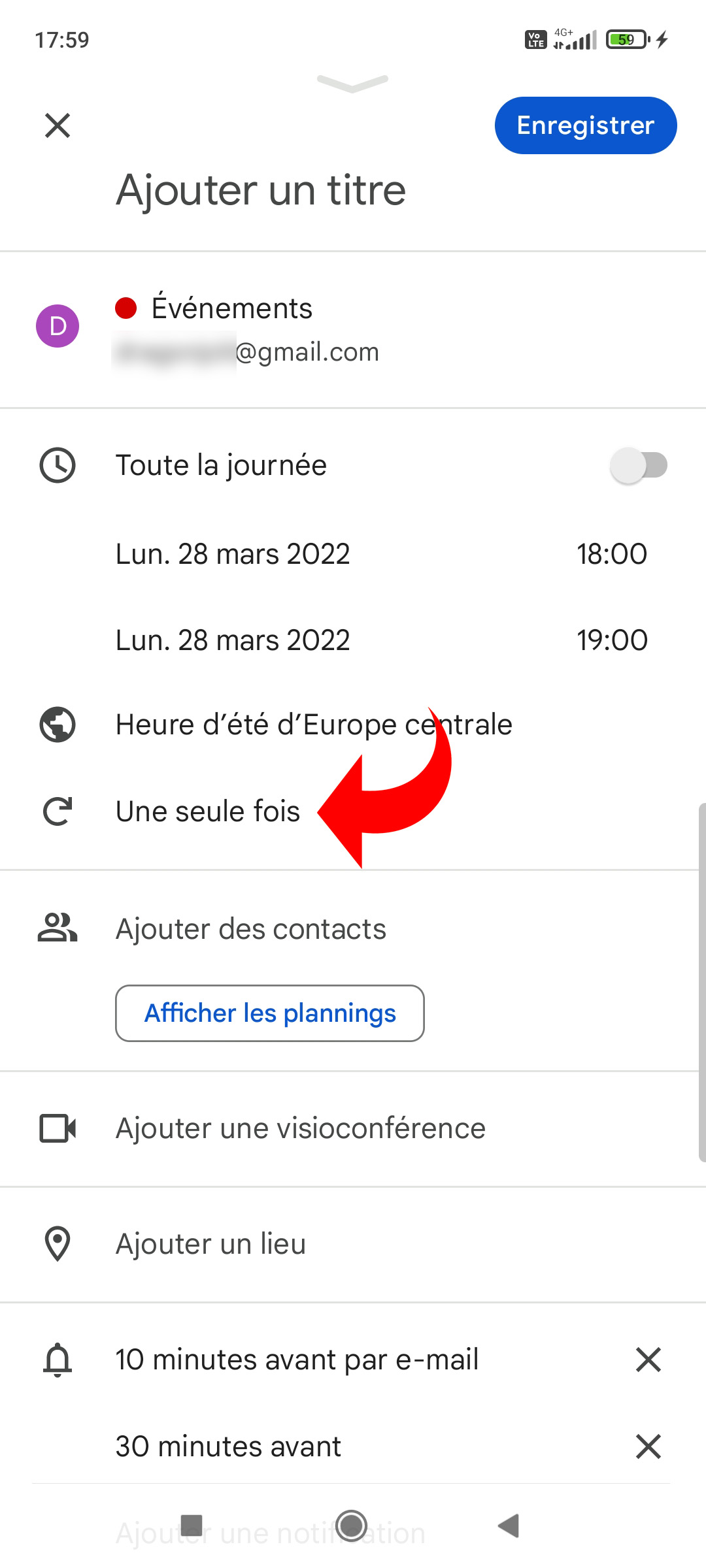
How Do I Create A Recurring Event On Google
Adding recurring events to your google calendar is a simple and efficient way to stay organized and on top of regular events. Start by logging in to. Open google calendar on your computer or mobile device. 2) click the red “create” button on the top left side of the screen. If you’d like to add a recurring event in google calendar, you can do so using the.

Delete Recurring Event In Google Calendar In 3 Steps
Start by logging in to. Adding recurring events to your google calendar is a simple and efficient way to stay organized and on top of regular events. Creating a recurring event in google calendar. By following these steps and tips, you’ll be able to. In this article, we will guide.

Cannot Delete Recurring Event Google Calendar Daisy Elberta
Here's how to add, edit, and remove recurring events. Adding a recurring event in google calendar is a convenient way to schedule repeating events, such as weekly meetings, birthdays, or holidays. When you create an event in google calendar, you can make it repeat on certain days. To create an event, open the email with the meeting details in gmail, click the three vertical dots in the top left, and select create event.

Event In Calendar
In this article, we will guide. Here’s how to add, edit, and remove recurring events from your personal or work calendar. Drive customer engagementsign up for freeincrease attendance rates 3) when you click create, it will make. Creating a recurring event in google calendar.
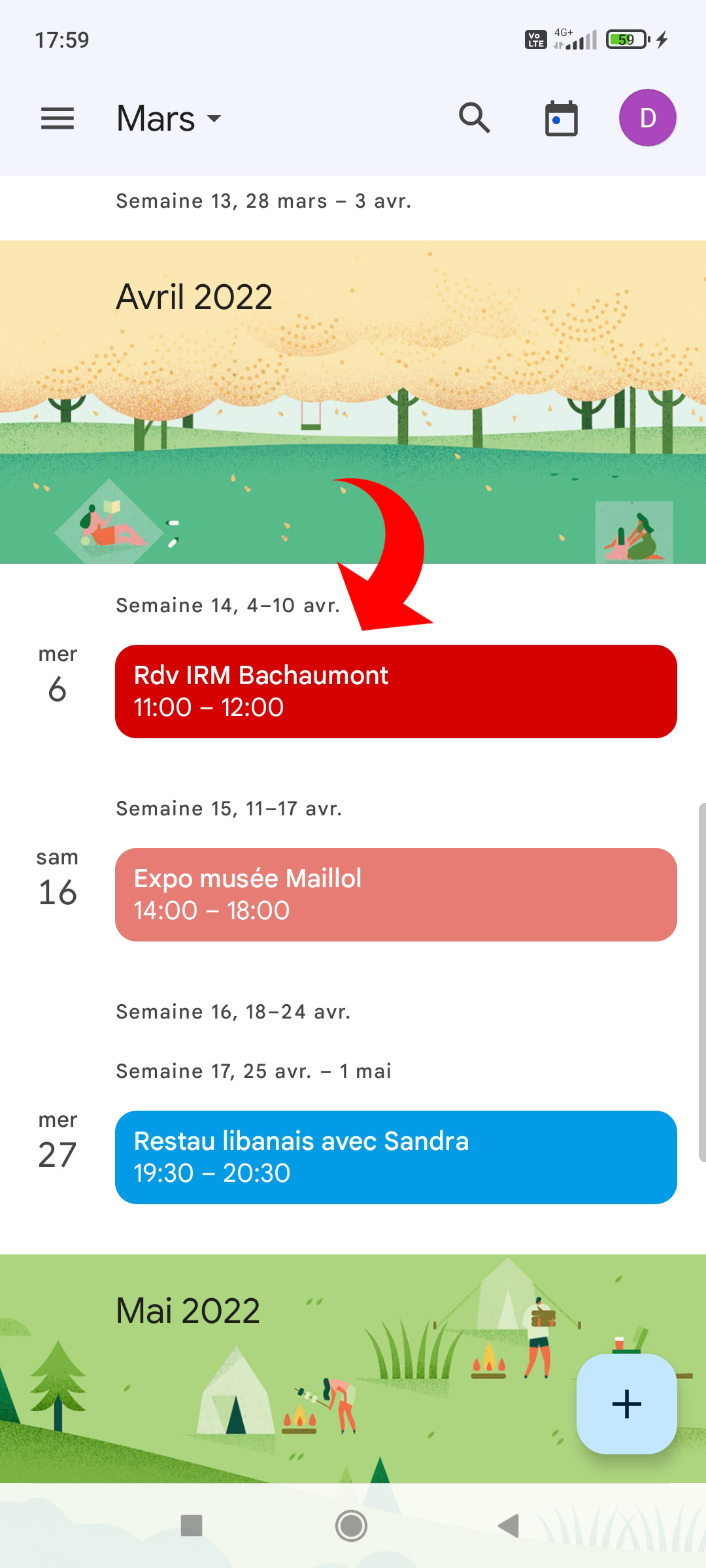
How Do I Create A Recurring Event On Google
When you create an event in google calendar, you can make it repeat on certain days. Log in to google calendar. If you’d like to add a recurring event in google calendar, you can do so using the. Start by logging in to. 💡 if you're running a festival or an event with.
To Create An Event
Creating recurring appointments in google calendar in your google calendar, you can click directly on the date and time to create an appointment, then modify it by selecting ‘edit event’. Adding recurring events to your google calendar is a simple and efficient way to stay organized and on top of regular events. Adding a recurring event in google calendar is a convenient way to schedule repeating events, such as weekly meetings, birthdays, or holidays. If you’d like to add a recurring event in google calendar, you can do so using the.
Click On The + Button In The
When you create an event in google calendar, you can make it repeat on certain days. Start by logging in to. Creating a recurring event in google calendar. Log in to google calendar.
Click On The Day
If you're faced with planning regular meetings, keep track of them by scheduling recurring events in google calendar. By following these steps and tips, you’ll be able to. 3) when you click create, it will make. 💡 if you're running a festival or an event with.
In The Bottom Right Corner, Tap
Log in to your google calendar account. Open google calendar on your computer or mobile device. To create a recurring event in google calendar, you can follow these steps: Log in to your google account and go to the google calendar website.