 National Holiday Calendar
How To Remove Calendar From Google Calendar - To remove an event from your calendar: Open the event you want to remove. If you don't need a calendar anymore, you can permanently delete it or unsubscribe from it. The calendar controversy followed decisions by google and apple to change the gulf of mexico’s name to gulf of america in their map applications after mr. Employees working with government clients to remove pronouns from their email signatures and said it would roll back its dei goals and cease. How to remove events from google calendarin this google calendar tutorial, you'll learn how to remove events from google calendar quickly and easily.

Google Calendar Remove Imported Calendar Amie
Open the event you want to remove. This guide demos how to delete a google calendar from a smartphone or a pc. In this article, we'll walk through the steps to remove the calendar function from a google sheets cell. How to remove events from google calendarin this google calendar tutorial, you'll learn how to remove events from google calendar quickly and easily.
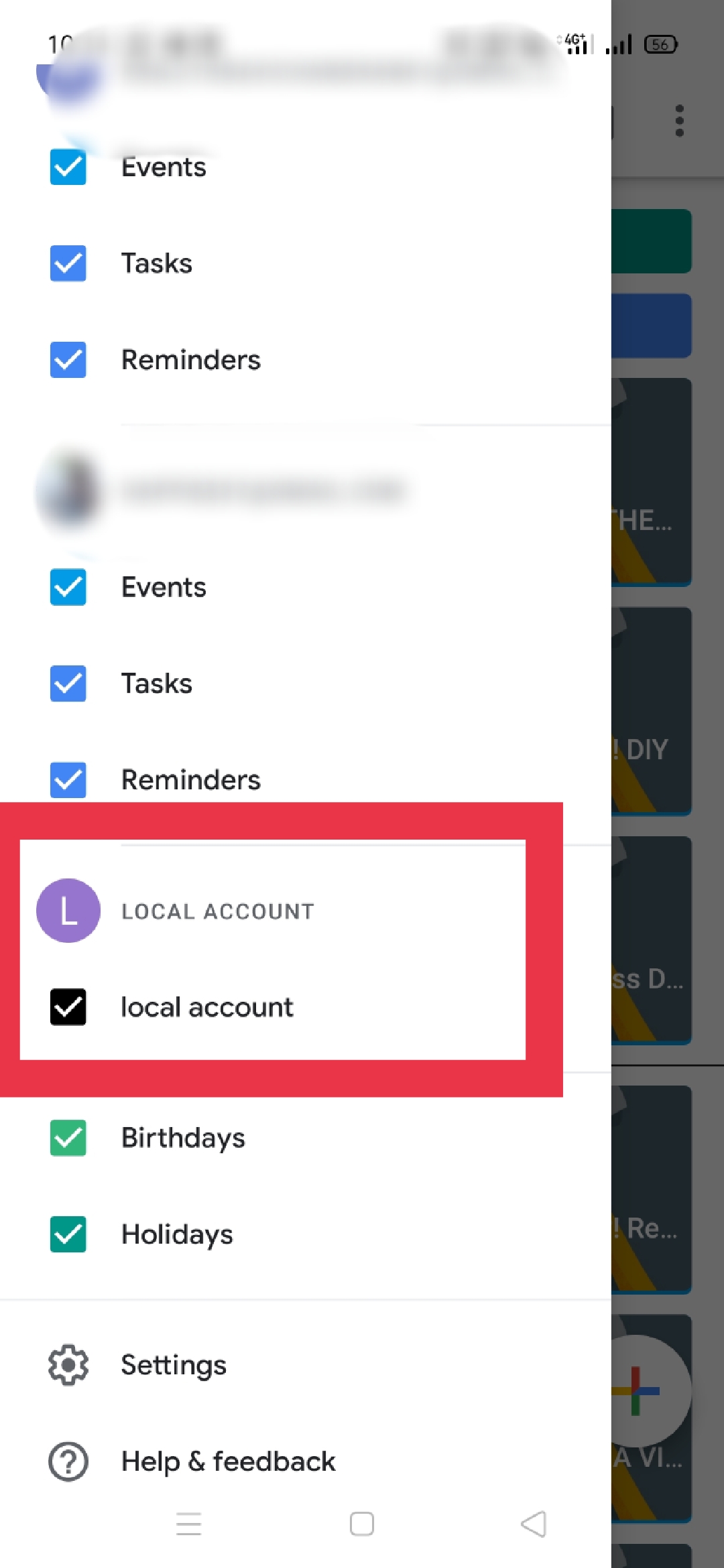
Calendar? Google Calendar
Go to the google calendar website ( calendar.google.com ) and sign in. This guide demos how to delete a google calendar from a smartphone or a pc. To remove an event from your calendar: Open your google calendar and select the. If you don't need a calendar anymore, you can permanently delete it or unsubscribe from it.

Remove Holidays From Google Calendar Calendar Template Printable
Google removed the first day of black history month, pride month and other public holidays and national observances from its calendar app. If you think you might need the calendar later, you can hide it instead. Click on the gear icon and select “settings.” navigate to the “event. Go to the google calendar website ( calendar.google.com ) and sign in.

Remove Calendar From Google Printable Word Searches
As sebastian suggests, one option here is to delete calendar storage, but not for google calendar: On your computer, open google calendar. Google’s decision to remove cultural events like black history month and women’s history month from its calendar app is just the latest example a major company failing to. On your computer, open google calendar. To remove a calendar from google calendar, you need to log in to your google account.

Create And Remove Calendars Customguide
The guide offers options to hide or remove a google calendar before deleting it. Here’s how to remove it in either case. If you don't need a calendar anymore, you can permanently delete it or unsubscribe from it. To remove an event from your calendar: To delete a calendar in google, you first need to access your google calendar.
In This Article
Open your google calendar and select the. The calendar controversy followed decisions by google and apple to change the gulf of mexico’s name to gulf of america in their map applications after mr. On your computer, open google calendar. If you don't need a calendar anymore, you can permanently delete it or unsubscribe from it.
How To Remove Events From Google Calendar
If you think you might need the calendar later, you can hide it instead. Open the event you want to remove. Go to the google calendar website ( calendar.google.com ) and sign in. Open the google calendar app on your mobile device or computer.
You Need To Find The System Process Calendar Storage
If you don't need a calendar anymore, you can permanently delete it or unsubscribe from it. On your computer, open google calendar. Google calendar provides a quick delete feature that allows you to delete multiple events at once using a simple keyboard shortcut. Click remove or remove from this calendar.
Google Removed The First Day Of Black History Month
To delete a calendar, open google calendar on a computer. As sebastian suggests, one option here is to delete calendar storage, but not for google calendar: Open the event you want to remove. Click on the calendar view you want to change.