 National Holiday Calendar
How To Remove Outlook Calendar App From Slack - On the manage apps page, select the app that you want to uninstall. You can remove unwanted apps from slack. It’s a good practice to. • microsoft exchange • microsoft 365 • outlook.com, hotmail.com, msn.com, live.com • gmail • yahoo mail • icloud • imap, pop3. Here are some valuable tips and best practices to consider when managing apps in slack: Click allow to grant outlook calendar access to slack.
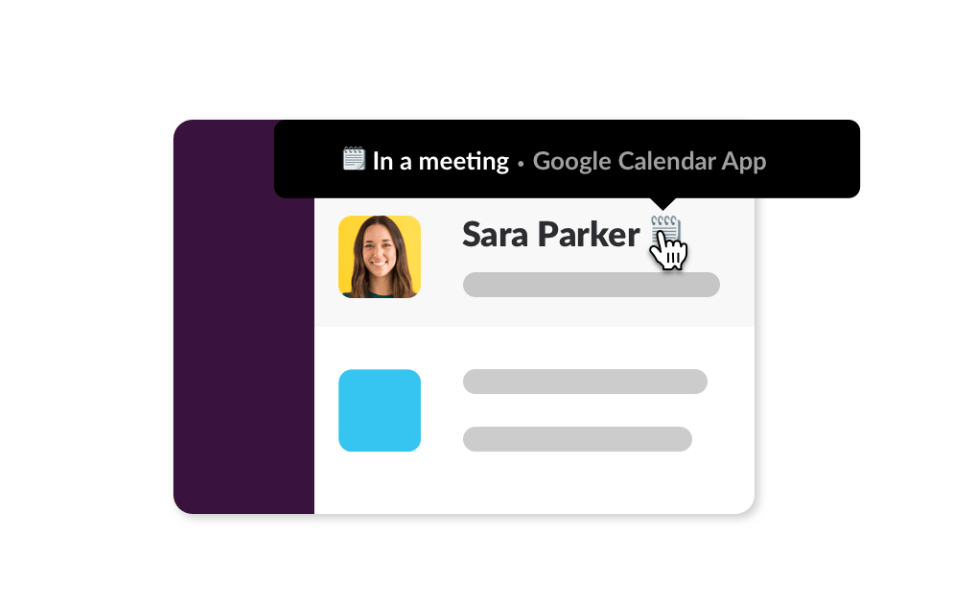
Microsoft Outlook Calendar For Slack Slack
Removing apps from your slack workspace is a straightforward process. Removing outlook from slack involves a series of straightforward steps, ensuring a seamless disconnection of the integration from your workspace. You can remove unwanted apps from slack. Log in to your slack. You can use the /ocal slash command to bring up the outlook integration options.

Outlook Calendar Slack App Directory
Click on it to initiate the removal process. Use the azure cloud connector to manage. You can remove or update your status at any time — the outlook calendar app won't override any status you've set yourself. Click allow to grant outlook calendar access to slack. Once installed, the new outlook app will replace the existing mail and calendar apps.

Outlook Calendar App Slack
Click it to remove the app. When prompted, click open slack to return to your. From your desktop, hover over more, then select automations. You will see the following screen with a remove option at the top. To begin the process, launch the slack.

Outlook Calendar Slack App Directory
Visit the outlook calendar page in the slack marketplace. Click it to remove the app. Removing outlook from slack involves a series of straightforward steps, ensuring a seamless disconnection of the integration from your workspace. Open slack and click on the gear icon in the top right corner. Choose ’tools & settings’ from the menu, then click on.

Outlook Calendar App Slack
With knack flows, you can easily automate tasks like contact updates and calendar event syncing across office 365 and exchange server. Select the outlook calendar app and click on the. Accessing the slack app directory: Click apps, then search for and select the. Slack will typically display a confirmation prompt to.
Follow These Steps To Remove Unnecessary Apps
If so, you might be wondering how to remove or uninstall these apps from your slack account. Slack will typically display a confirmation prompt to. Open slack and click on the gear icon in the top right corner. On the manage apps page, select the app that you want to uninstall.
Removing Unnecessary Apps From Your Slack Workspace Brings Numerous
With knack flows, you can easily automate tasks like contact updates and calendar event syncing across office 365 and exchange server. • only events that you accept will trigger a status. Go to the slack app remover website and enter your slack workspace url. Click on settings from the dropdown menu.
When Prompted, Click Open Slack To Return To Your
Using the slack app remover. After the installation, the new app will launch even if you click on the start menu. Use the azure cloud connector to manage. Accessing the slack app directory:
You Can Use The /Ocal Slash Command To Bring
Click on it to initiate the removal process. Once installed, the new outlook app will replace the existing mail and calendar apps. You will see the following screen with a remove option at the top. Remove an app from the slack app.