 National Holiday Calendar
How To See Outlookcom Calendar In 2016 In Desktop - You can easily see appointments or schedules that you have set up in your calendar. From your laptop, you can install the same method as. Select a tab option below for the version of. A desktop alert is a notification that appears on your desktop. Click on the calendar tab in the top left corner of the screen. How does one add the email and the calendar that one accesses at.

2016 Desktop Calendars Behance
Install the old or classic outlook in windows 11 via microsoft store. To adjust or revoke access to a shared contact folder, do this: I use the outlook.com calendar on my ios. You’ll see a list of different account types that you can add to your calendar. Launch outlook 2016 and sign in with your microsoft.

Calendar 2016 By Visciousspeed On Deviantart
What we can suggest is that you can create a desktop icon as a shortcut to open the outlook calendar. Adding a shared mailbox in outlook desktop. Save your work and close all microsoft office apps such as word and excel. While in outlook, go to the file drop down and under account settings you will see a link to install on your smartphone.

2016 Desktop Calendars Behance
Permission levels for outlook shared folders. A desktop alert is a notification that appears on your desktop. There are different views to choose from:. To see outlook.com calendar in outlook 2016, you need to enable calendar in outlook.com first. Follow these steps to see your outlook.com calendar in outlook 2016:

2016 Desktop Calendars Behance
Log in to your outlook.com account on a computer. Click on the calendar tab in the top left corner of the screen. I use outlook 2016 primarily for work with a corporate exchange account, but want to be able to see my personal calendar side by side. It seems that the outlook.com calendar on the desktop is not the default calendar.
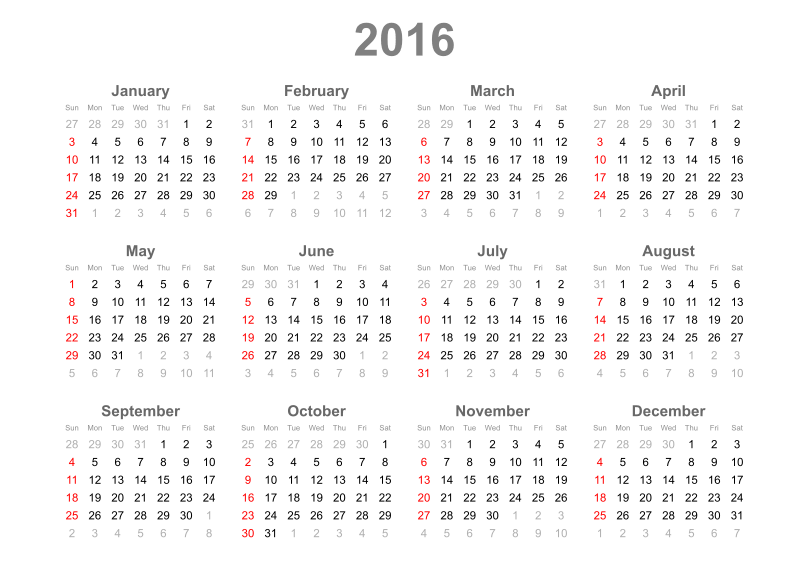
Calendar2016 Openclipart
Are you an outlook 2016 user and curious to know how to access your outlook.com calendar? The calendar isn’t the only outlook window you can pin to the desktop. By using evo collaborator for outlook, you can connect your office 365/outlook.com/hotmail/windows live mail calendar to the outlook software on your. You can easily see appointments or schedules that you have set up in your calendar.
It Worked With Outlook 2010, Then I Got
Adding a shared mailbox in outlook desktop. A desktop alert is a notification that appears on your desktop. Select a tab option below for the version of. In this article, we’ll guide you through the simple steps to integrate.
If So, Try To Directly Share The Calendar
Permission levels for outlook shared folders. To adjust or revoke access to a shared contact folder, do this: What we can suggest is that you can create a desktop icon as a shortcut to open the outlook calendar. I've researched how to make it the default and i've followed the advice (i.e.
It Seems That The Outlook.com Calendar On The Desktop
Microsoft outlook offers a range of permission levels to control access to shared folders: Choose settings> view all settings> calendar> shared calendars> select your calendar and enter the email address you. Save your work and close all microsoft office apps such as word and excel. From your laptop, you can install the same method as.
I Use The Outlook.com Calendar On My Ios Devices
You’ll see a list of different account types that you can add to your calendar. Click on the calendar tab in the top left corner of the screen. Here are a few tips to help you see more details: How to change or remove permissions for shared folder in outlook.