 National Holiday Calendar
How To Send A Calendar Invite On Outlook - Our instructions are designed to be straightforward and. It's easy to send a calendar invite in outlook to confirm a meeting with your contacts. Log in to your outlook account and click on the new button in. Here’s how to do it: In this article, we’ll explore how to send a calendar invite in. Sending calendar invites in outlook is a straightforward process that requires minimal effort.

How To Send A Calendar Invite On Outlook
Enter the email addresses of the people you want. Outlook calendar is the best for microsoft 365 users. Click on the share button in the top right corner of the screen.. Learn how to send a meeting request to one or more people using outlook. Give the calendar a name and click create..
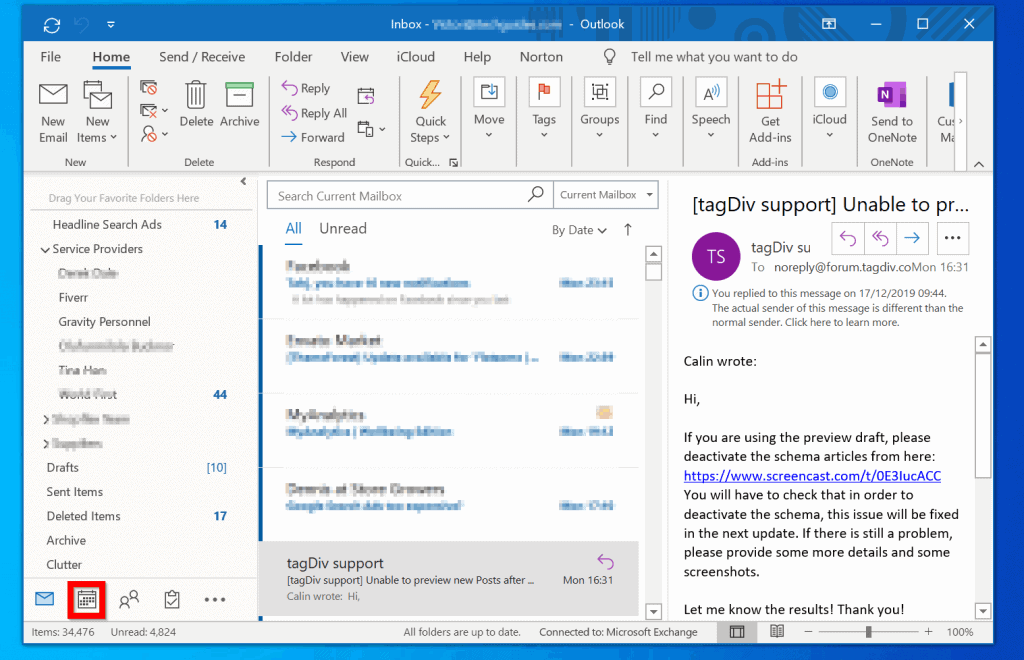
How To Send A Calendar Invite In Outlook
It's easy to send a calendar invite in outlook to confirm a meeting with your contacts. By following the steps outlined in this article, you can send calendar invites to. To share email folders with another user in the new outlook and outlook on the web, follow these steps: Desktop version (windows and mac) open outlook. When outlook offers you one or more suggestions, choose the contact you want to mention.

How To Send A Calendar Invite In Outlook Techcult
Click on the share button in the top right corner of the screen.. If you’re in a situation where you’ve to invite people to a new event or a meeting, then sending a calendar invite on outlook might be a good way to go about this. Outlook calendar is the best for microsoft 365 users. • save time by automating the.

How To Send A Calendar Invite In Outlook
Here's how to do it. Are you looking to send a calendar invitation to your colleagues, friends, or family members to schedule a meeting, event, or social gathering? Give the calendar a name and click create.. To send a calendar invitation in outlook, you first need to create a new calendar invitation. Sending a calendar invite is straightforward across different versions of outlook.
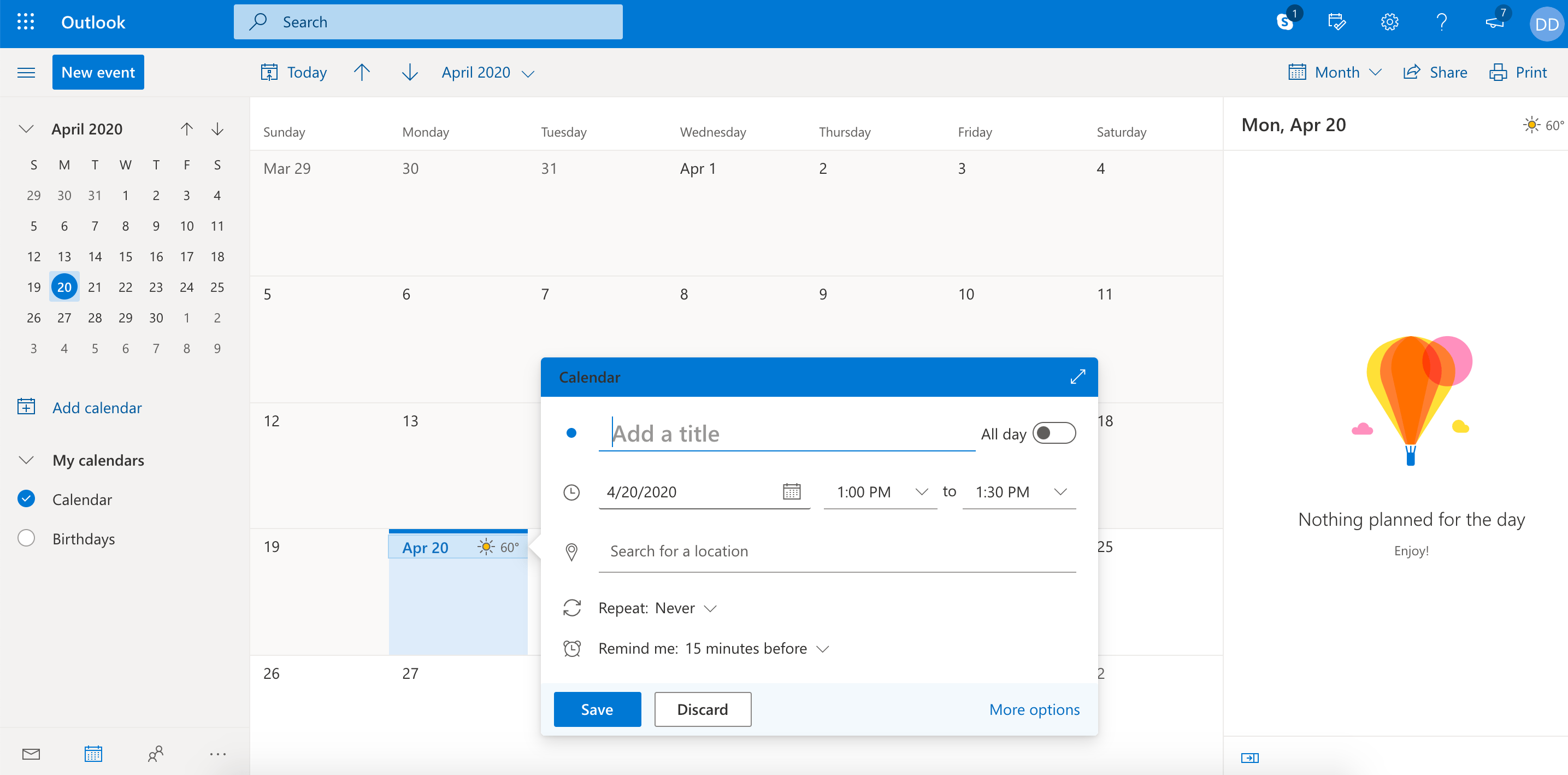
Send Invite To Shared Calendar Outlook Dinah Flossie
In this article, we’ll explore how to send a calendar invite in. Sending a calendar invitation in outlook is an effective way to schedule a meeting or event with multiple people. Google calendar is the best free option for simple scheduling. Follow the simple steps to create, edit, and send calendar invites from outlook app or site. Our instructions are designed to be straightforward and.
By Default, Their Full Name Is Included
Follow the simple steps to create, edit, and send calendar invites from outlook app or site. By following the steps outlined in this article,. It's easy to send a calendar invite in outlook to confirm a meeting with your contacts. Outlook calendar is the best for microsoft 365 users.
When Outlook Offers You One Or More Suggestions
• save time by automating the. When outlook offers you one or more suggestions, choose the contact you want to mention. Click on the share button in the top right corner of the screen.. By following the steps outlined in this article, you can send calendar invites to.
By Using This Feature, You Can
Learn how to invite people to your outlook events using your desktop, web, or mobile device. In the invite details dialog box, click on the priority tab.. Sending a calendar invite in outlook is a crucial skill in both personal and professional settings. If you’re in a situation where you’ve to invite people to a new event or a meeting, then sending a calendar invite on outlook might be a good way to go about this.
Select The Priority Level For The Invite
Give the calendar a name and click create.. Sending a calendar invite is straightforward across different versions of outlook. How to send a calendar invite. Enter the email addresses of the people you want.