 National Holiday Calendar
How To Set Reminder In Google Calendar - By following the steps outlined in this article, you can. All you need to do is log in to google calendar, with your existing google account, and follow these steps: Access your google calendar by signing in to your google account and clicking the calendar icon on your. Open the google calendar app then select the reminder you want to edit. Learn how to create a reminder in google calendar in just a few clicks with our simple step by step guide. Follow these simple steps to add a reminder in google calendar:
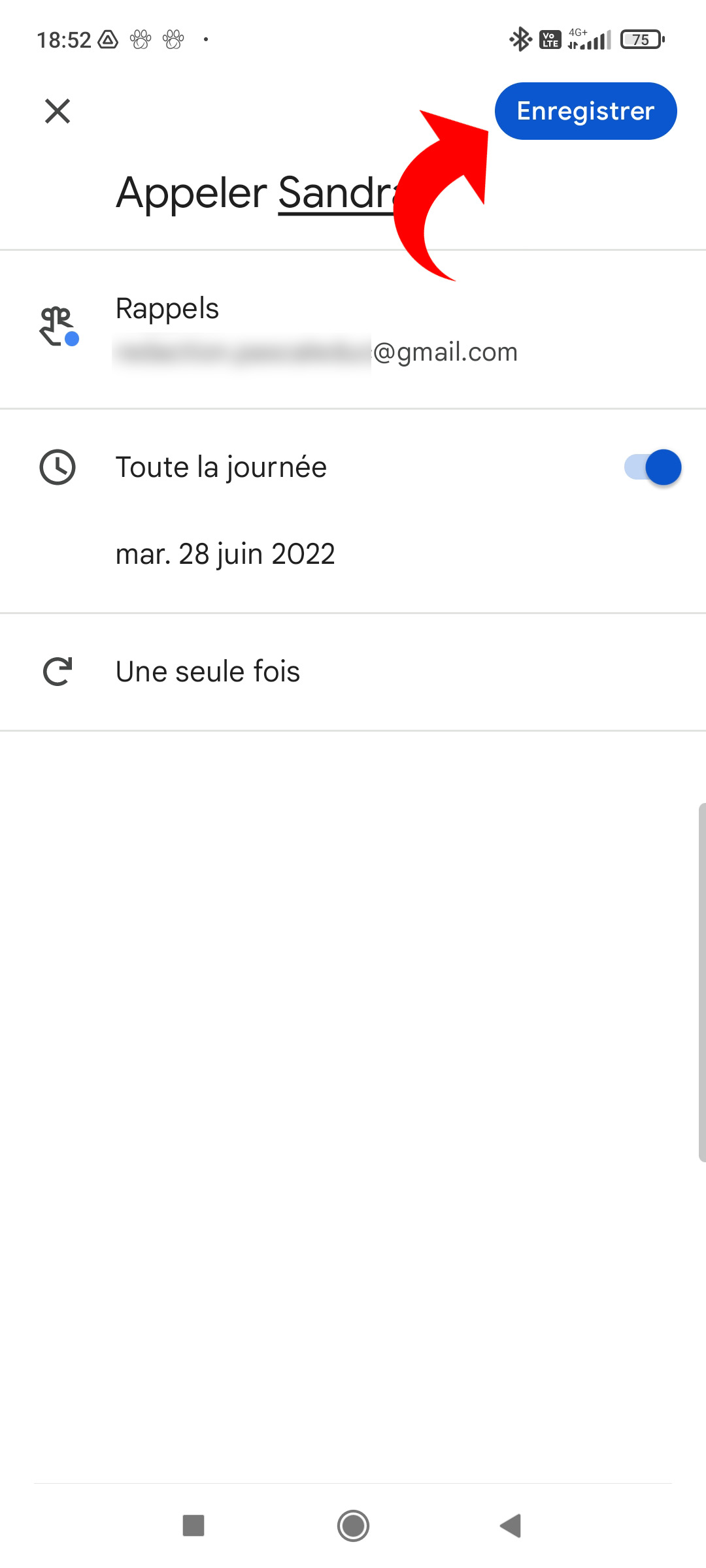
How To Create A Reminder In Google Calendar? Techzle
To create a reminder, tap or click on the +. To set the reminder, click on the remind me dropdown menu and select the reminder time you want to set. Then, click on set appointment with google calendar. Apple calendar recently got the ability to manage reminders, so you don’t need to jump between two different apps as much. Open the google calendar app then select the reminder you want to edit.

Google Calendar All Day Reminder Notification Devan Stafani
Click on the edit icon then make your desired changes. Daybook slot, and (c.) change the. In this article, we’ll walk you through the process of setting reminders in google. Adding a reminder to google calendar is fairly simple. Setting up reminders in google calendar is a relatively straightforward process.

How To Set Reminder In Google Now Using Chrome
Whether you're using the google calendar web app, mobile app, google assistant, google snapshot, or the dedicated google reminders site, here are the best ways. Setting reminders on google calendar is a simple process that can be done in a few easy steps. All you need to do is log in to google calendar, with your existing google account, and follow these steps: Log in to your google calendar.

How To Add A Reminder In Google Calendar
Follow these simple steps to add a reminder in google calendar: Google calendar offers numerous options for creating reminders from desktop browser, mobile app, or even just your voice. Learn how to create a reminder in google calendar in just a few clicks with our simple step by step guide. To create a reminder, tap or click on the +.

How To Set Up And Manage Google Reminders
The google calendar mobile app. You can choose from a variety of reminder. Here, we outline the five best ways to set and access reminders within google calendar. To set a reminder in google calendar, follow these steps: Save your changes and the reminder will be updated.
Write A Prompt For Your Agent About How
Google calendar offers numerous options for creating reminders from desktop browser, mobile app, or even just your voice. Here, we outline the five best ways to set and access reminders within google calendar. Access your google calendar by signing in to your google account and clicking the calendar icon on your. With its intuitive interface and robust features, it’s easy to set reminders in google calendar.
Apple Calendar Recently Got The Ability To Manage Reminders
Head to the google calendarwebsite and log in if necessary. To set a reminder in google calendar, follow these steps: Then, check the boxes for tasks and reminders, depending on what you want to view. Before diving in, let‘s clarify a core difference.
Google Calendar Web
Log in to your google calendar. By following the steps outlined in this article, you can. Setting reminders on google calendar is a simple process that can be done in a few easy steps. In this article, we’ll walk you through the process of setting reminders in google.
Google Calendar App
You can choose from a variety of reminder. Then, click on set appointment with google calendar. Click add next to “then that.” search for and select google calendar as the action service. First, you need to open google calendar on your computer or mobile device.