 National Holiday Calendar
How To Set Reminders In Google Calendar - Tap this, and you'll see a small. First, you need to open google calendar on your computer or mobile device. Quick create reminders via the mobile app. Attach meeting notes and agendas directly to your calendar events so everything is in one place for easy access. Creating reminders in google calendar is a straightforward process that can help you stay organized and on top of your tasks. Access your google calendar by signing in to your google account and clicking the calendar icon on your.

How To Add Reminders To Google Calendar
To create a reminder, tap or click on the +. Specify a date and time: Head to the google calendarwebsite and log in if necessary. Set up google calendar as the action. All you need to do is log in to google calendar, with your existing google account, and follow these steps:

Google Calendar Gets Reminders To Keep Track
All you need to do is log in to google calendar, with your existing google account, and follow these steps: Log in to your google calendar. Whether you're using the google calendar web app, mobile app, google assistant, google snapshot, or the dedicated google reminders site, here are the best ways. Top methods for adding google calendar reminders. Quick create reminders via the mobile app.

Google Calendar With Apple Calendar
By following the steps outlined in this article,. First, you need to open google calendar on your computer or mobile device. You can easily display tasks and reminders in your google calendar, or one or the other. Click on the edit icon then make your desired changes. Access your google calendar by signing in to your google account and clicking the calendar icon on your.

Google Calendar Print Reminders Calendar Printables Free Templates
Top methods for adding google calendar reminders. Adding a reminder to google calendar is fairly simple. Here, we outline the five best ways to set and access reminders within google calendar. To create a reminder, start by entering into the google calendar app. Attach meeting notes and agendas directly to your calendar events so everything is in one place for easy access.
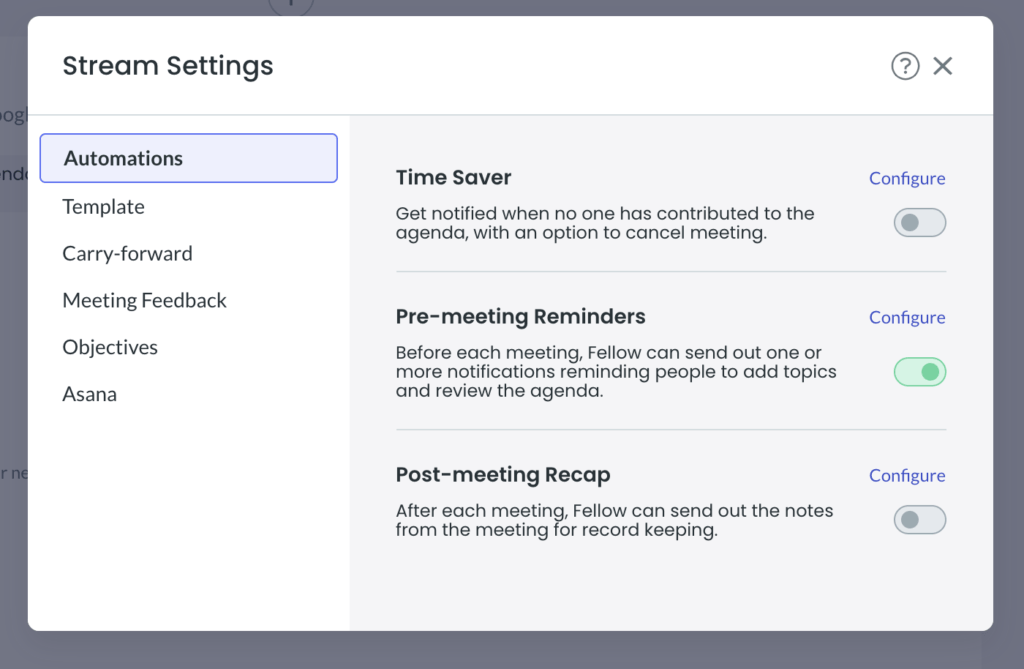
How To Set Up Google Calendar Reminders Fellow.app
Setting up reminders in google calendar is a powerful way to stay organized and on track. Head to the google calendarwebsite and log in if necessary. Set up google calendar as the action. First, you need to open google calendar on your computer or mobile device. Setting reminders on google calendar is a simple process that can be done in a few easy steps.
Here, We Outline The Five Best Ways To Set
Click add next to “then that.” search for and select google calendar as the action service. Expand my calendars on the left side if it's collapsed. First, you need to open google calendar on your computer or mobile device. The google calendar mobile app.
Daybook Slot, And (C.) Change The
But when i hit the save button, google calendar decided to take my note and (a.) delete if from where i posted it, (b.) move it to the 7 p.m. To create a reminder, start by entering into the google calendar app. By following the steps outlined in this article, you can set up reminders that work for. Log in to your google calendar.
How To Create A Reminder In Google Calendar
Google calendar offers numerous options for creating reminders from desktop browser, mobile app, or even just your. To set a reminder in google calendar, follow these steps: Adding a reminder to google calendar is fairly simple. Follow these simple steps to add a reminder in google calendar:
Set Up Google Calendar As The Action
Then, click on set appointment with google calendar. Open the google calendar app then select the reminder you want to edit. By following the steps outlined in this article, you. Creating reminders in google calendar is a straightforward process that can help you stay organized and on top of your tasks.