 National Holiday Calendar
How To Set Up Calendar On Iphone - How to synchronize an iphone 14 and yahoo calendar: Tap location or video call, then enter a physical location or tap facetime to enter a video link for a remote event. Enter the title of the event. Select the calendar that you want to use as your default. Whether you use apple calendar on a mac, iphone, or ipad, these simple tricks can make your life more efficient, productive, and organized. How to create a calendar event on your iphone or ipad.

Calendar For Iphone Rania Catarina
This is usually the first calendar that you have made. If you want to share an existing calendar, skip to step 7 below. How to synchronize an iphone 14 and yahoo calendar: Can i make a calendar on google docs? The calendar app on your iphone isn't just an app.

Best Calendar Apps For Iphone 2021 Imore
To set your default calendar, go into settings > calendar. Now, here’s how to how to add an event to iphone calendar that recurs. Select how often you would like the event to recur. If you need to add an event into a specific calendar, then tap on calendar and then tap the event date. Enter a title, date, and time to your event.
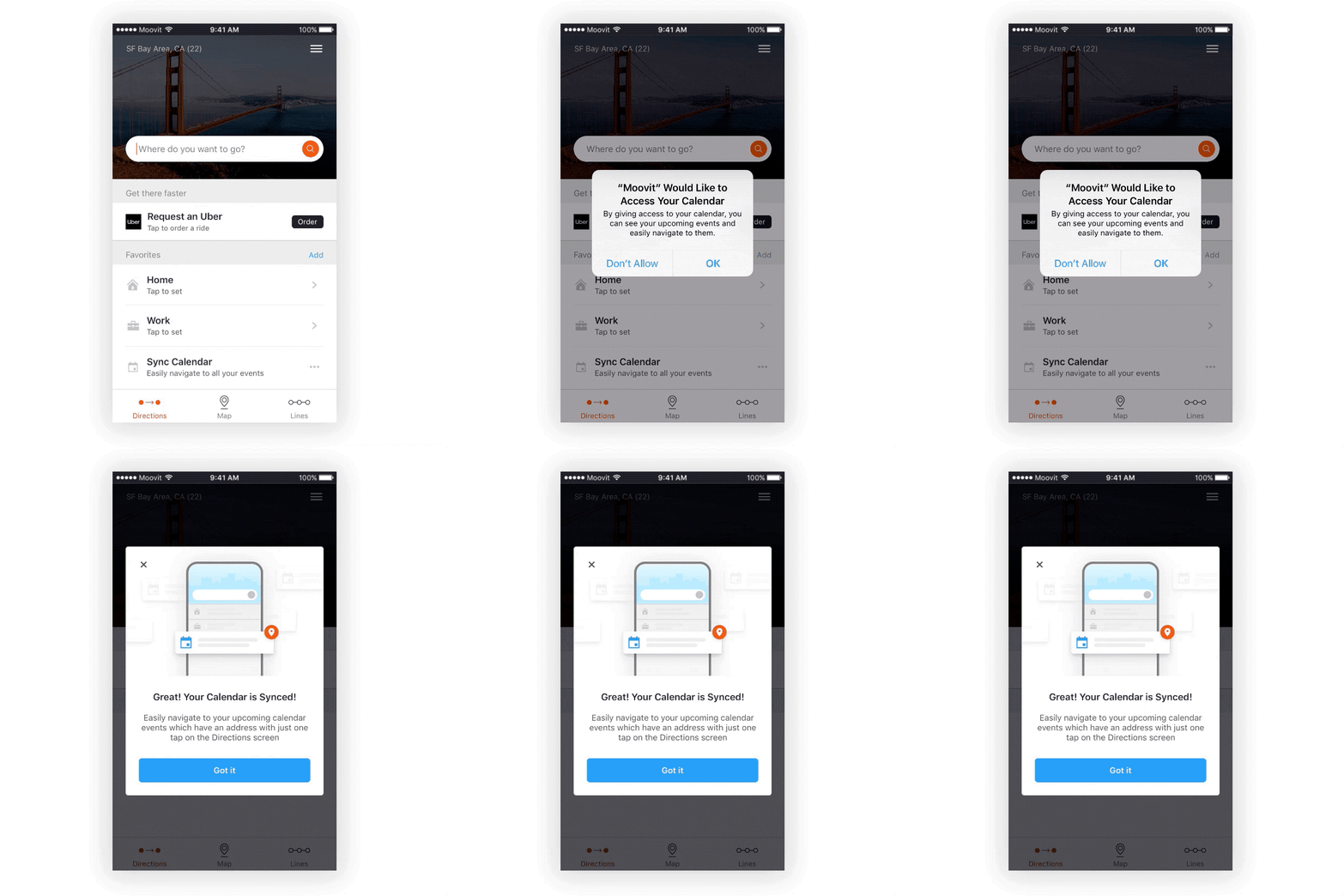
Ver 5.35 Sync Up Your Calendar (Iphone Only) Help
Select how often you would like the event to recur. To get the most out of the weekly view, you’ll want to turn your iphone horizontal. Open the calendar app and tap calendars. Here's how to set up a family calendar on an iphone or ipad: To set up this trick, choose custom reminder when.

Google Calendar Vs. Apple Calendar
It's a personal assistant in your pocket. Open the calendar app and tap calendars. Can i make a calendar on google docs? Once you've done that, you're ready to create and share your calendar! Whether you use apple calendar on a mac, iphone, or ipad, these simple tricks can make your life more efficient, productive, and organized.

How To Set My Calendar On Iphone Ketti Meridel
Here's how to set up a family calendar on an iphone or ipad: Can i make a calendar on google docs? Enter a title, date, and time to your event. It's a personal assistant in your pocket. Enter the title of the event.
To Get The Most Out Of The Weekly View
To take a look at your week and see when you’re free or busy. If you would like your iphone calendar to repeat the event on specific days, you can tap custom. This is usually the first calendar that you have made. Can i make a calendar on google docs?
Starting With Ios 18
For an overview of what you can do with icloud, see keep your calendars up to date and share them with icloud. Here's how to set up a family calendar on an iphone or ipad: How to create a calendar event on your iphone or ipad. Now, here’s how to how to add an event to iphone calendar that recurs.
Enter The Title Of The Event
If you need to add an event into a specific calendar, then tap on calendar and then tap the event date. Adding other people’s google calendars to your iphone: To set up this trick, choose custom reminder when. It's a personal assistant in your pocket.
Select The Calendar
In day view, tap at the top of the screen. From the menu that appears, tap add. Select how often you would like the event to recur. Whether you use apple calendar on a mac, iphone, or ipad, these simple tricks can make your life more efficient, productive, and organized.