 National Holiday Calendar
How To Share A Group Calendar In Outlook - Choose a color for your calendar (optional,. Delegates are granted additional permissions, such as creating email messages or responding to meeting requests. This guide shows you how to create a shared calendar in outlook. Enter the email address of the. How do i open a shared calendar? In outlook, you can add calendars from your organization's directory or from the web.

Open A Group Calendar Or Notebook In Outlook Instructions
How do i open a shared calendar? How do i create a shared calendar group in outlook? Creating a shared calendar group in outlook is a straightforward process: In the group calendar options section, set use this calendar to share member’s schedules to yes. In the navigation pane, drag the calendar from shared calendars to the calendar group that you want.

Group Calendar In Outlook
In the create a blank calendar window, enter a name for your calendar (e.g., marketing meetings or sales team calendar).. This guide shows you how to create a shared calendar in outlook. Delegates are granted additional permissions, such as creating email messages or responding to meeting requests. Choose a color for your calendar (optional,. Here’s how to add a shared mailbox in outlook.
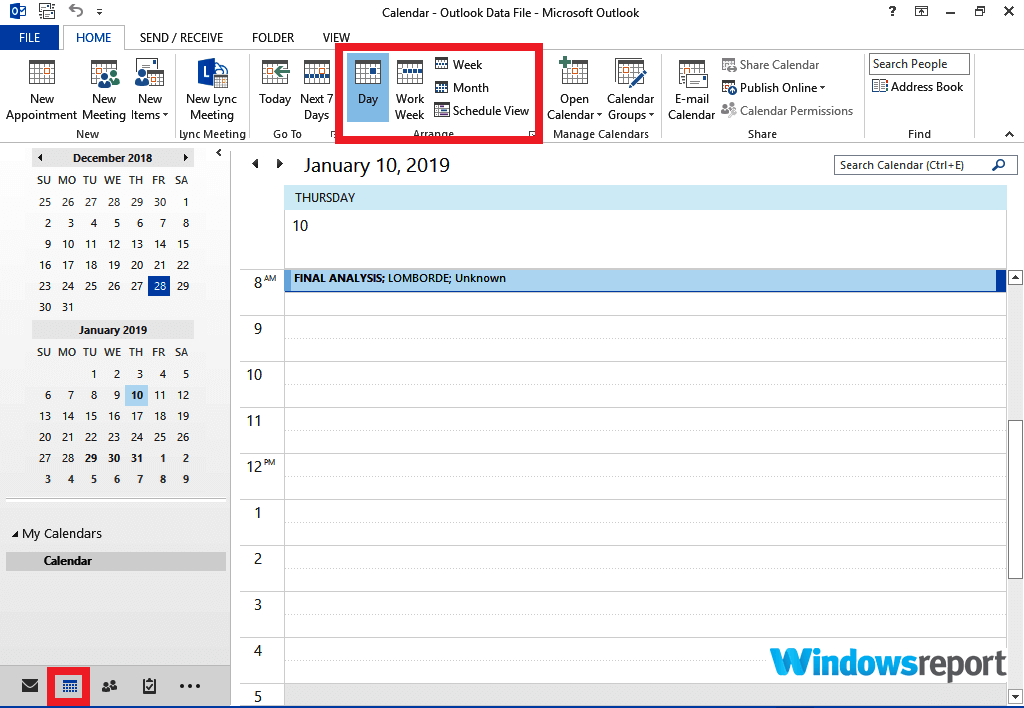
Outlook Not Showing Group Calendar
Enter the email address of the. This guide shows you how to create a shared calendar in outlook. Creating shared calendars is a great way to have access to an important calendar list that helps you. Follow these simple steps to share your calendar with others: Choose the calendar you’d like to.

Outlook Group Calendar Vs Shared Calendar
If you're using a work or school account or personal account in outlook, you can send a sharing invitation to other users so they can view your calendar from within their own outlook calendar list. With microsoft outlook, sharing your calendar only takes a few minutes and a handful of simple steps. Please follow the steps below for share a calendar with a group on outlook app : To share a group calendar in outlook, follow these steps: Creating shared calendars is a great way to have access to an important calendar list that helps you.

How To Share Calendar In Outlook
Here’s how to add a shared mailbox in outlook. Launch outlook and navigate to the calendar. In outlook, you can add calendars from your organization's directory or from the web. Choose a color for your calendar (optional,. With microsoft outlook, sharing your calendar only takes a few minutes and a handful of simple steps.
Launch Outlook And Navigate To The Calendar
Creating a shared calendar in outlook is one of the best features of the tool. To share a calendar in outlook, follow these steps: If you're using a work or school account or personal account in outlook, you can send a sharing invitation to other users so they can view your calendar from within their own outlook calendar list. Creating a shared calendar group in outlook is a straightforward process:
Choose The Calendar You’d Like To
With microsoft outlook, sharing your calendar only takes a few minutes and a handful of simple steps. Delegates are granted additional permissions, such as creating email messages or responding to meeting requests. It’s designed to improve organization and communication, enabling teams, families, or any group. Right click on the calendar's name and select overlay to layer the shared calendar over your own.
Share A Calendar
Select calendar > share calendar. Creating shared calendars is a great way to have access to an important calendar list that helps you. This enables you to create events in the calendar with attendees. Shared mailboxes are designed for use within an.
Choose A Color For Your Calendar (Optional
Each microsoft 365 group has a shared calendar where you and every member of your group can schedule, edit, and see upcoming events. Here’s how to add a shared mailbox in outlook. You can also add group events to your personal calendar, or create group events on your personal calendar to prevent others from changing. You can also share your own calendar for others to see or delegate access for others to edit your.