 National Holiday Calendar
How To Share Tasks On Google Calendar - Go to calendar.google.com and log in with your google account credentials. While google calendar is primarily designed for scheduling events and appointments, it also allows users to. Share a series of tasks. Don’t worry, it’s not as daunting as it sounds. There might not be a straightforward way, but there are a few methods to share google tasks with others, and the article talks about four. There's no way to natively share google tasks with another person.

Sharing Tasks On Google Calendar Kiah Selene
Learn how to share tasks on google calendar in just a few clicks with our simple step by step guide. It's similar to sharing a note on google keep: Here's how you can do it:. Go to the google tasks website or open the google. Once you’re in your calendar, locate the calendar you want to.

How To Share Your Google Calendar Mashable
To create a task in google calendar, follow these steps: Don’t worry, it’s not as daunting as it sounds. There might not be a straightforward way, but there are a few methods to share google tasks with others, and the article talks about four. Learn how to share tasks on google calendar in just a few clicks with our simple step by step guide.

Sharing Tasks On Google Calendar Kiah Selene
To create a task in google calendar, follow these steps: Once you’re in your calendar, locate the calendar you want to. Apple calendar recently got the ability to manage reminders, so you don’t need to jump between two different apps as much. In a world that values efficiency, understanding how to use this tool. To create a reminder, tap or click on the +.

How To Share Your Google Calendar Ubergizmo
Go to calendar.google.com and log in with your google account credentials. It’s simple to do and can help with coordinating meetings or events. Just like you can share your google calendar with others, you can also share your google task list. Once you’re in your calendar, locate the calendar you want to. Sharing tasks on google calendar allows you to:
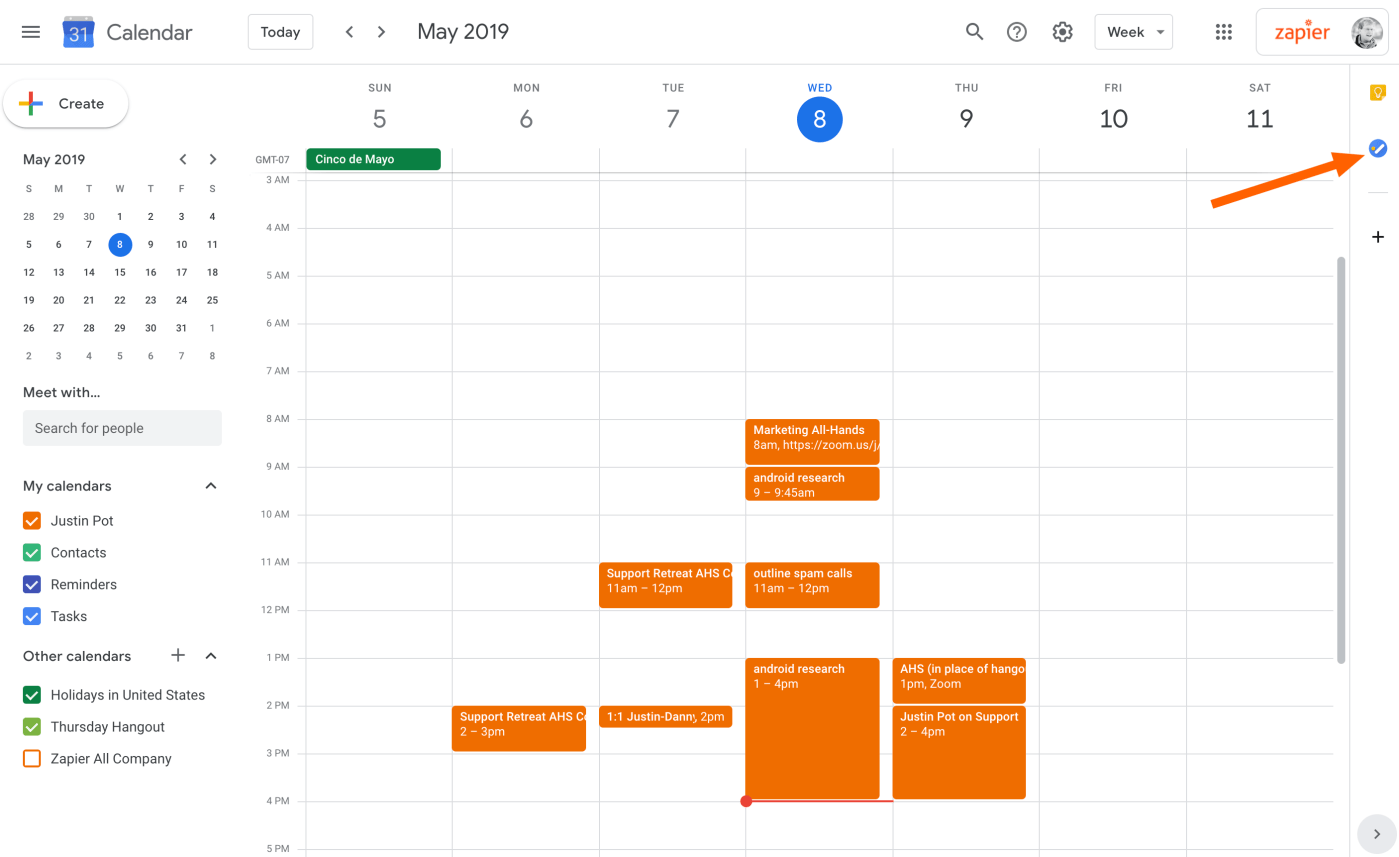
How To Add Tasks In Google Calendar
To share tasks in google calendar, you can follow these steps: Sharing google calendar availability using onecal. Assign tasks to others and keep track of progress. Don’t worry, it’s not as daunting as it sounds. Manage multiple projects and tasks.
There Might Not Be A Straightforward Way
Onecal is an appointment scheduling app that. Sharing a google task list is a simple process that can greatly improve collaboration, accountability, and productivity. Assign tasks to others and keep track of progress. Once you’re in your calendar, locate the calendar you want to.
To Share A Task List, Follow These Steps
It’s simple to do and can help with coordinating meetings or events. To share tasks in google calendar, you can follow these steps: Don’t worry, it’s not as daunting as it sounds. How to share tasks on google calendar.
The Quickest Way To Share Google
It's similar to sharing a note on google keep: You'll need to approach their support. Sharing tasks on google calendar is a fantastic way to collaborate with team members, family, or friends. It looks like taskboard is a 3rd party app that tries to overcome this.
Sharing Task Lists Within Google Calendar Is A Feature
Apple calendar recently got the ability to manage reminders, so you don’t need to jump between two different apps as much. In a world that values efficiency, understanding how to use this tool. To share a task with someone, click on the share button in the top right corner of the. Now that you know how to create tasks, let’s talk about sharing them.