 National Holiday Calendar
How To Sync Apple Calendar With Outlook Calendar - Syncing your outlook calendar with your apple calendar is a straightforward process that can be done using exchange server or icloud. Common advice for how to sync your icloud calendar to outlook calendar is to use outlook’s “add calendar from url” or “import” features. I have tried sharing each of my icloud calendars. By following the steps below, you’ll be able to see all your appointments,. Issues often present themselves to users in one of three ways: Apple calendar and outlook calendar tutorials:

How To Sync Outlook Calendar With Google Calendar Clickup
To sync outlook with apple calendar, you’ll need to enable caldav and exchange activesync on your outlook account. That being said, there is a way to sync your icloud calendar with outlook for mac—you can subscribe to your icloud calendar to outlook on the web (outlook web access), and once you. Syncing your outlook calendar with your apple calendar is a straightforward process that can be done using exchange server or icloud.

Sync Outlook 2016 Calendar With Iphone Calendar Pilotstocks
Apple and microsoft offer tutorials and guides on how to sync their calendars. I have tried sharing each of my icloud calendars. Syncing your apple calendar with your outlook calendar is a straightforward process that can save you time and reduce scheduling conflicts. Click ok** to save your changes. If you don't see the message in the apple mail app:

How To Sync Outlook Calendar With Google Calendar
I have tried sharing each of my icloud calendars. I use apple's calendar app to manage events, but use outlook as my mail client. It's really helpful to sync your outlook calendar with your iphone so you can keep up with things while you're on the go. Syncing your iphone calendar with outlook is a straightforward process that requires minimal effort.

Sync Outlook Calendar With Windows Calendar Mari Stacia
To sync outlook with apple calendar using icloud, follow these steps: By following the steps below, you’ll be able to see all your appointments,. To the right of calendars and contacts, click , then turn on “automatically sync your icloud calendars and contacts to microsoft. That being said, there is a way to sync your icloud calendar with outlook for mac—you can subscribe to your icloud calendar to outlook on the web (outlook web access), and once you.
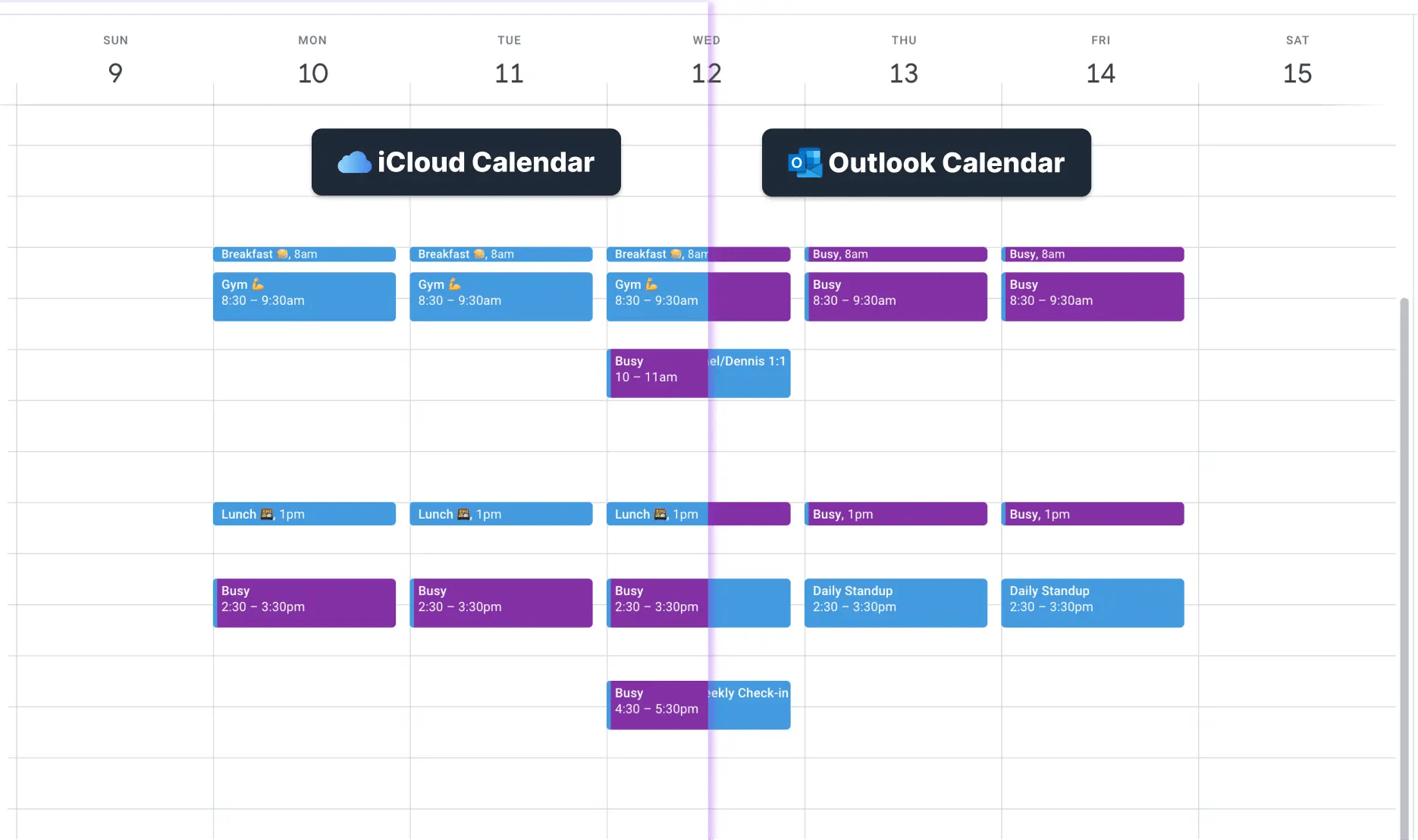
How To Sync Icloud/Apple Calendar With Outlook Calendar
That being said, there is a way to sync your icloud calendar with outlook for mac—you can subscribe to your icloud calendar to outlook on the web (outlook web access), and once you. To connect your outlook calendar to your iphone, you can add an outlook account to your iphone's calendar app. Choose the calendar you want to sync and click sync.
Choose The Calendar You Want To Sync And Click
Log in to your outlook account. I have tried sharing each of my icloud calendars. Go to system preferences > icloud and sign in with your. Apple calendar and outlook calendar tutorials:
Set The Sync Frequency To Every 15 Minutes
Click on apps > mail > mail accounts. To the right of calendars and contacts, click , then turn on “automatically sync your icloud calendars and contacts to microsoft. Click ok** to save your changes. By following the steps outlined in.
If The Above Does Not Work, Please Delete And
With icloud calendar, you can access your calendar from. By syncing your outlook calendar with icloud calendar, you can: Syncing your apple calendar with your outlook calendar is a straightforward process that can save you time and reduce scheduling conflicts. That being said, there is a way to sync your icloud calendar with outlook for mac—you can subscribe to your icloud calendar to outlook on the web (outlook web access), and once you.
To Sync Outlook With Apple Calendar
Synchronizing your microsoft outlook calendar with your iphone can help you stay organized while you're on the go. If you don't see the message in the apple mail app: It's really helpful to sync your outlook calendar with your iphone so you can keep up with things while you're on the go. Access your calendar across multiple devices: