 National Holiday Calendar
How To Sync Google Calendar Iphone - Here’s how to do it. By following these steps and tips, you can ensure that your iphone. To synchronize your apple calendar with your google calendar, follow these steps: Wear os (samsung / google / oneplus / fossil / etc.) google’s smartwatch platform, popular with android users. You can add google calendar events to your apple calendar on your mac, iphone, or ipad. Go to the home screen.

How To Sync Google Calendar With Your Iphone
To synchronize your apple calendar with your google calendar, follow these steps: Sure, syncing your iphone calendar with google calendar can be a real lifesaver, especially if you’re juggling multiple schedules. Through your iphone's settings and by using the google calendar app. If you struggle to balance between these two, you can always choose to sync google calendar with your iphone.

How To Sync Google Calendar
Through your iphone's settings and by using the google calendar app. Tap on the 'sign in'. At least both platforms offer selective sync, with icloud drive letting you choose specific folders. You can add google calendar events to your apple calendar on your mac, iphone, or ipad. We’re going to share 3 different ways to add a google calendar to your iphone.

How To Sync Google Calendar With Apple Calendar
If you'd prefer to use the calendar app already on your iphone or ipad,. In under 100 words, all you need to do is go to. Free and easy to use. If you struggle to balance between these two, you can always choose to sync google calendar with your iphone. How to sync google calendar with.

How To Sync Google Calendar With Iphone Igeeksblog
Best adhd calendar apps for iphone. To synchronize contacts with gmail, turn on contacts.. This is what prompts gmail to allow your emails to arrive in the mac mail app. Open the google calendar app on your iphone. Add (subscribe) google calendar to apple calendar.
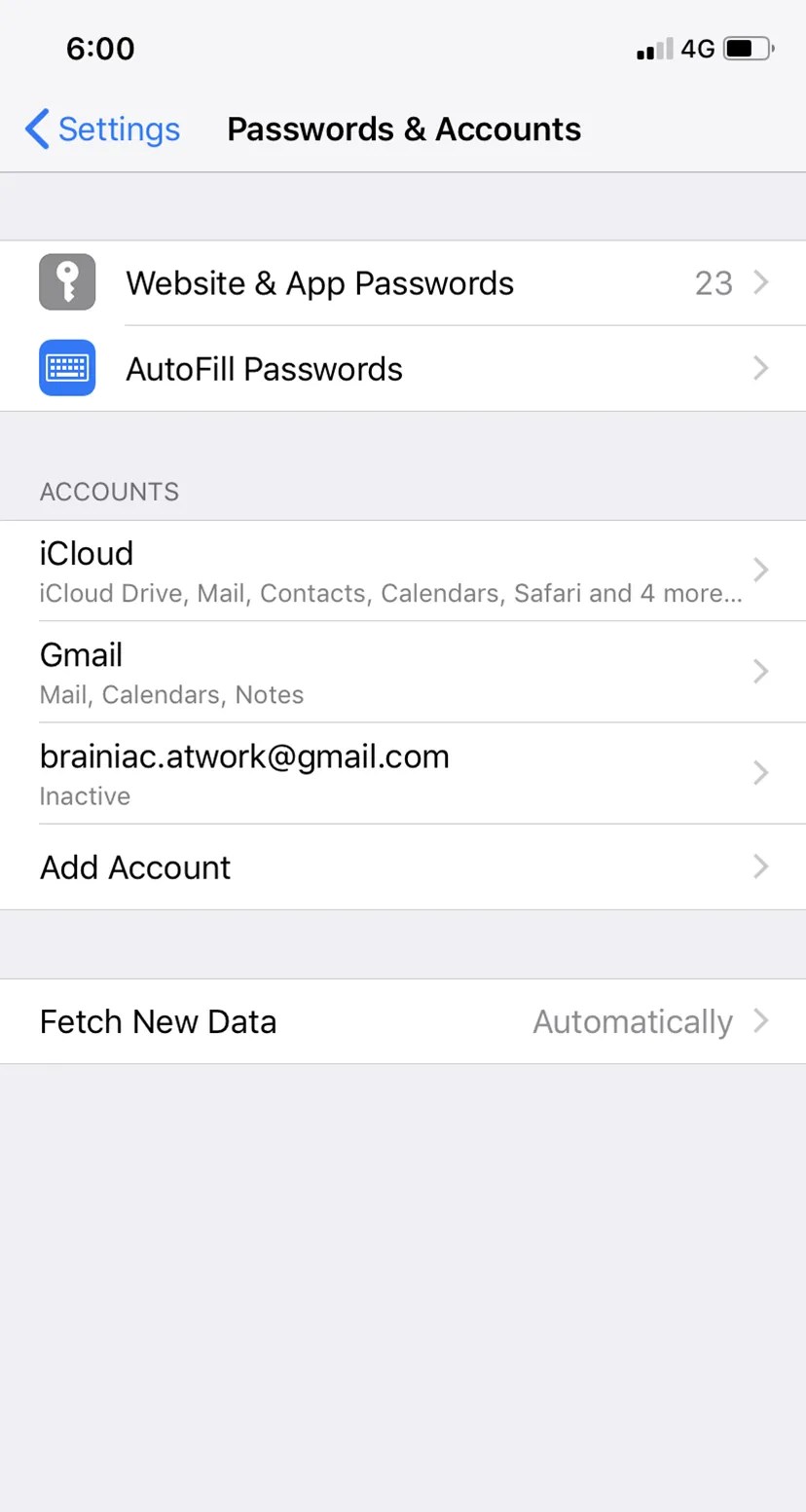
How To Sync Google Calendar With Your Iphone
Import and manage your calendars across platforms with calendar geek. We’re going to share 3 different ways to add a google calendar to your iphone. To synchronize your apple calendar with your google calendar, follow these steps: By following these steps and tips, you can ensure that your iphone. This is what prompts gmail to allow your emails to arrive in the mac mail app.
To Synchronize Contacts With Gmail, Turn On Contacts
Synchronizing your google, outlook, and iphone calendars allows for a seamless flow of information and ensures that you’re always on top of your plans. Make sure mail is selected. We’re going to share 3 different ways to add a google calendar to your iphone. Once you have the app installed, you'll need to sync it with your google account.
Tap On The 'Sign In'
Adding a note in outlook. We’ll show you two easy ways to sync your google calendar with your iphone: Let’s have a look at those methods. Open the google calendar app on your iphone.
How To Sync Google Calendar With
At least both platforms offer selective sync, with icloud drive letting you choose specific folders. If you struggle to balance between these two, you can always choose to sync google calendar with your iphone. Follow these steps to set up your google calendar: Syncing your iphone calendar with google calendar is a straightforward process that requires minimal effort.
Google Calendar App
Wear os, currently at version 5.0. Sure, syncing your iphone calendar with google calendar can be a real lifesaver, especially if you’re juggling multiple schedules. The easiest way to sync your events is to download the official google calendar app. To synchronize your apple calendar with your google calendar, follow these steps: