 National Holiday Calendar
How To Timeblock Google Calendar - So in today's video, i'm gonna show you everything you need to know along with some of my best tips and tricks for using time blocking right here within google calendar. I’m tasia custode and if you’re wondering how to time block in google calendar, i’ve got you covere. If you’re looking for a good way to organize your time, “time blocking” can be in incredibly helpful approach. In this blog post, you’ll discover top tips and steps to start time blocking. Time blocking is a scheduling technique that involves dividing your day into fixed, uninterrupted blocks of time dedicated to specific tasks or activities. Doing time blocking successfully requires 3 other things are already installed in your brain:
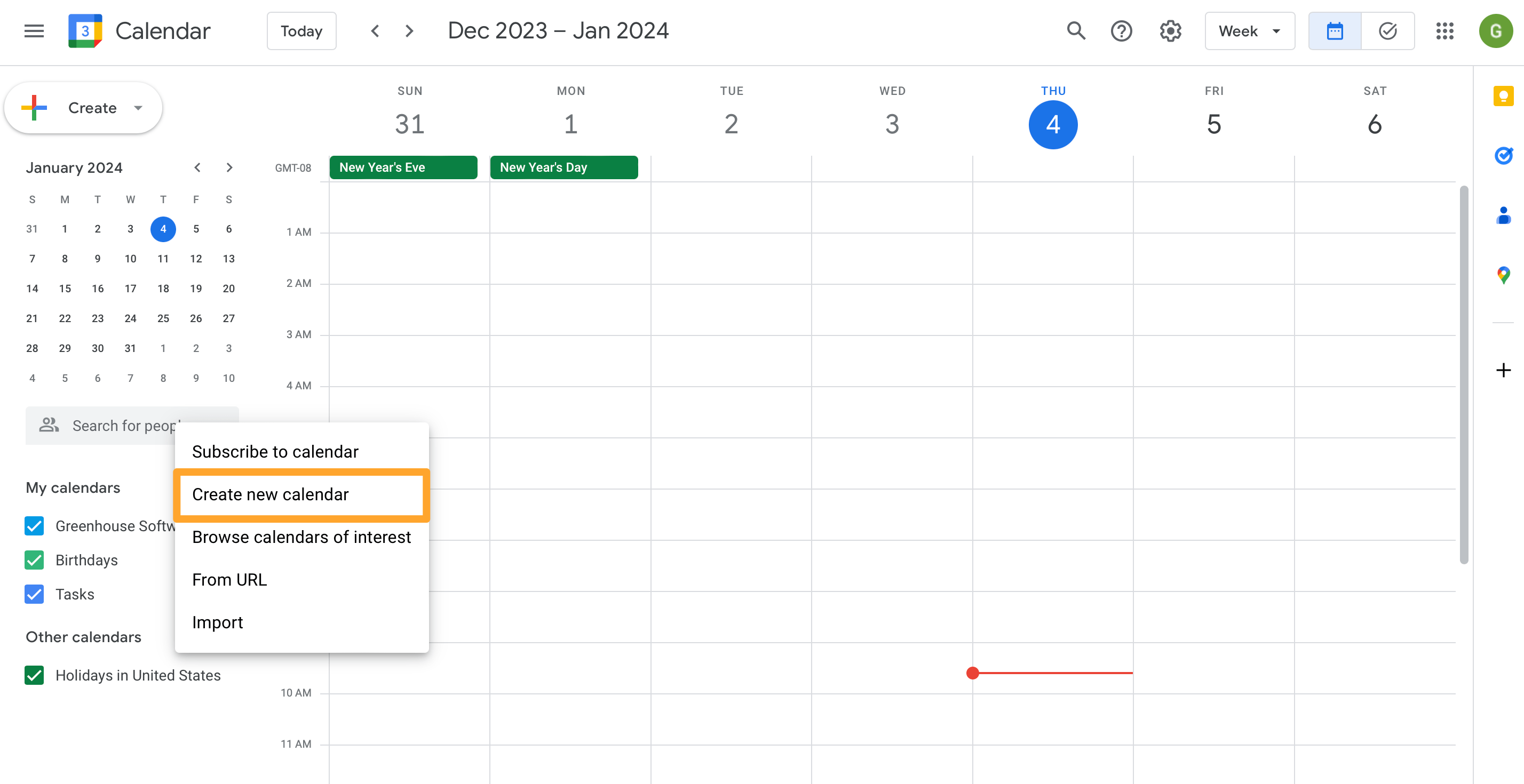
Create A Shared Calendar With Google Calendar Greenhouse Support
Make a priority list of only the 3 most important items for the week. 2 show a secondary time zone. Time blocking is a scheduling technique that involves dividing your day into fixed, uninterrupted blocks of time dedicated to specific tasks or activities. Each block is typically 30. List what you need to do for the week.

How To Stop Google Calendar Email Notifications · Reproof
Make a priority list of only the 3 most important items for the week. If you work remotely with a team spread across different time zones, scheduling meetings can be difficult due to the time difference. If you’re looking for a good way to organize your time, “time blocking” can be in incredibly helpful approach. I’m tasia custode and if you’re wondering how to time block in google calendar, i’ve got you covere.

Google Calendar Apk For Android Download
Time blocking is a great way to increase your productivity by batching similar tasks together and scheduling them in advance. If you select private for an event on a public calendar, the event will still be visible to everyone else on the. Click save to update the privacy settings. If you’re looking for a good way to organize your time, “time blocking” can be in incredibly helpful approach.
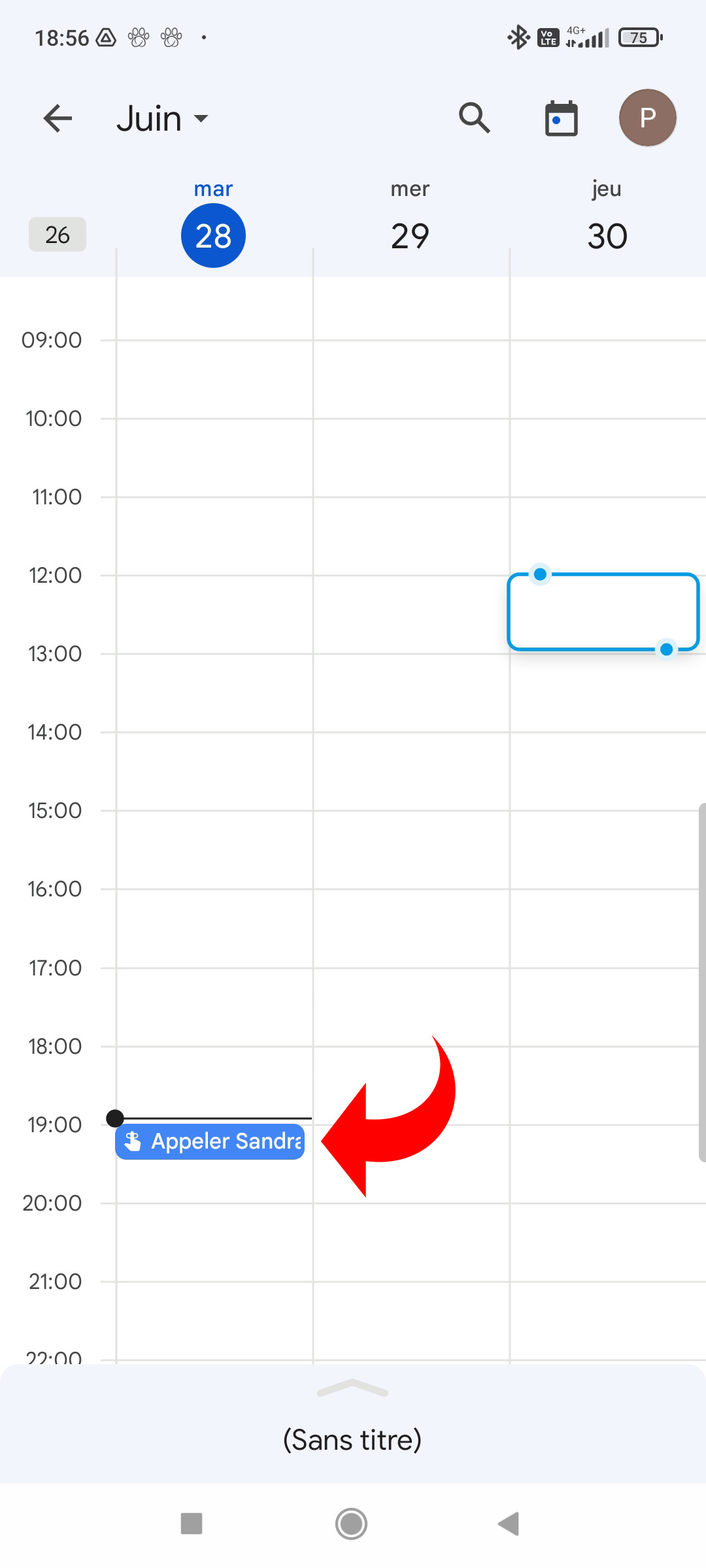
How To Create A Reminder In Google Calendar? Techzle
And then breaking down each. Make a priority list of only the 3 most important items for the week. Master time blocking in google calendar to improve productivity and organization. So in today's video, i'm gonna show you everything you need to know along with some of my best tips and tricks for using time blocking right here within google calendar.

Time Blocking Google Calendar
The best part about time blocking is that it can be. If you’re looking for a good way to organize your time, “time blocking” can be in incredibly helpful approach. 1 as the name suggests, it normally involves visual “blocks” that. Time blocking is a scheduling technique that involves dividing your day into fixed, uninterrupted blocks of time dedicated to specific tasks or activities.
Check Out This Guide To
2 show a secondary time zone. If you work remotely with a team spread across different time zones, scheduling meetings can be difficult due to the time difference. You’ll learn how to schedule blocks for deep work, revise your google notifications to maintain a focus, and. If you’re looking for a good way to organize your time, “time blocking” can be in incredibly helpful approach.
Theses Tasks Are The Ones
Learn how to time block with google calendar!hey friends! Doing time blocking successfully requires 3 other things are already installed in your brain: From setting up your schedule to creating blocks of time that really work, you'll be the master of your tasks in google calend.more. Make a priority list of only the 3 most important items for the week.
Time Blocking Can Transform The Way You Use
Time blocking is a productivity technique that allows for deep focus. Each block is typically 30. Calendar, google calendar, notion, and todoist are some apps that make it easy to visualize your schedule, set reminders, and adjust your plans. Master time blocking in google calendar to improve productivity and organization.
How To Use Google Calendar
Explore tips, techniques, and tools for automatically time blocking google calendar. So in today's video, i'm gonna show you everything you need to know along with some of my best tips and tricks for using time blocking right here within google calendar. If you select private for an event on a public calendar, the event will still be visible to everyone else on the. List what you need to do for the week.