 National Holiday Calendar
How To Undo In Google Calendar - I believe the google default is to hide events that you respond no to. Simply press the undo button within a few minutes of making an edit. This question is locked and replying has been disabled. In the settings window, select calendar. Find the event you want to undo. The new owner can then manage invites, make changes, and send updates to attendees without starting from scratch.

How To Share Your Google Calendar
Log in to your google calendar account. You can't the events from that calendar have now been imported into your calendar along with the ones that already were in there. We will also discuss how to undo changes made to recurring events and troubleshoot common issues that may arise with the undo feature. This question is locked and replying has been disabled.
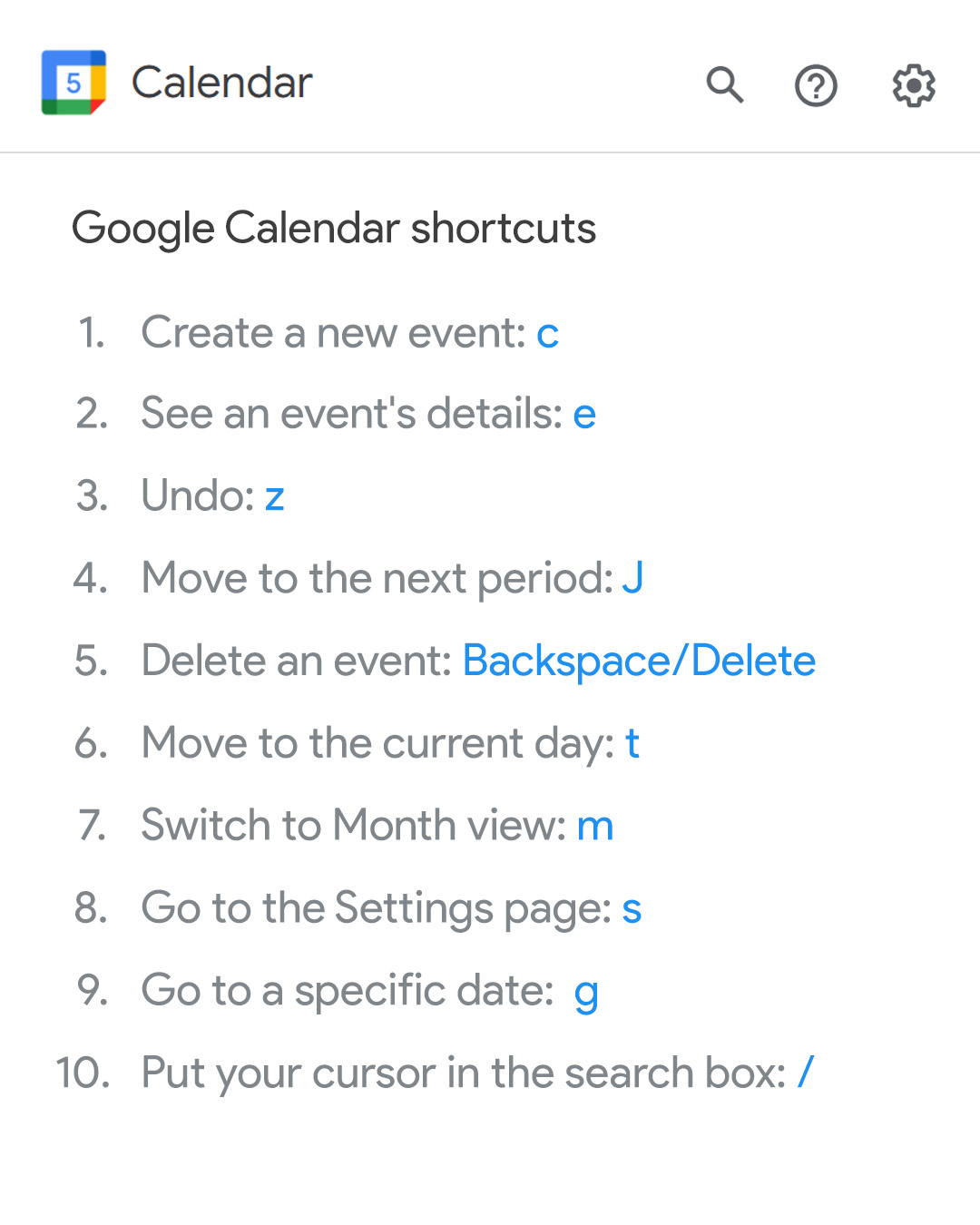
Undo Google Calendar Delete Anita Breanne
I have imported a calendar into my personal calendar and now i don't want to have them merged anymore. We will explore how to undo a single event, undo multiple events at once, and even recover deleted events. There isn’t a way to undo an import into google calendar. I know that isn't a small feature request, but that's a silly thing to be left out of any modern web application.

Google Calendar And Could Not Add Calender
After the meeting, if you don't want the see the rest of the repeats in your calendar go into the event and change your yes response to a no response. You can retrieve it later within 30 days of the deletion. How to undo accidental deletion of google calendar events? Remember, if you receive an event invitation and have a scheduling conflict, you can always propose a new time for the event in google calendar.

How To Undo In Google Calendar
Whether you create an event you no longer need or accidentally delete an event you want back, it's easy to restore these in google calendar on the web. If those events have something in common (like a keyword in. Find the event you want to undo. Click on the settings icon: Click on the undo button.

Google Calendar For Android Apk Download
How to undo accidental deletion of google calendar events? This question is locked and replying has been disabled. We will explore how to undo a single event, undo multiple events at once, and even recover deleted events. Locate the event or appointment you wish to undo by scrolling through your calendar or using the search function (ctrl + f). In the settings window, select calendar.
How To Undo Accidental Deletion Of Google Calendar Events?
However, thanks to this blog post i found a trick that ended up working for me—with one important modification. This question is locked and replying has been disabled. If you missed that chance, here's how to restore a google calendar event: To undo an action in google docs, you can use the undo feature.
Click On The Event Or Appointment
You can retrieve it later within 30 days of the deletion. To transfer ownership, open the event in google calendar, click the three vertical dots, select change owner, enter the new owner's email, and click change owner. the new. Remember, if you receive an event invitation and have a scheduling conflict, you can always propose a new time for the event in google calendar. Simply click on the three vertical dots next to the delete.
Is There A Way To Undo This?
Open the google calendar app on your device or computer. Open the event or meeting you recently edited. Google calendar needs versioning, and i've brought the subject up with the community manager several times. Access your google calendar by logging into your google account and navigating to the calendar page.
I Believe The Google Default Is To Hide Events
Google calendar allows you to transfer event ownership. Click on the settings icon: The new owner can then manage invites, make changes, and send updates to attendees without starting from scratch. Open google calendar on your computer or mobile device.