 National Holiday Calendar
How To Unshare A Google Calendar - From adjusting visibility settings to removing specific users, we will cover everything you need for managing your shared calendar access quickly and effectively. Click on the settings icon (represented by a gear) at the top right corner of the screen. Sharing your calendar can be useful for: Are you tired of sharing your google calendar with others and want to reclaim your privacy? If you want to stop someone else seeing your calendar, have a look at the turn off calendar sharing section in this help centre article. Just follow these steps, and you’ll have your calendar to yourself again in no time.

How To Share Google Calendar Plus
Look for the calendar you want to unshare under my calendars and hover over it. Fortunately, unsharing a google calendar is a straightforward process that can be completed in a few steps. Click on the calendar you want to unshare. Unsharing your calendar is a straightforward process that can be completed in just a few steps. Point to the calendar you want to unshare, click more settings and sharing.

How To Undo In Google Calendar
We started by accessing the google calendar settings and then proceeded to manage your calendar sync settings. Please let us know how you get on. Hover over the calendar you wish to unshare and select more settings and sharing. Before we dive into the solution, let’s quickly discuss why you might want to share your google calendar. Here's how to do it.
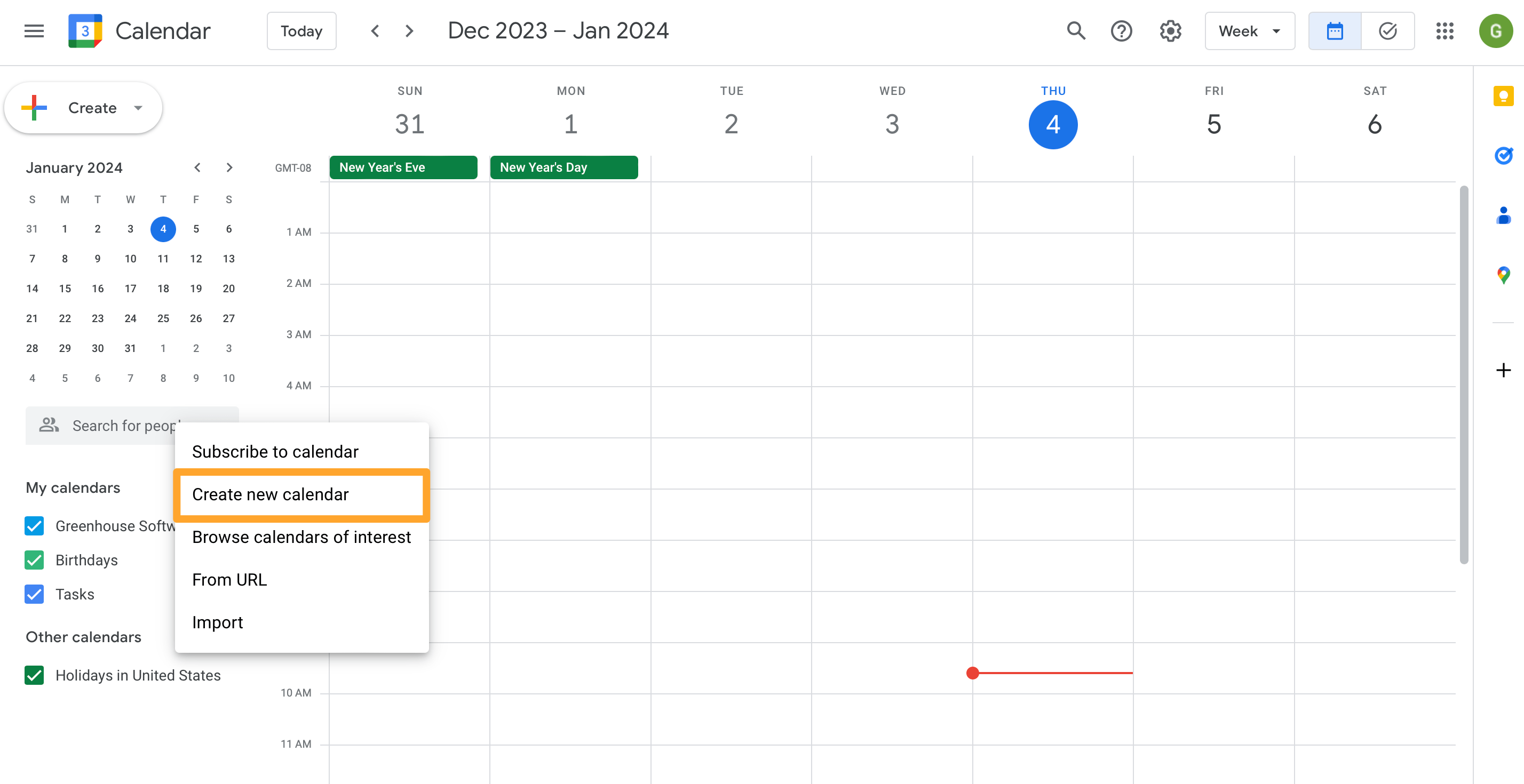
Create A Shared Calendar With Google Calendar Greenhouse Support
Go to the google calendar homepage. To stop sharing with specific people: Choose settings and sharing from the popup. Select the calendar to unshare. If you want to stop someone else seeing your calendar, have a look at the turn off calendar sharing section in this help centre article.

Share Google Calendar
Go to the google calendar homepage. Sharing your calendar can be useful for: Just follow these steps, and you’ll have your calendar to yourself again in no time. Unshare a google calendar from the calendar settings. Learn how to unshare your google calendar and regain control over your schedule.

How To Share Google Calendar With Friends And Family
Click on the calendar tab at the top of the page. Why share your google calendar? If you want to unshare a calendar without deleting it, you can follow these steps: Calendar on android could soon let you invite new users to view your calendars directly from your. This article walks you through how to stop sharing a calendar with someone:.
A Calendar
Click on the calendar you want to unshare. Sharing your calendar can be useful for: In the “my calendars” section on the left, click the down arrow to expand it if necessary. Hover over the calendar you wish to unshare and select more settings and sharing.
Select The Calendar To Unshare
You can unshare your google calendar from or limit available information for specific contacts. Unsharing your calendar is a straightforward process that can be completed in just a few steps. Just follow these steps, and you’ll have your calendar to yourself again in no time. Unsharing a google calendar is a straightforward process that allows you to remove access to a specific calendar from others.
Google Calendar App
Unshare a google calendar from the calendar settings. Choose settings and sharing from the popup. Go to the google calendar homepage. Learn how to stop sharing google calendar in just a few clicks with our simple step by step guide.
Share Your Google Calendar
Log in to your google account and open google calendar. If you want to unshare a calendar without deleting it, you can follow these steps: Fortunately, unsharing a google calendar is a straightforward process that can be completed in a few steps. Click on the settings icon (represented by a gear) at the top right corner of the screen.