 National Holiday Calendar
How To Unsync Google Calendar - Select the calendar to unsync. When i create an event from the joint account, it is automatically copied to my personal calendar under my “health” calendar tag. Tap check mark next to calendar How do i stop syncing between devices? At the top of the page, click settings settings. Log in to your google account on a device with a google calendar account.
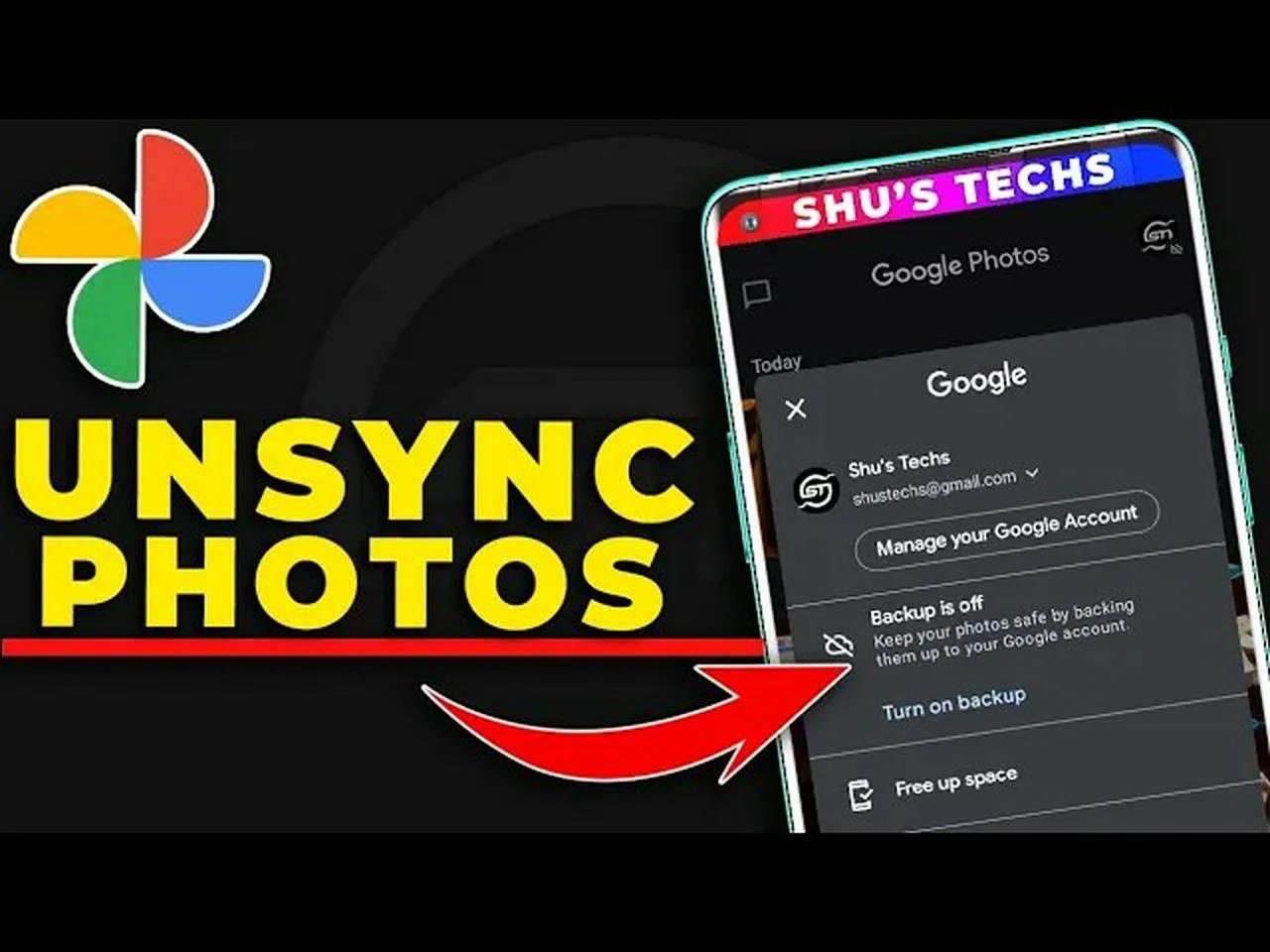
How To Unsync From Google Photos On Android
Scroll to the calendar you want to remove. You can unlink from any calendar (outlook) you want by following these steps : Open your google calendar in a web browser. It's usually labeled as your first and. For the second, you're probably seeing the original.

How To Unsync Google Photos Android, Iphone + Computer
Log in to your google account on a device with a google calendar account. You can choose to either keep the existing records on the device or delete them when prompted. Select the calendar to unsync. Some devices display accounts inside the personal section of the settings. Then click on the down arrow in the small gray box shown.

How To Unsync Google Photos Android, Iphone + Computer
Whether you want to unsync a calendar to declutter your account or remove a shared calendar that you no longer need, these instructions will help you customize your calendar preferences to suit your needs. You can unlink from any calendar (outlook) you want by following these steps : If you don't want this to happen, you'd need to select a different default.

How To Unsync Google Photos Android, Iphone + Computer
Then click on the down arrow in the small gray box shown. Whether you want to unsync a calendar to declutter your account or remove a shared calendar that you no longer need, these instructions will help you customize your calendar preferences to suit your needs. Some devices display accounts inside the personal section of the settings. Click the three horizontal lines at the top left to open the menu.

How To Unsync A Google Calendar
On your computer, open google calendar. Click on the gear icon in the top right corner and select settings. Some devices display accounts inside the personal section of the settings. Once you sign in with your google account credentials, you'll be taken to google calendar. Sign out and turn off sync on your android phone or tablet, open the chrome app.
Select The Calendar To Unsync
Choose the calendar you want to unsync from the list of available calendars. At the top of the page, click settings settings. Find the calendar you want to disconnect from outlook and click on the three dots next to it. Tap check mark next to calendar
Google Calendar To Apple Calendar
It's usually labeled as your first and. Tap “sync contacts” and “sync calendar” to disable the contact and calendar sync with google. Unsyncing google calendar is a relatively straightforward process, but it’s essential to approach it with caution to avoid data loss or disruptions to your schedule. I know how to cease the syncing, but when i do, all my calendar events disappear.
Ios 9 Through Ios 16
Click the name of your primary calendar at the top of the list. For the second, you're probably seeing the original. Scroll to the calendar you want to remove. Once you sign in with your google account credentials, you'll be taken to google calendar.
When I Create An Event From The Joint Account
Whether you want to unsync a calendar to declutter your account or remove a shared calendar that you no longer need, these instructions will help you customize your calendar preferences to suit your needs. Click on the google calendar icon in the top right corner of the screen. On your computer, open google calendar. This help content & information general help center experience.