 National Holiday Calendar
Install Windows Calendar - Designed for windows users, this versatile and customizable widget brings your calendar and. Click on store tile to open windows store. The app calendar is installed together with mail. Try the steps below to reinstall the calendar and then check: Calendar will help you keep track of all the upcoming celebrations in your life, and it also allows you to export your data to excel. With the calendar app on windows 11, you can do everything from creating an event reminder to a schedule setup—without the complexity that's necessary for using third.

Windows 10 Calendar App
So, install mail and calendar from microsoft store. Get yourself set up for ultimate productivity with your email inbox and calendar in windows 10. The calendar app is included with mail, but you can use it independently. Where to find mail and calendar. The app calendar is installed together with mail.

Calendar Software Windows Addie Jillane
Organize your everyday from work to personal life with me calendar. Click on store tile to open windows store. Use the free version with all basic features or go. The windows 10 calendar app is colorful, greatly improved over earlier versions & looks similar to the office app. Calendar will help you keep track of all the upcoming celebrations in your life, and it also allows you to export your data to excel.

Windows Calendar Betawiki
Calendar will help you keep track of all the upcoming celebrations in your life, and it also allows you to export your data to excel. You can find outlook mail and. After installation, open the calendar app and. Simplify your schedule with calendar widget pro, the ultimate tool to keep you organized! Reinstall the calendar application using ccleaner in windows 10.
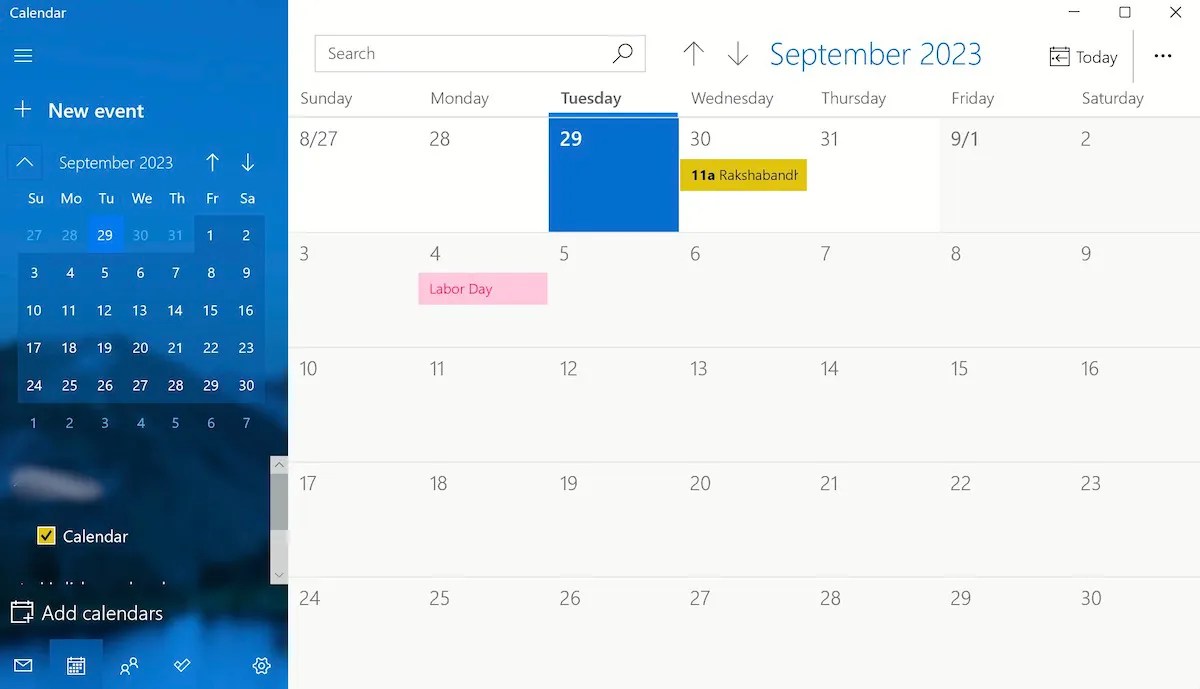
How To Use The Calendar App On Windows 11
Try the steps below to reinstall the calendar and then check: But it is possible to use them separately. With the calendar app on windows 11, you can do everything from creating an event reminder to a schedule setup—without the complexity that's necessary for using third. Read on to learn how to: Click on store tile to open windows store.

How To Install Windows Mail And Windows Calendar
If you're looking for a place in windows 10 to manage your days, weeks, and months, here's how to set up a calendar in windows 10's calendar app. Reinstall the calendar application using ccleaner in windows 10 Download the app from the microsoft store. Calendar comes with a popup with a list of recent events and. Reinstall the calendar application in windows 103.
A) Switch To The Start Screen
You can add your account and set it to sync only the calendar. Reinstall the calendar application in windows 103. I'm john dev a windows user like you and i'll be happy to assist you today. Get yourself set up for ultimate productivity with your email inbox and calendar in windows 10.
The App Calendar Is Installed Together With Mail
If you're looking for a place in windows 10 to manage your days, weeks, and months, here's how to set up a calendar in windows 10's calendar app. Reinstall the calendar application using ccleaner in windows 10 Bring all of your calendars with support for multiple calendar accounts like google, outlook, microsoft 365, and icloud. Reset the calendar application in windows 102.
B) Once The Store Is Open, Under Spotlight
With the calendar app on windows 11, you can do everything from creating an event reminder to a schedule setup—without the complexity that's necessary for using third. The windows 10 calendar app is colorful, greatly improved over earlier versions & looks similar to the office app. Organize your everyday from work to personal life with me calendar. Designed for windows users, this versatile and customizable widget brings your calendar and.
View And Manage All Your Appointments, Events And Birthdays
Read on to learn how to: The calendar app is included with mail, but you can use it independently. Where to find mail and calendar. Click on store tile to open windows store.