 National Holiday Calendar
Iphone Calendar Sync With Outlook - For this, you can add the outlook account to. You can synchronize outlook calendar with iphone calendar details without installing any additional. This is particularly useful for those who use outlook for work and want to keep their personal and professional schedules aligned. In this article, we will guide you. If you prefer to not install the app, you can sync the outlook calendar to view both calendar events in the iphone’s calendar app. With the rise of smartphones and calendars, it’s essential to have a seamless integration between your outlook calendar and iphone calendar.

How To Sync Outlook Calendar With Iphone
Syncing your outlook calendar with iphone is a straightforward process that requires minimal effort. Before we dive into the steps, make sure you meet the. With the rise of smartphones and calendars, it’s essential to have a seamless integration between your outlook calendar and iphone calendar. If your email account uses exchange, you will see publish this calendar , instead of the option to publish to a webdav server.this lets you publish your calendar directly to an.

How To Sync Outlook Calendar With Google Calendar
Syncing your iphone calendar with outlook will allow you to view and manage your calendar events from both your phone and your computer. Connect your iphone or ipod touch to your computer using the cable provided with your device or by placing the iphone or ipod touch in. You can synchronize outlook calendar with iphone calendar details without installing any additional.

How Do I Sync Outlook And Iphone For Pc?
Connect your iphone or ipod touch to your computer using the cable provided with your device or by placing the iphone or ipod touch in. You can synchronize outlook calendar with iphone calendar details without installing any additional. Connect your iphone or ipod touch to your computer using the cable provided with your device or by placing the iphone or ipod touch in.
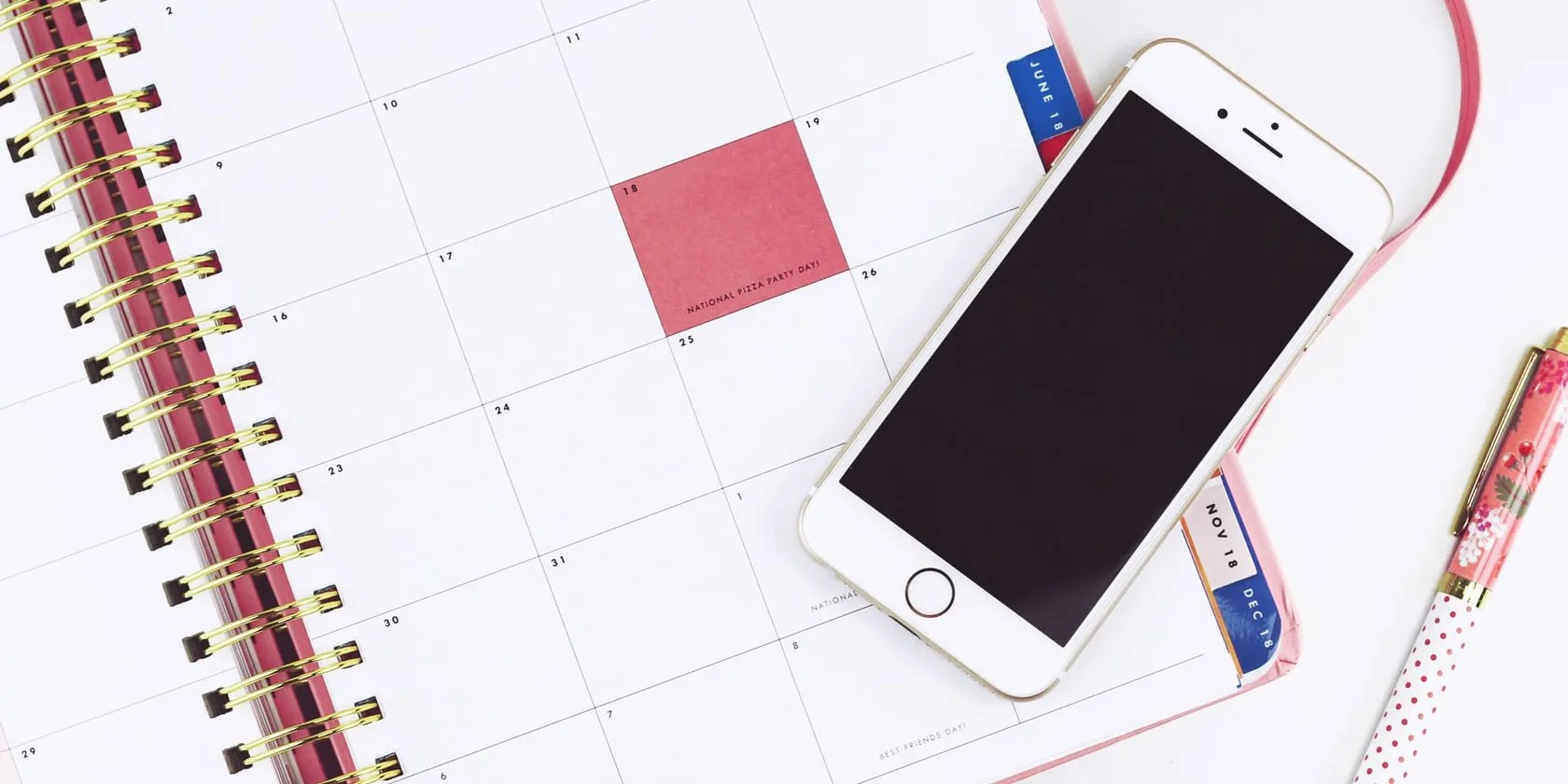
The Best Way To Sync An Outlook Calendar
Tap next and then save changes.. In this article, we’ll guide you. Synchronizing your outlook calendar with your iphone calendar is a great way to streamline your scheduling process and stay organized. Follow the steps below to sync your outlook calendar with your iphone: Syncing your outlook calendar with your iphone calendar has several benefits.

Outlook For Mac 2016 Calendar Sync With Google Friendlytoo
Go to your iphone’s settings app, then tap on [your name] > icloud > calendar. The calendar sync option is enabled on my iphone, and other calendar entries (like meetings) sync correctly. Outlook has its own app but can sync with your iphone’s internal calendar. Downloading the outlook calendar app allows you to keep track of calendar events from your iphone.
To Sync Your Iphone Calendar With Outlook
For this, you can add the outlook account to. The calendar sync option is enabled on my iphone, and other calendar entries (like meetings) sync correctly. Syncing your iphone calendar with outlook will allow you to view and manage your calendar events from both your phone and your computer. Synchronizing your outlook calendar with your iphone calendar is a great way to streamline your scheduling process and stay organized.
Outlook Calendar App
If you prefer to not install the app, you can sync the outlook calendar to view both calendar events in the iphone’s calendar app. Follow the steps below to sync your outlook calendar with your iphone: In this article, we’ll guide you through the process of syncing your iphone calendar with outlook calendar. Choose iphone as the device you want to sync with..
Sync Your Outlook Calendar With Your Ios Device
If you don't want to download a separate app, you can also add your. Tap next and then save changes.. Outlook has its own app but can sync with your iphone’s internal calendar. If your email account uses exchange, you will see publish this calendar , instead of the option to publish to a webdav server.this lets you publish your calendar directly to an.
Syncing Your Outlook Calendar With Iphone Is A Straightforward
You can synchronize outlook calendar with iphone calendar details without installing any additional. By following these steps, you can easily access your schedule from. In this article, we’ll guide you. Go to calendar → accounts.