 National Holiday Calendar
Jeff Su 5 Essential Settings To Enable In Google Calendar - Jeff su cool hacks help to get the best of the google calendar. Add task from chat, create event from gmail 28 october 2022 🧑🏻🏫 enable host management directly from google calendar Check out these 8 essential google calendar tips you need to try! At the top right, click settings settings. These settings ensure your calendar aligns with your preferences and. Add task from chat, create event from gmail.

Enable Google Calendar Integration Educlimber
Integrate files and calendar events! Add task from chat, create event from gmail. In this article, we explore 26 google calendar tips and tricks that can help busy professionals effectively balance their array of responsibilities to get the most out of google. Jeff su cool hacks help to get the best of the google calendar. With google calendar, you can:
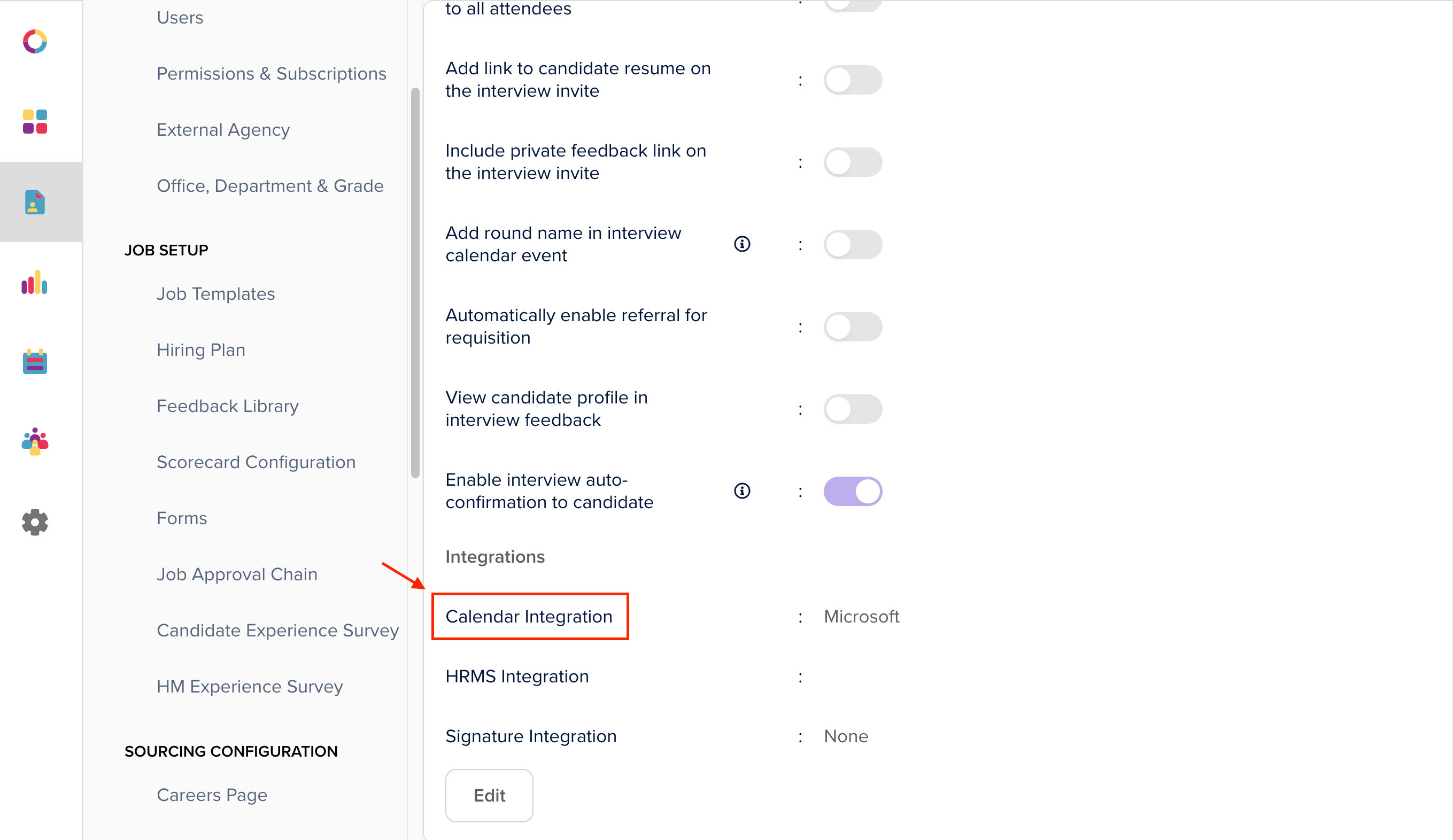
Enable Google Calendar Sensehq
Here are the tips you need to keep you organized. Whether you need to better manage client meetings across the globe or simply plan a quick getaway with friends, here’s how to get it all done with google calendar. In this article, we explore 26 google calendar tips and tricks that can help busy professionals effectively balance their array of responsibilities to get the most out of google.
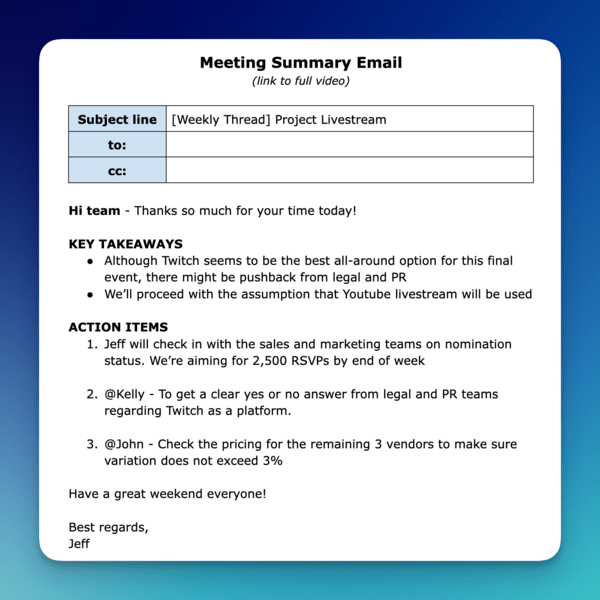
Jeff Su
This option is ideal for. Add task from chat, create event from gmail 28 october 2022 🧑🏻🏫 enable host management directly from google calendar You'll learn simple setting tweaks such as display the world clock and secondary time zones on google calendar, as well as more advanced settings such as how to combine gmail filters with. Two essential settings to change.

How To Enable Gmail Features For Easy Google Calendar
Google calendar provides extensive customization options to tailor the platform to your specific needs. You'll learn simple setting tweaks such as display the world clock and secondary time zones on google calendar, as well as more advanced settings such as how to combine gmail filters with. While todoist is my app of choice for quick capturing. Looking to brush up on your google calendar skills?

How To Enable Dark Mode In Google Calendar Beebom
To change the way that calendar looks or works, update your settings. Whether you need to better manage client meetings across the globe or simply plan a quick getaway with friends, here’s how to get it all done with google calendar. Learn about supported browsers for calendar. Add task from chat, create event from gmail 28 october 2022 🧑🏻🏫 enable host management directly from google calendar Add task from chat, create event from gmail.
In This Video, Scott Friesen Shows You
Events with public visibility are visible to anyone who has the link to your calendar. Enable the new and updated gmail view go to your gmail settings > chat and meet > enable google chat, left side of inbox > show the meet section in the main menu > save. With google calendar, you can: To change the way that calendar looks or works, update your settings.
Two Essential Settings To Change
Jeff su cool hacks help to get the best of the google calendar. On the left, click general. Boost your google workspace productivity by 1% every week with actionable tips delivered straight to your inbox. While todoist is my app of choice for quick capturing.
These Settings Ensure Your Calendar Aligns With Your Preferences
You'll learn simple setting tweaks such as display the world clock and secondary time zones on google calendar, as well as more advanced settings such as how to combine gmail filters with. Integrate files and calendar events! Everyone's google calender in the current world scenario is crowded with zoom calls, webinars and what not. At the top right, click settings settings.
Add Task From Chat
There are four default visibility options in google calendar: Learn about supported browsers for calendar. In this article, we explore 26 google calendar tips and tricks that can help busy professionals effectively balance their array of responsibilities to get the most out of google. Whether you need to better manage client meetings across the globe or simply plan a quick getaway with friends, here’s how to get it all done with google calendar.