 National Holiday Calendar
Make A Public Google Calendar - Here's how to do it and embed. You can control what they can find and. In this article, we’ll show you how to create a public google calendar and share it with others. If you manage a shared space, like a meeting room or tennis court, you can create a public calendar for the space and let people book time in it. Onecal is an appointment scheduling app that. To create a public google calendar, you’ll.
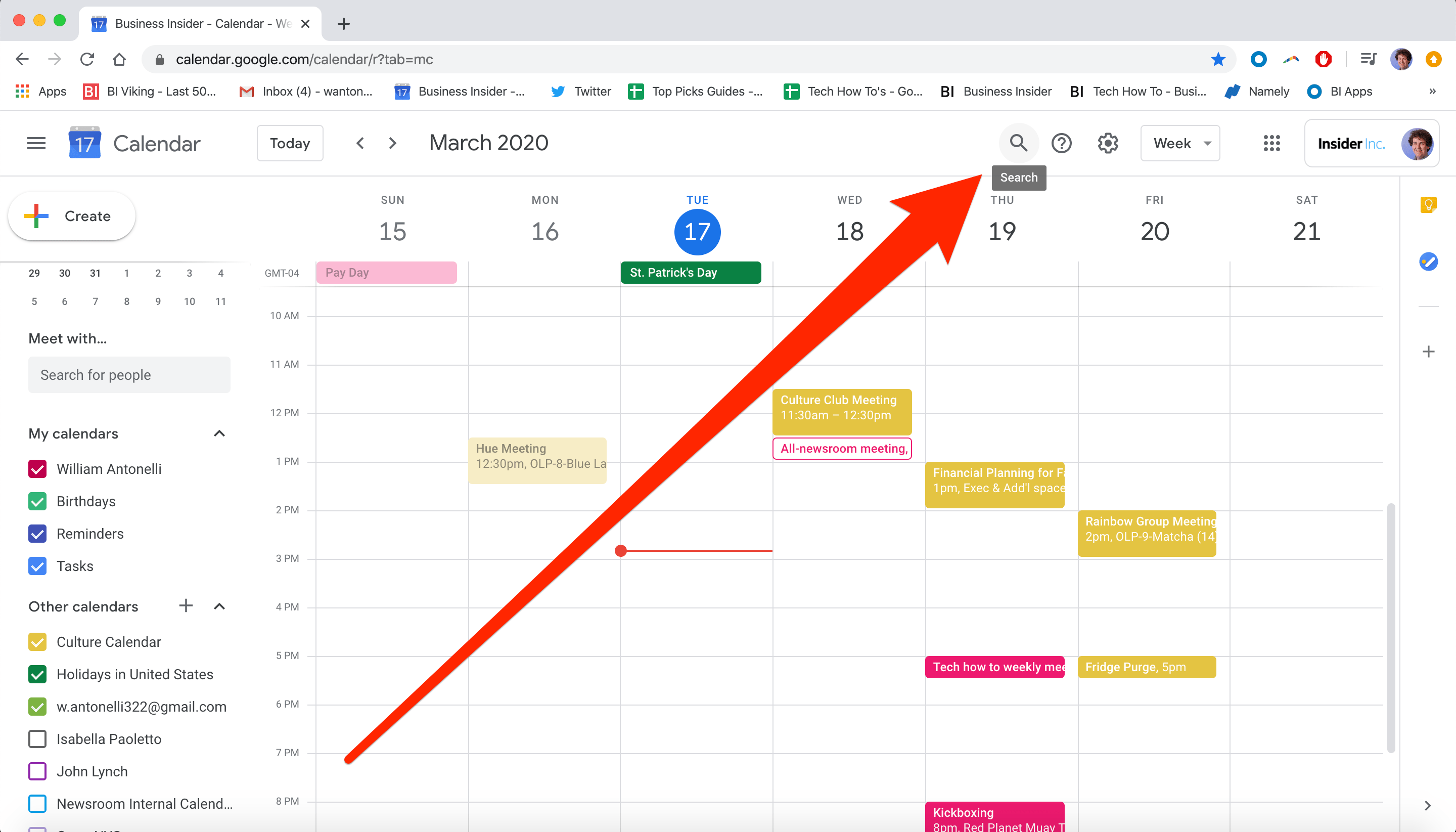
Google Calendar Public Settings Coverletterpedia
Click add calendar > create new calendar. name the calendar (e.g., meeting room a) and add a description. Go to google calendar settings. Here is how to make a google calendar public. Here's how to do it and embed. Google sheets has a handy autofill feature that allows you to drag the corner of a cell to fill in a series.

How To Make Your Google Calendar Public
Here is how to make a google calendar public. Click add calendar > create new calendar. name the calendar (e.g., meeting room a) and add a description. When you share your calendar with someone: Log in to your google account on a computer or mobile device. To make your google calendar public, you need to enable public sharing.

Public Google Calendar
We have a super thorough guide to using google calendar here, but this post will cover how to create and share google calendars and events with someone. Plus, stick around for bonus tips to help you get the most out of google calendar! You can share your calendar publicly so anyone can check it. Open an internet browser on your device.

How To Use Google Calendar
When you share your calendar with someone: Ai assistanceflexible pricing plansai technologycustom email domain In this article, we will guide you through the process of. In google calendar, you can share any calendar you own or have permission to share with others. Sharing google calendar availability using onecal.

How To Share Your Google Calendar
Follow the following steps to make your calendar available publicly. When you share your calendar with someone: On your computer, open google calendar. By following these steps and making your google calendar public, you can streamline your scheduling, improve coordination, and reduce misunderstandings. In this article, we’ll show you exactly how to.
With Google Calendar
Here is how to make a google calendar public. Create a new google calendar. In some cases, you need to set your calendar to public because you want to embed your google calendar on your website. Here's how to do it and embed.
Using Google Calendar
You can share your calendar publicly so anyone can check it. If you manage a shared space, like a meeting room or tennis court, you can create a public calendar for the space and let people book time in it. Making your google calendar public can be a great way to keep everyone informed and on the same page. As an admin, you can control how much calendar information people in your organization can share with users external to your organization.
Under Share With Specific People
By following these steps and making your google calendar public, you can streamline your scheduling, improve coordination, and reduce misunderstandings. Google sheets has a handy autofill feature that allows you to drag the corner of a cell to fill in a series. Go to google calendar settings. Share your events effortlessly and stay organized like never before!
When You Share Your Calendar With Someone
Enter “calendar.google.com” into the search bar and press the ‘enter’ or ‘return’. Follow the following steps to make your calendar available publicly. In google calendar, you can share any calendar you own or have permission to share with others. Sharing google calendar availability using onecal.